- Go to Attendance → Attendance Report (also available under the main Reports menu).
- Filter by Academic Year, Month, and Class.
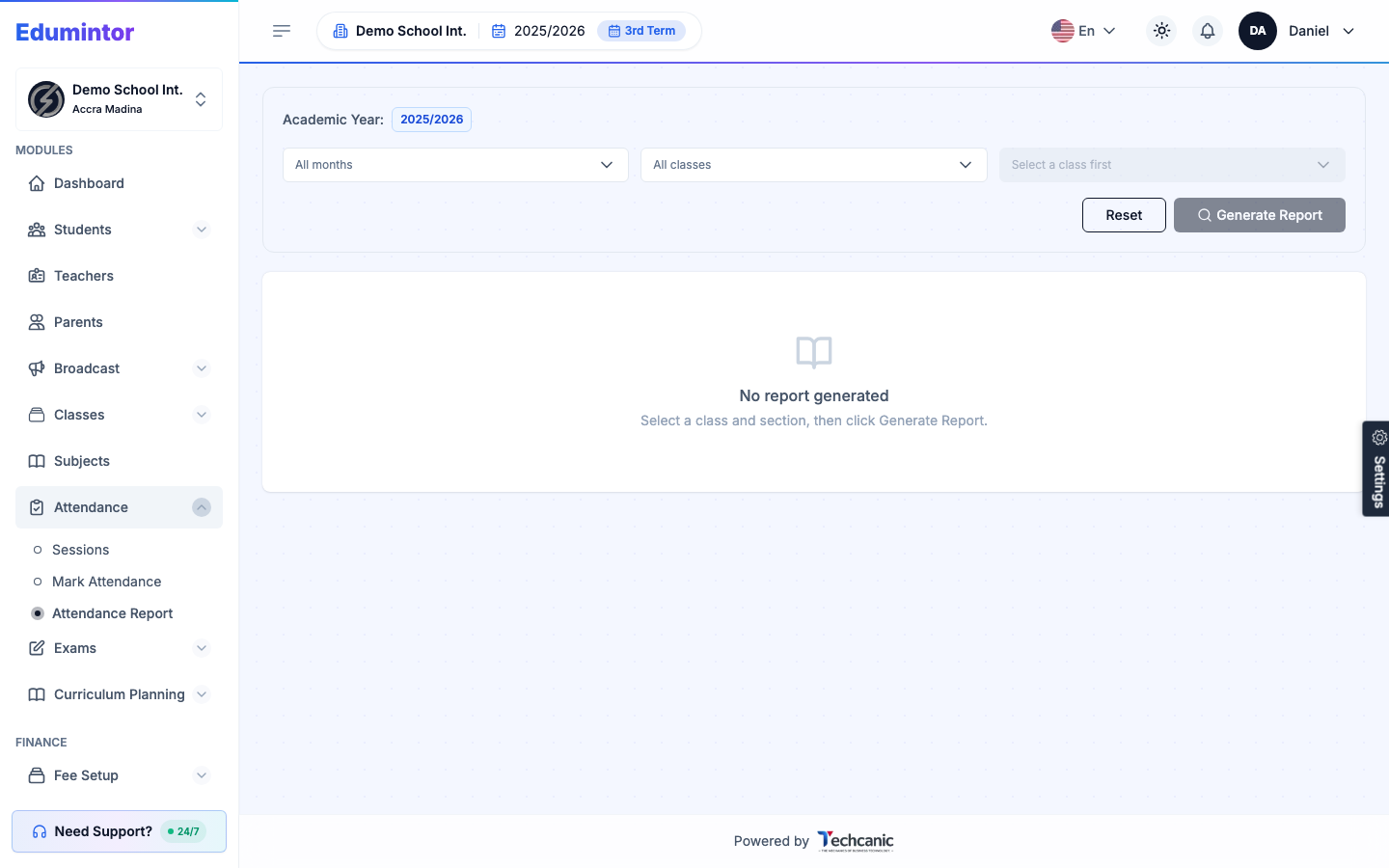
Reports can be broken down by class, section, date range, or individual student.
Last updated 2026-09-02
For: Admin / Teacher
Reports can be broken down by class, section, date range, or individual student.