-
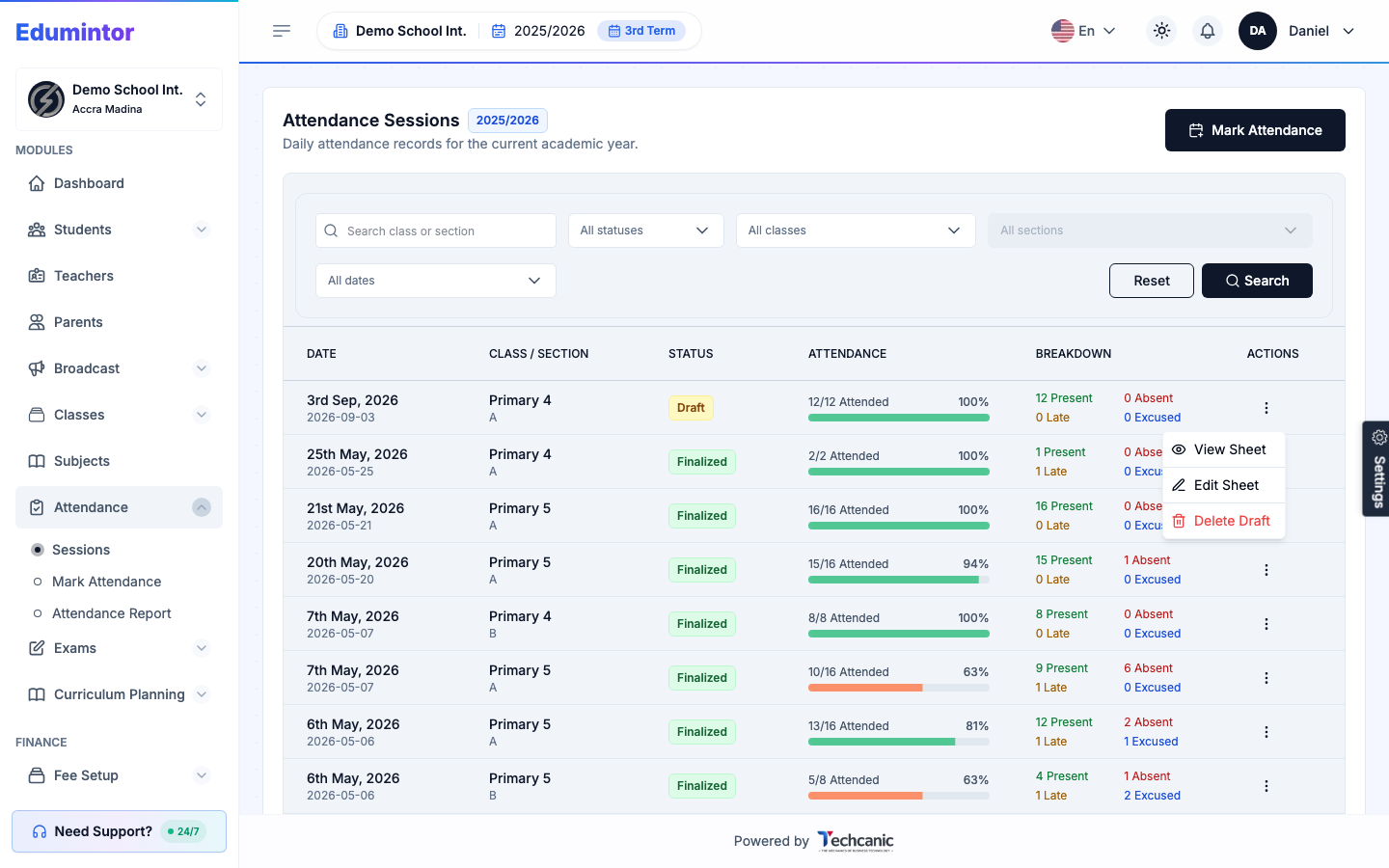
Go to Attendance → Sessions.
-
Find the Draft session in the list, then click the ⋮ menu at the end of its row.
-
Choose Delete Draft.
-
In the confirmation, type DELETE — the Delete button turns on once it matches — then click Delete. This can't be undone.
⚠️ Note — Only drafts can be deleted this way. Finalized attendance is locked and cannot be deleted from here.