Every organization runs on one of three subscription types:
| Type | What it means |
|---|---|
| Free Trial | No cost, with a seat cap based on the student count entered at signup (capped at a maximum trial size). |
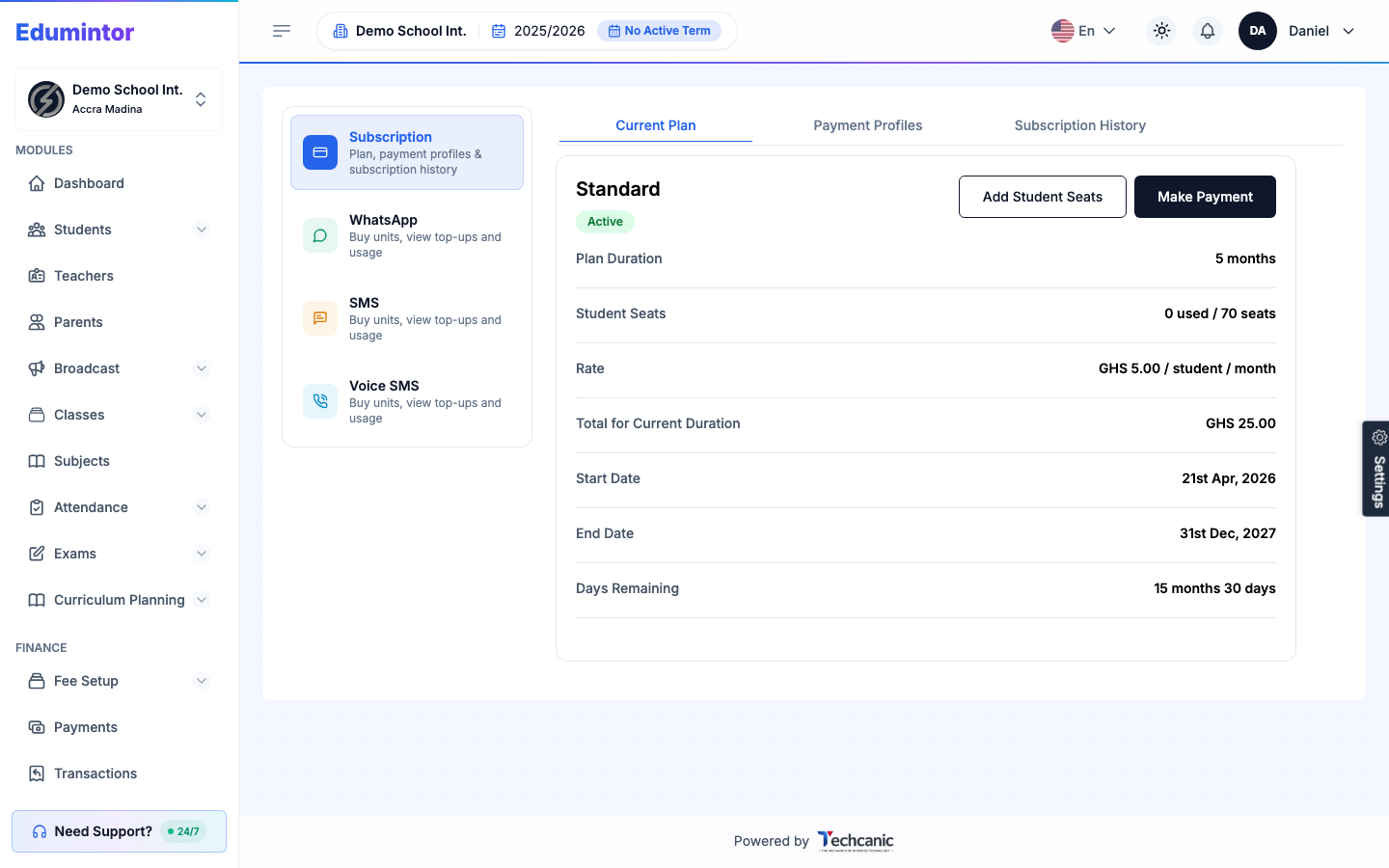
| Standard | A per-student rate. |
| Custom | Enterprise/negotiated pricing agreed directly with the Edumintor team, which can include an unlimited seat cap. |
To view or manage your plan:
- Go to Billing → Subscription to view your current plan, rate, and seat usage.
- Click Add Student Seats or Make Payment as needed.
⚠️ Note — Your school's actual price is set once, per organization, by the Edumintor team during onboarding. There's no public price list because pricing is negotiated per school.