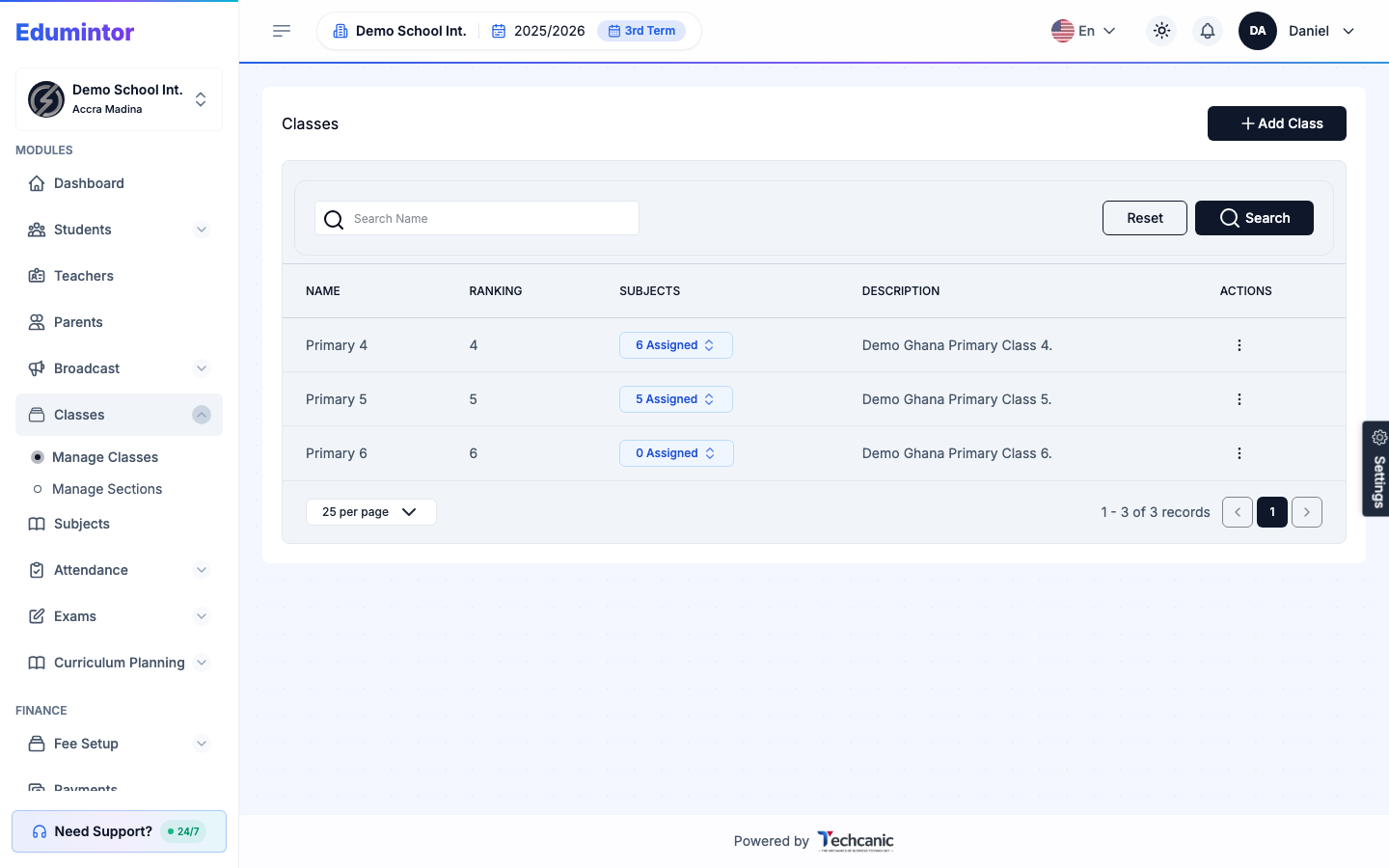
Classes carry a rank so, for example, "JHS 1" sorts before "JHS 2" in dropdowns and reports.
- Go to Classes → Manage Classes.
- Check the RANKING column.
- Edit the class record to correct its rank if the order looks wrong.
Last updated 2026-09-02
For: AdminClasses carry a rank so, for example, "JHS 1" sorts before "JHS 2" in dropdowns and reports.