- Scheme of Work (
Curriculum Planning → Scheme of Work) is the term-long outline of topics/weeks planned for a subject and class. - Lesson Plans (
Curriculum Planning → Lesson Plans) are the detailed, week-by-week plans a teacher prepares for actual delivery, usually built from the scheme of work.
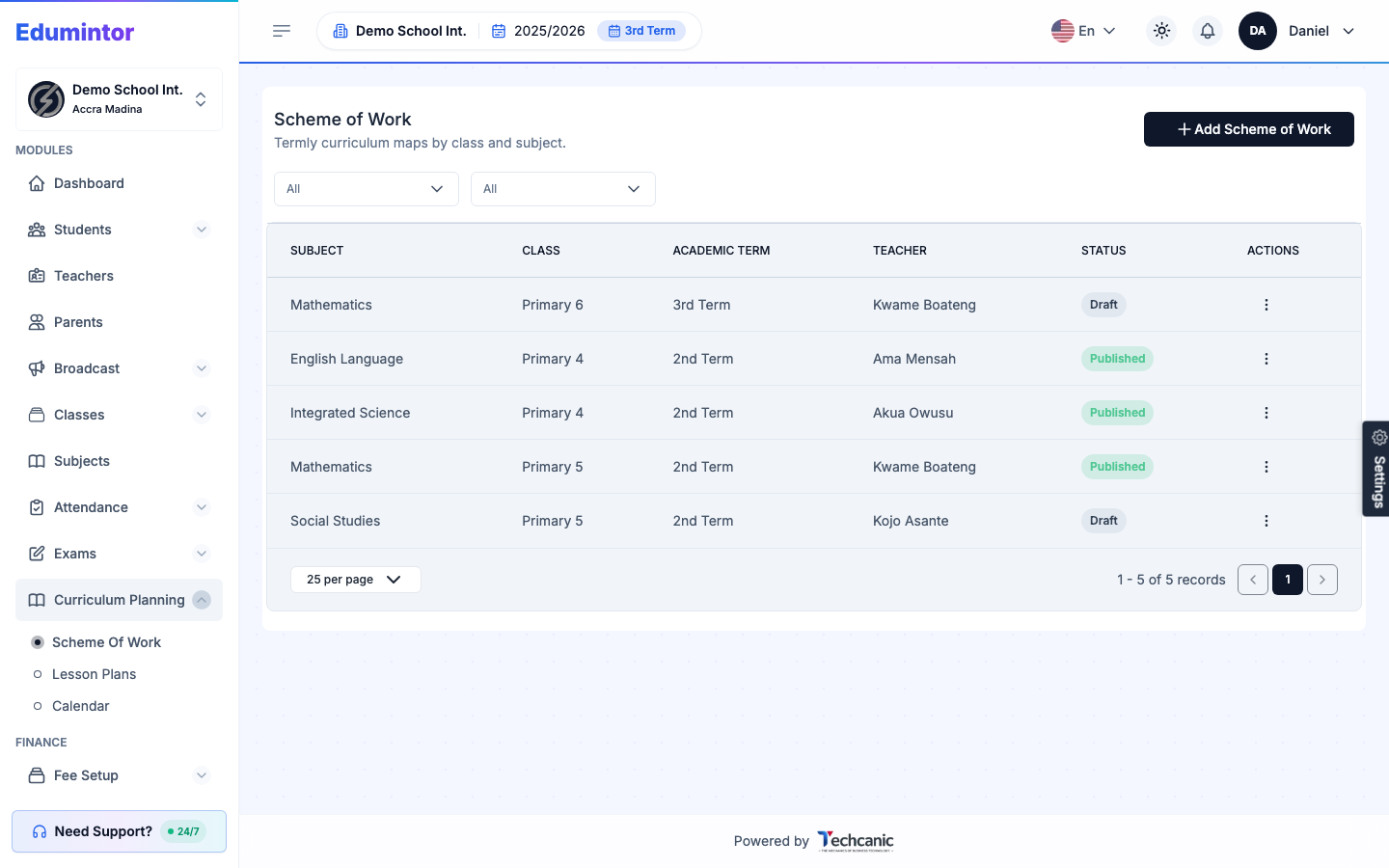
To create a Scheme of Work:
- Go to Curriculum Planning → Scheme of Work.
- Click + Add Scheme of Work.
- Select the Subject, Class, and Academic Term it covers.
- Assign the Teacher responsible for it.
- Save it as Draft while you build it out.
- Once ready, change its status to Published so teachers can see and follow it.
To create a Lesson Plan follow the same pattern under Curriculum Planning → Lesson Plans → + Add Lesson Plan, building on top of an existing Scheme of Work entry.
⚠️ Note — Both support a Draft/Published status so plans can be prepared ahead of the term and reviewed before use.