-
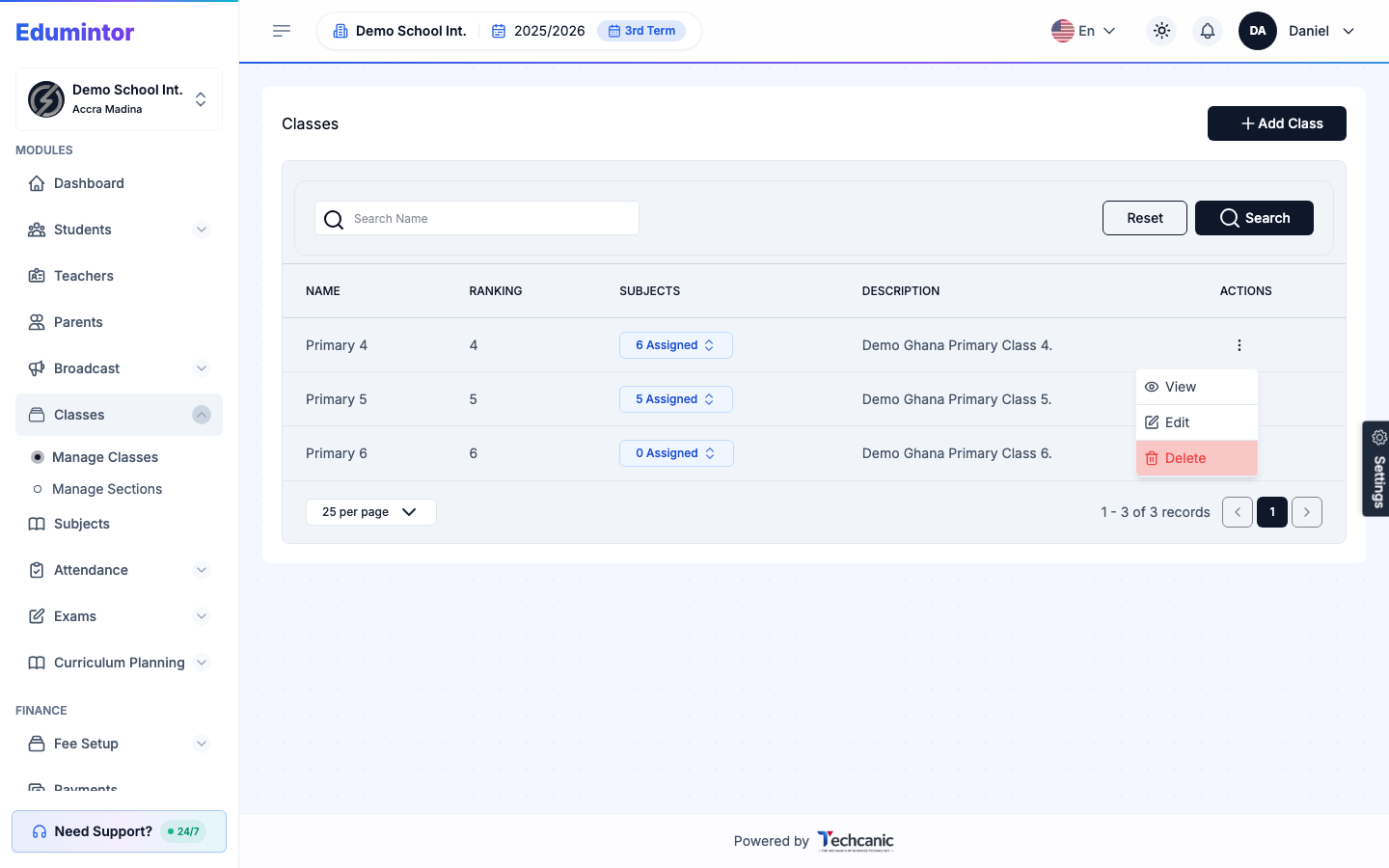
Go to Classes → Manage Classes.
-
Find the class in the list, then click the ⋮ menu at the end of its row.
-
Choose View.
-
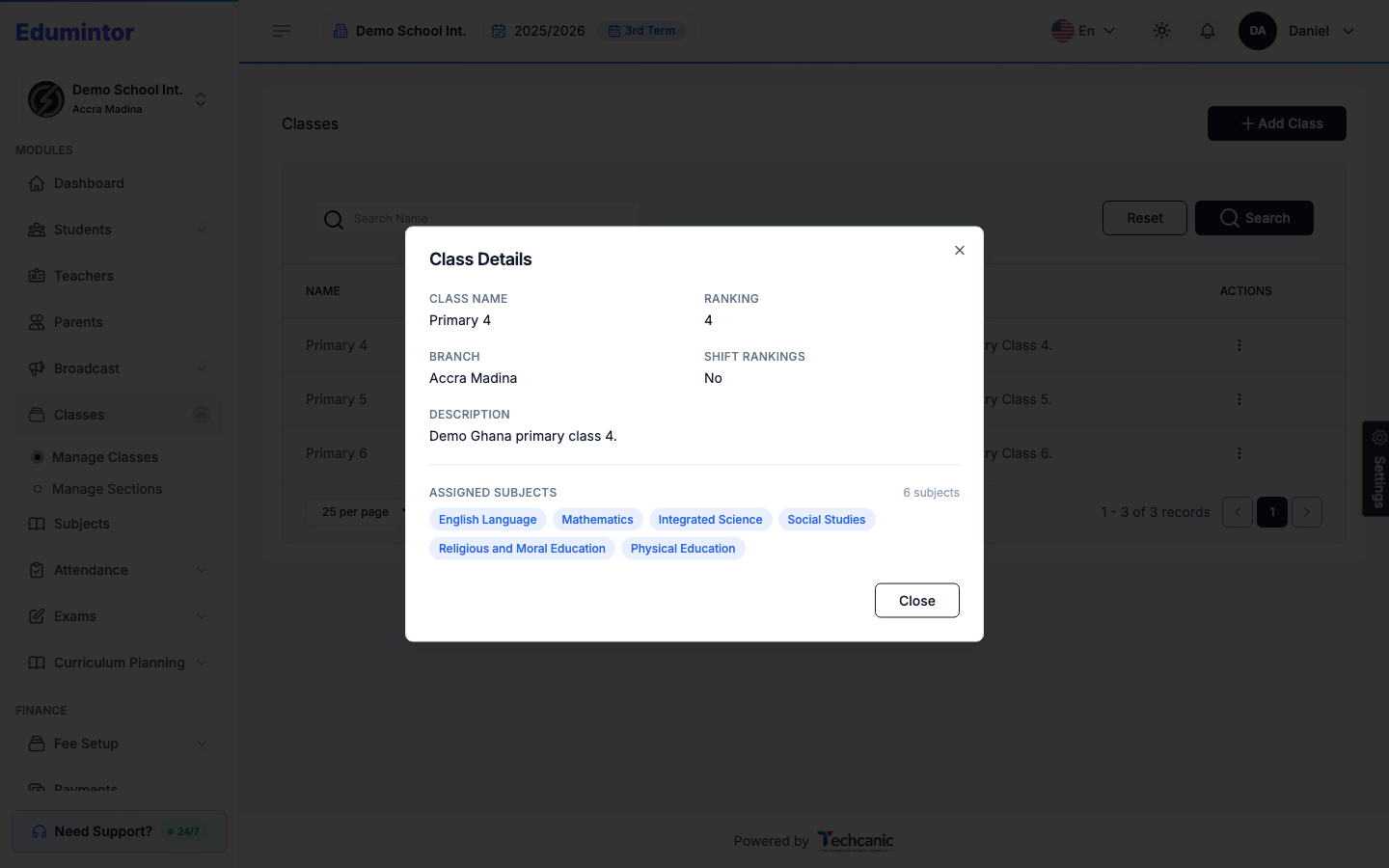
Class Details shows the class name, ranking, branch, description, and every subject assigned to it.
Viewing a Class
Last updated 2026-09-03
For: Admin