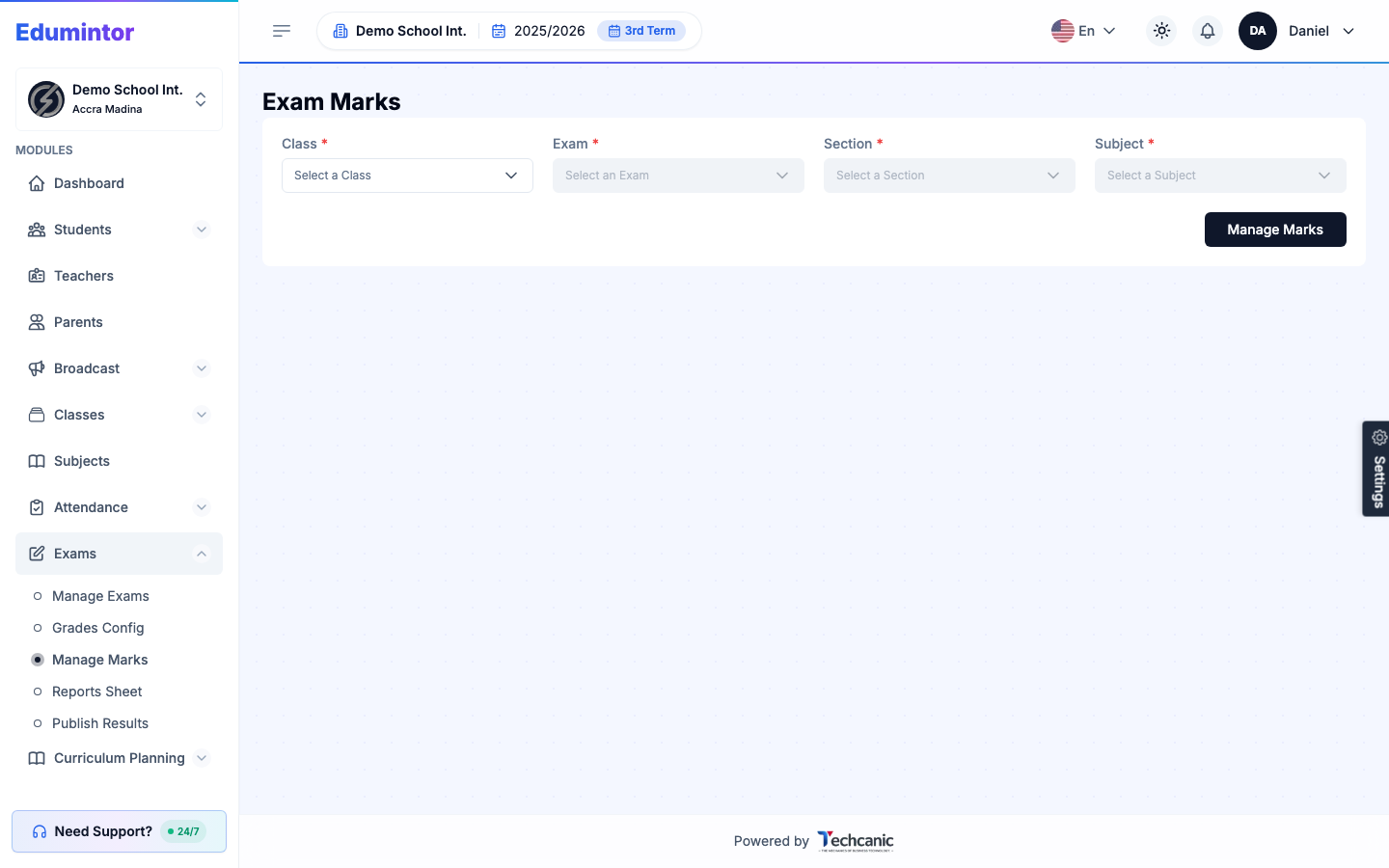
- Go to Exams → Manage Marks.
- Select the active Exam, Class, Section, and Subject.
- Click Manage Marks to open the marksheet.
- Enter each student's score.
⚠️ Note — Marksheets have a status (e.g. Draft) while being worked on, and every mark edit is tracked in a change log for accountability.