- When a bulk upload (students, teachers, or parents) finishes, open the notification from your inbox — or go back to the relevant "Add (Bulk)" page.
- Review the summary: how many records were created, how many were skipped, and any per-row errors or guardian-link warnings.
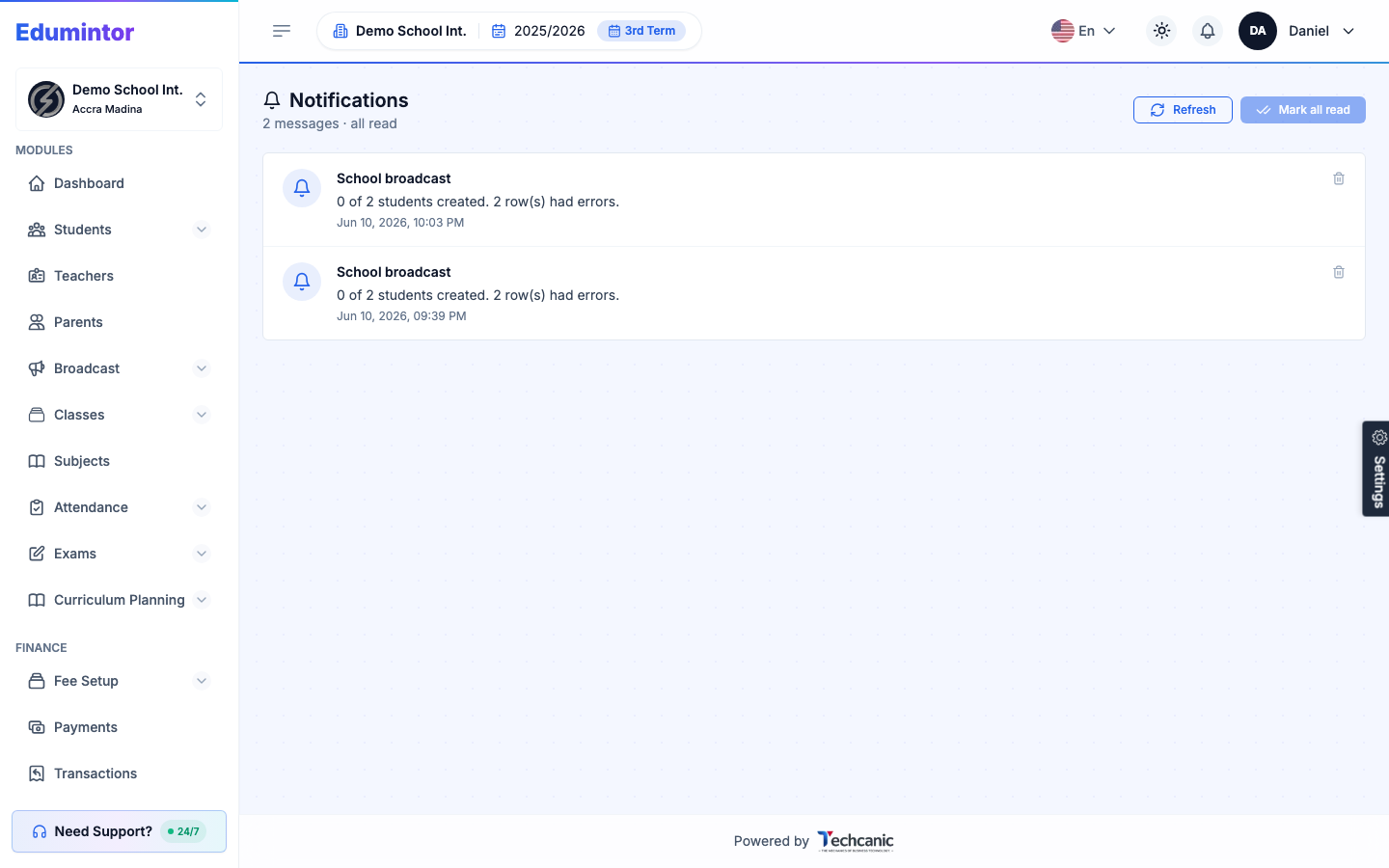
- Fix the flagged rows in your source file and re-upload just those rows.