-
Open any report under the Reports menu (see Available Reports) and set your filters.
-
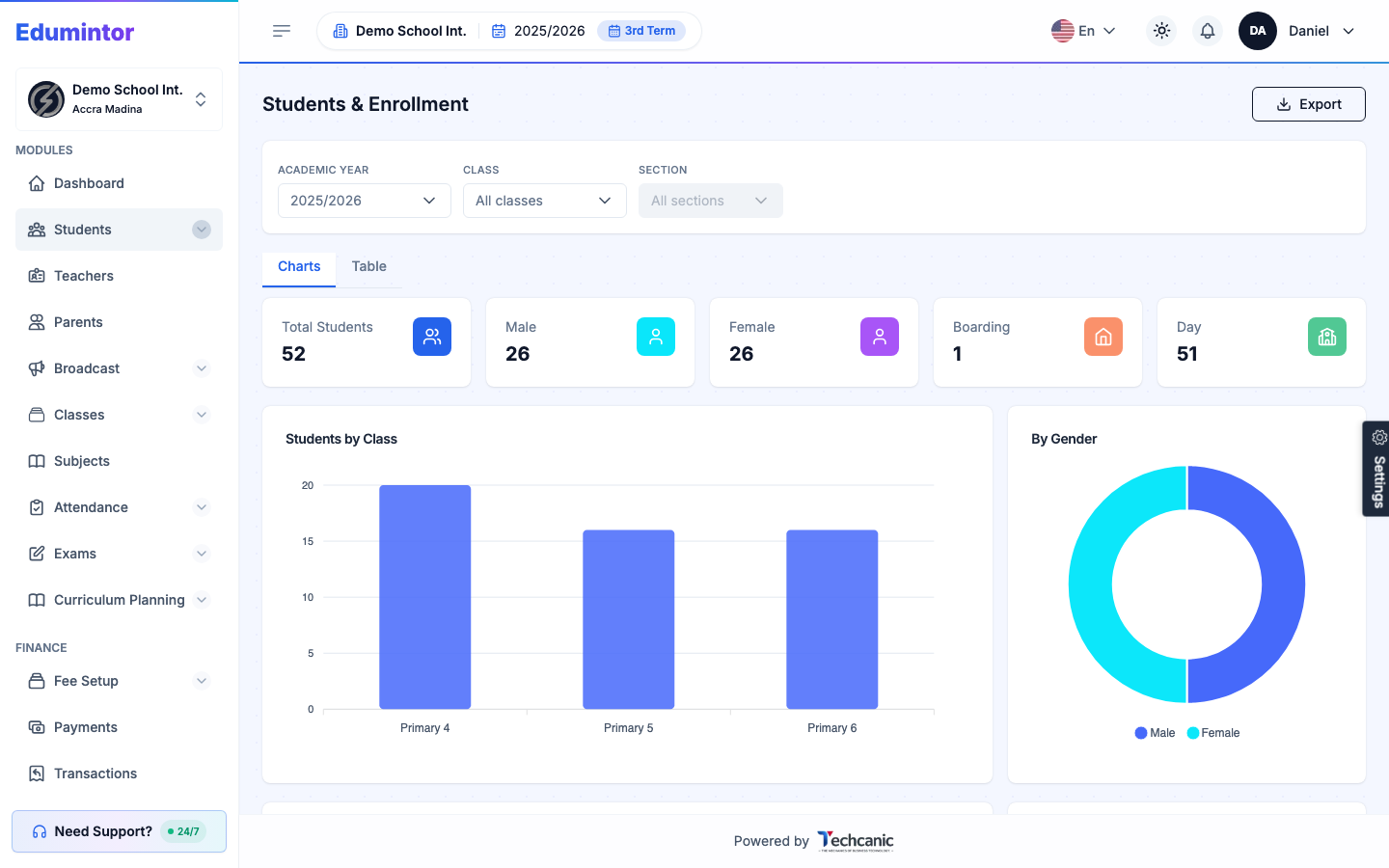
Click Export in the top-right corner.
-
Choose to print the report to PDF, or export it as an XLSX or CSV file.
💡 Tip — The export reflects whatever filters (academic year, term, class/section, date range) are currently applied to the report.