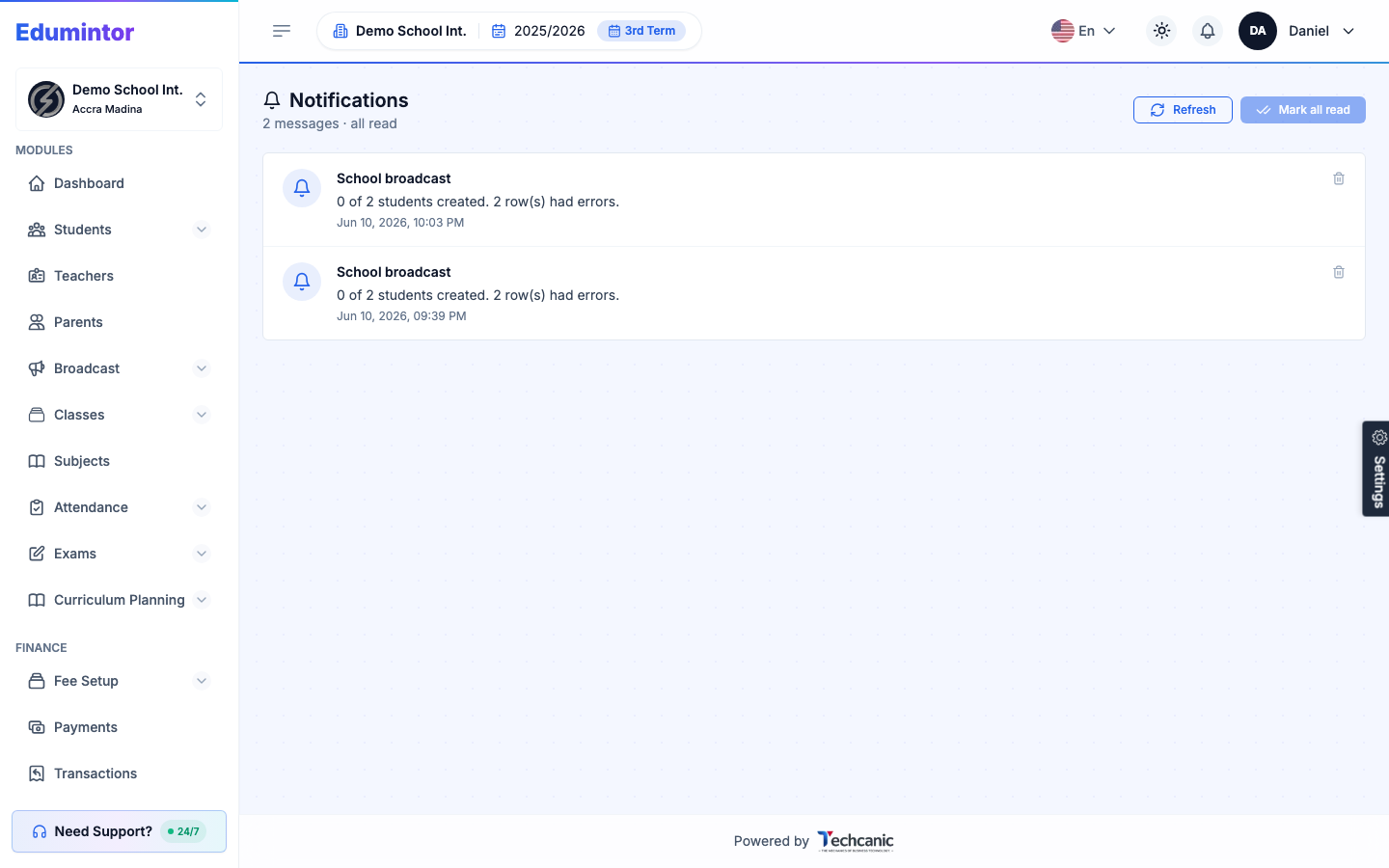
All notifications — broadcast messages sent to you and system notices like "bulk upload finished" — land in one place.
- Click the bell icon in the top navigation bar to open your Notifications inbox.
- Notifications arrive live while you're using the app, and stay visible if you open the app later.
⚠️ Note — Notifications keep showing even if a school's subscription has lapsed, so critical alerts are never hidden behind a billing issue.