-
Click the bell icon to open your Notifications inbox.
-
Click Mark all read to clear unread status on every notification at once.
-
Click the trash icon on an individual notification to delete it, then confirm.
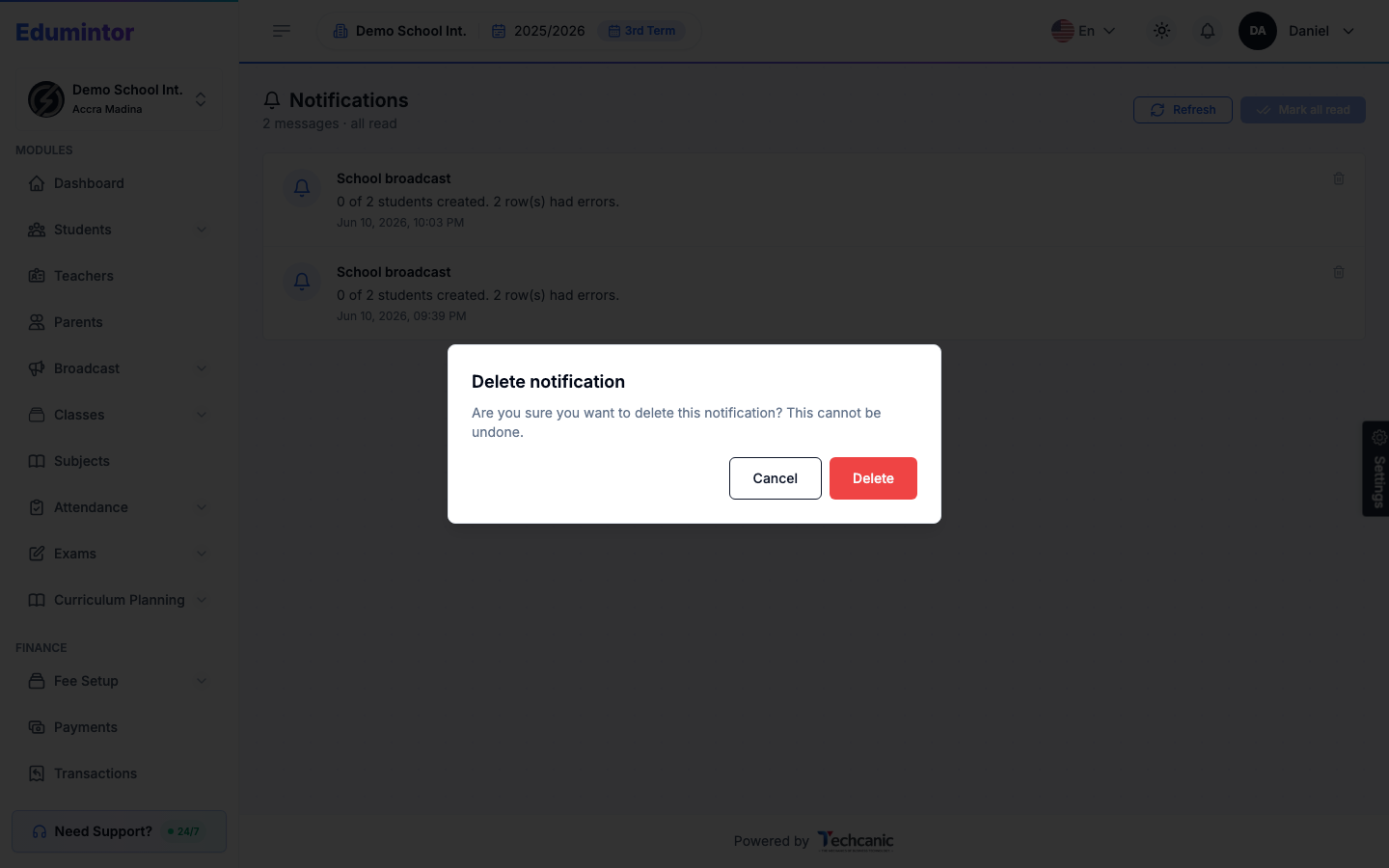
⚠️ Note — Deleting a notification cannot be undone. This only removes it from your inbox — it doesn't undo whatever the notification was reporting on (e.g. a bulk upload still completed even if you delete its notification).