To reset the login password for several parents at once (for example, after a shared password policy change):
-
Go to Parents.
-
Check the box next to each parent you want to reset.
-
Click Bulk Actions, then choose Reset Password.
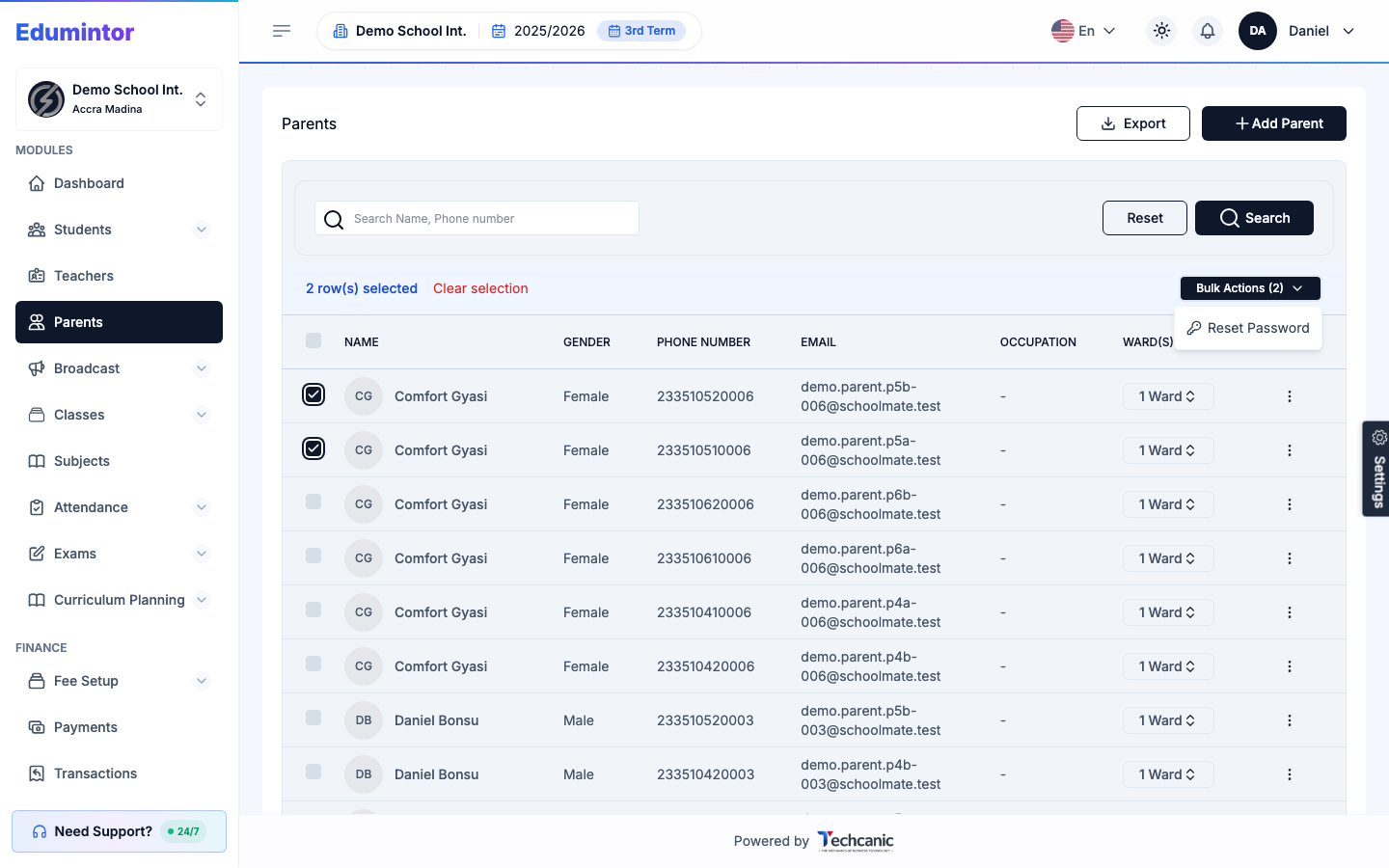
Each selected parent gets a fresh password-setup email — there's no need to reset them one at a time.