Watch the video walkthrough
-
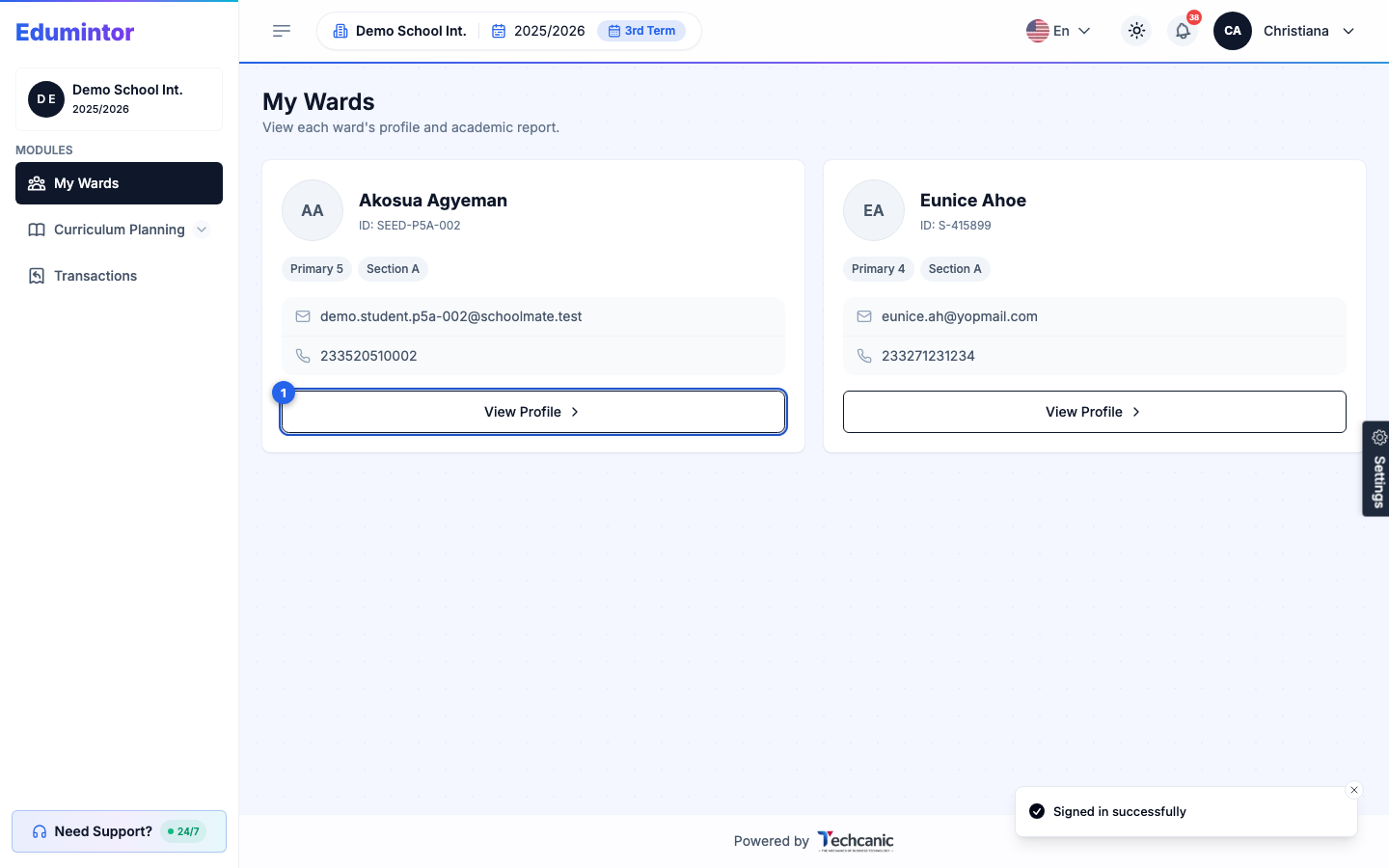
Sign in and go to My Wards. On the child you want to check, click View Profile.
-
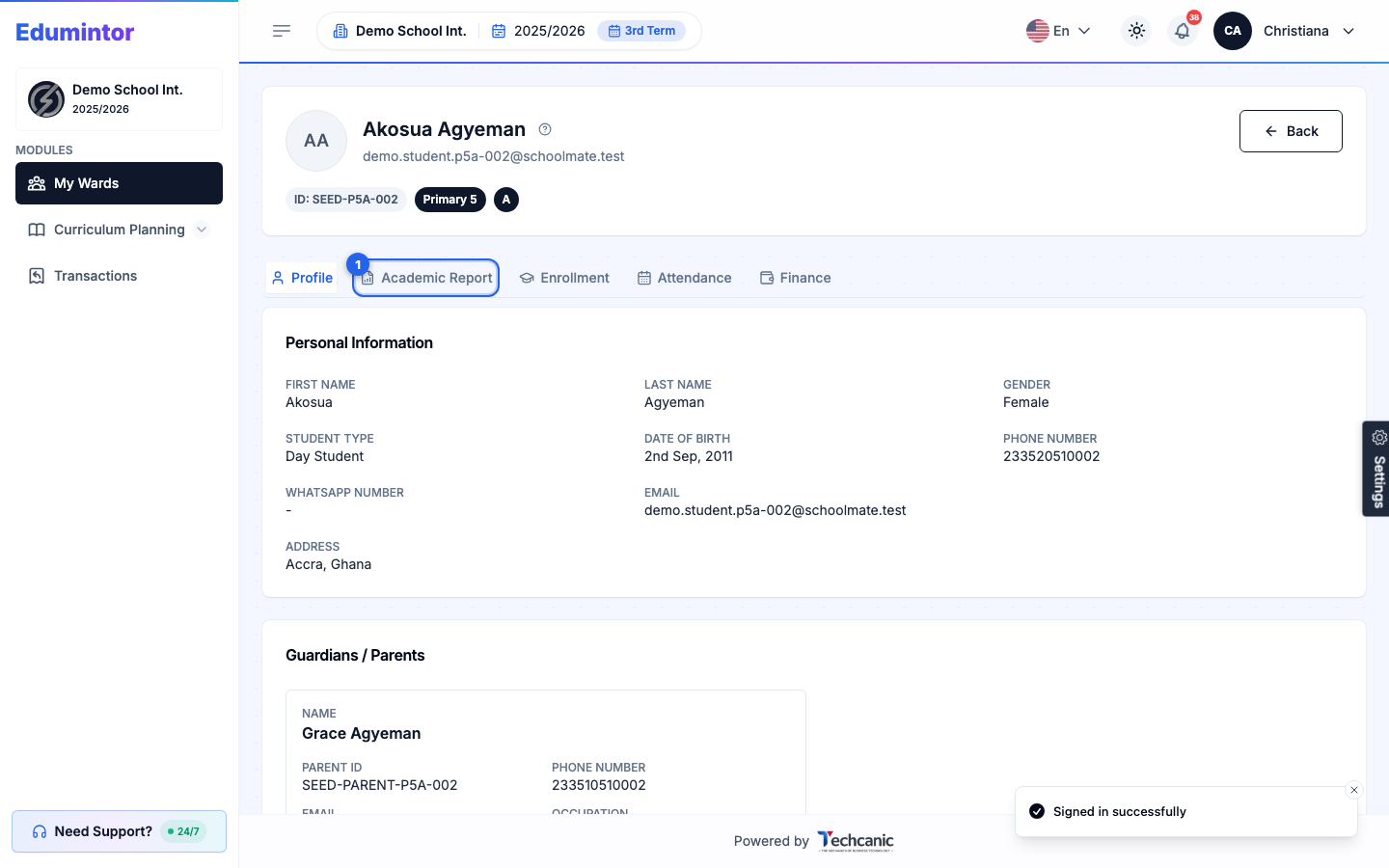
On the ward's profile, open the Academic Report tab.
-
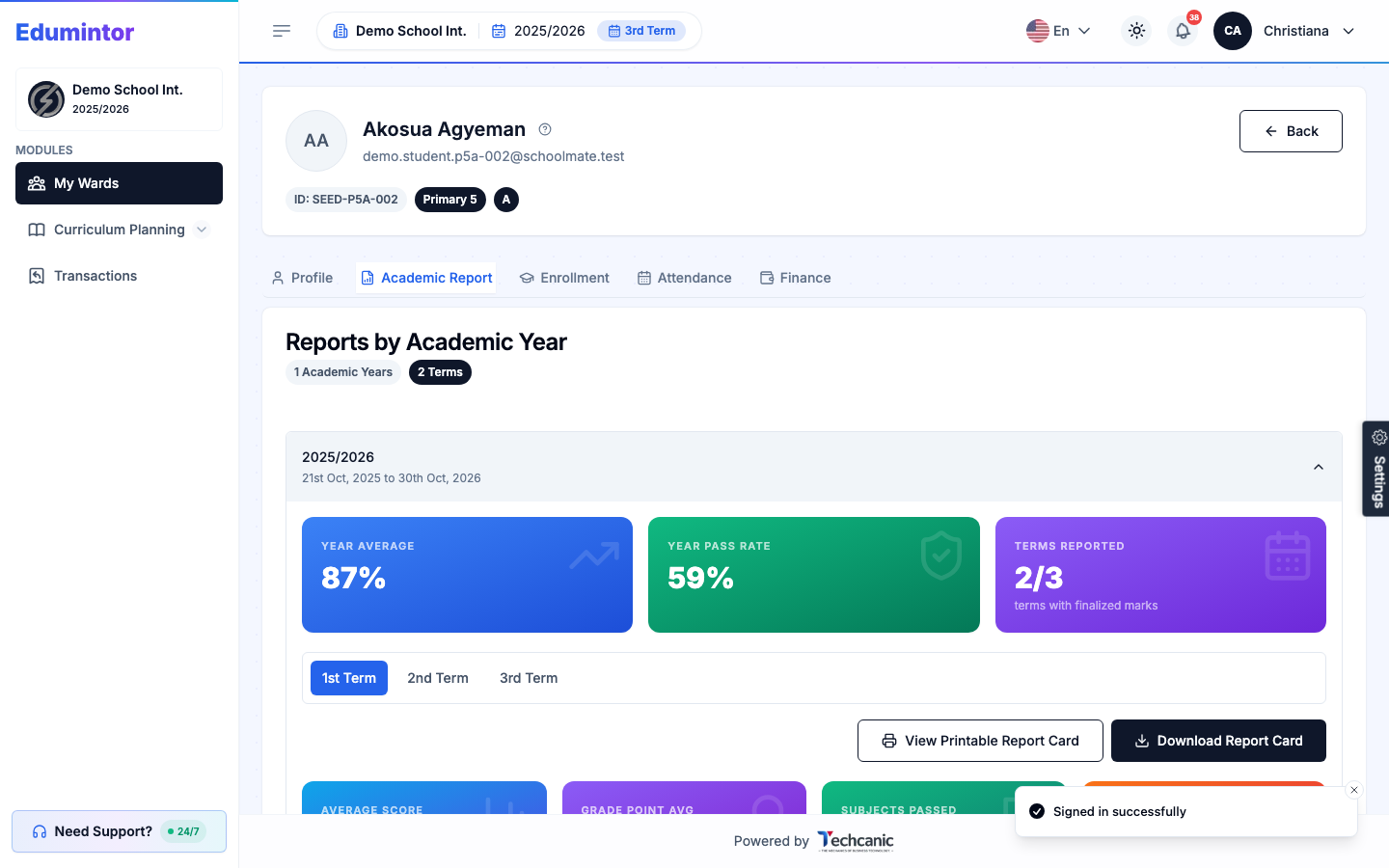
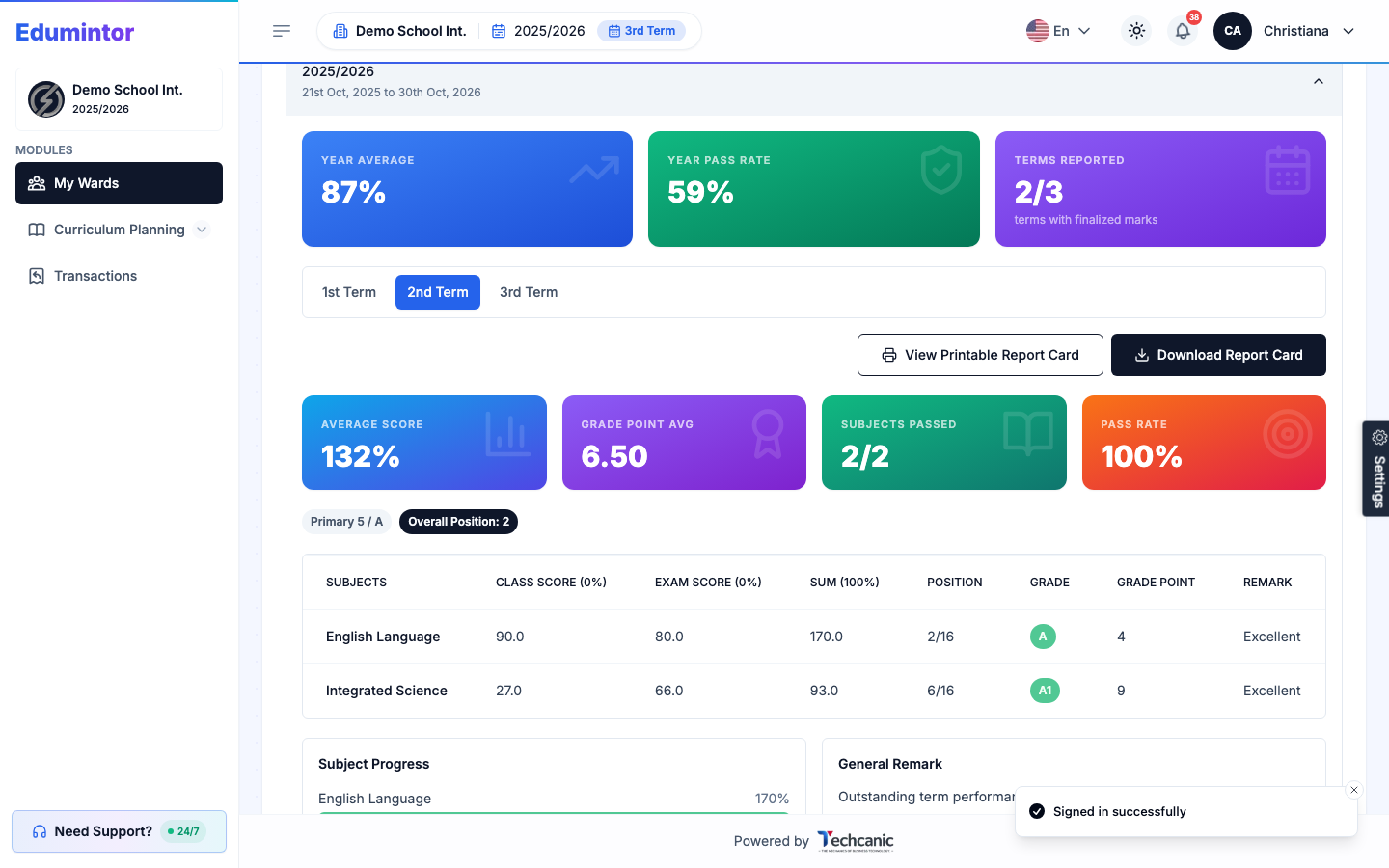
You'll land on Reports by Academic Year. The current academic year is expanded by default, showing the Year Average, Year Pass Rate, and how many terms have finalized marks.
-
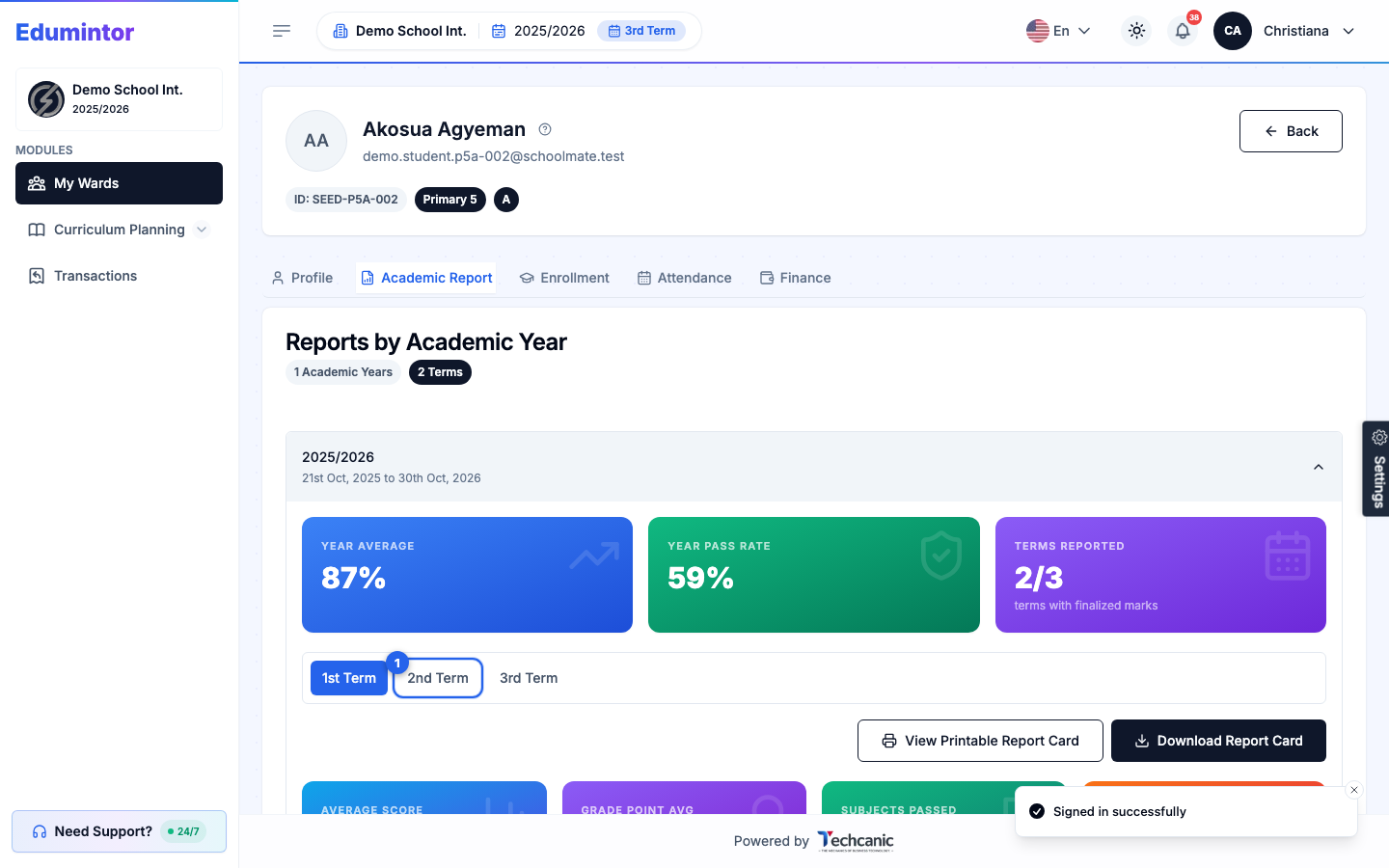
Use the term tabs to switch between terms.
-
Each term shows its own average score, grade point average, subjects passed, and pass rate, plus a subject-by-subject table with class score, exam score, grade, and position.
-
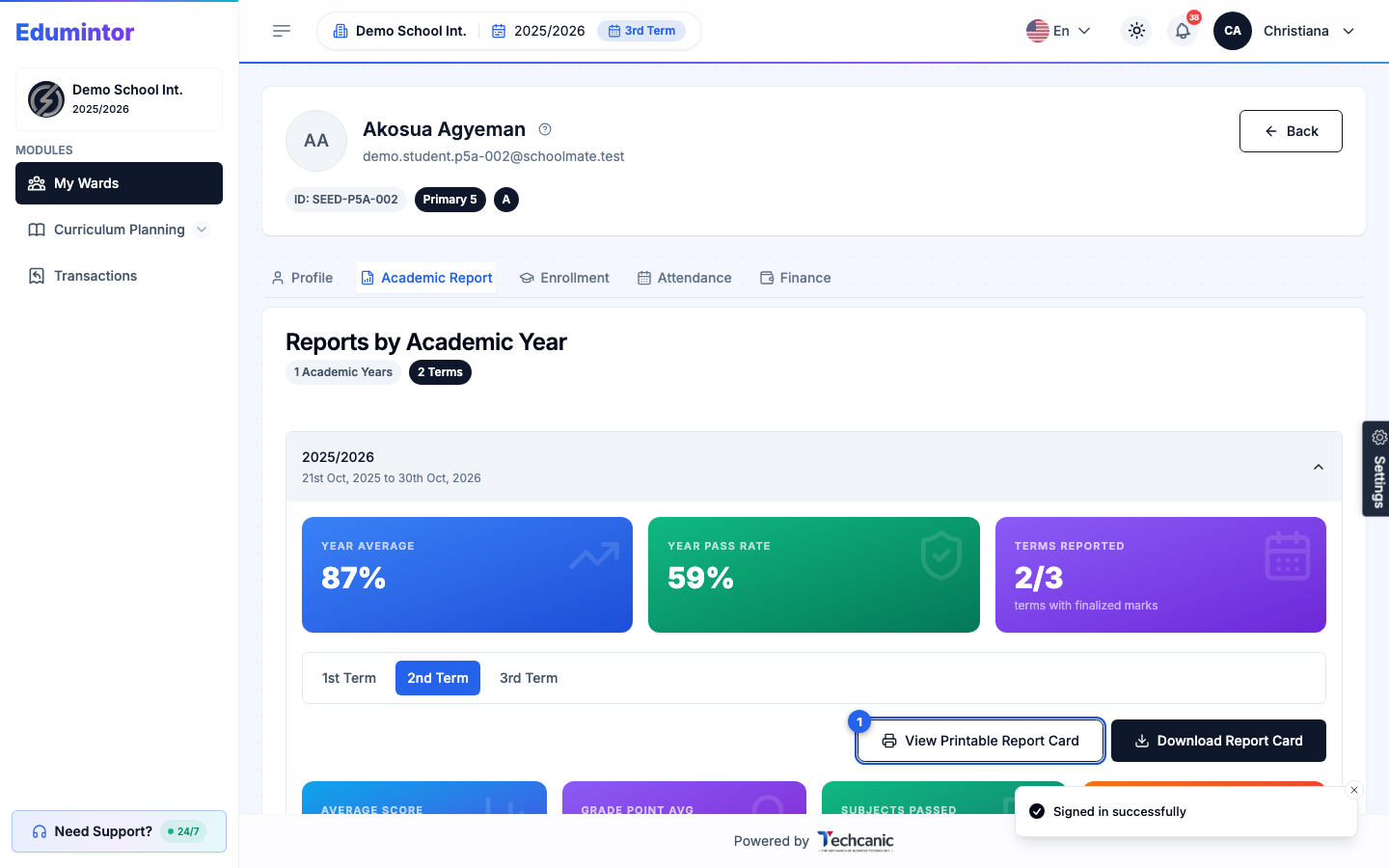
When you want a copy, click View Printable Report Card.
-
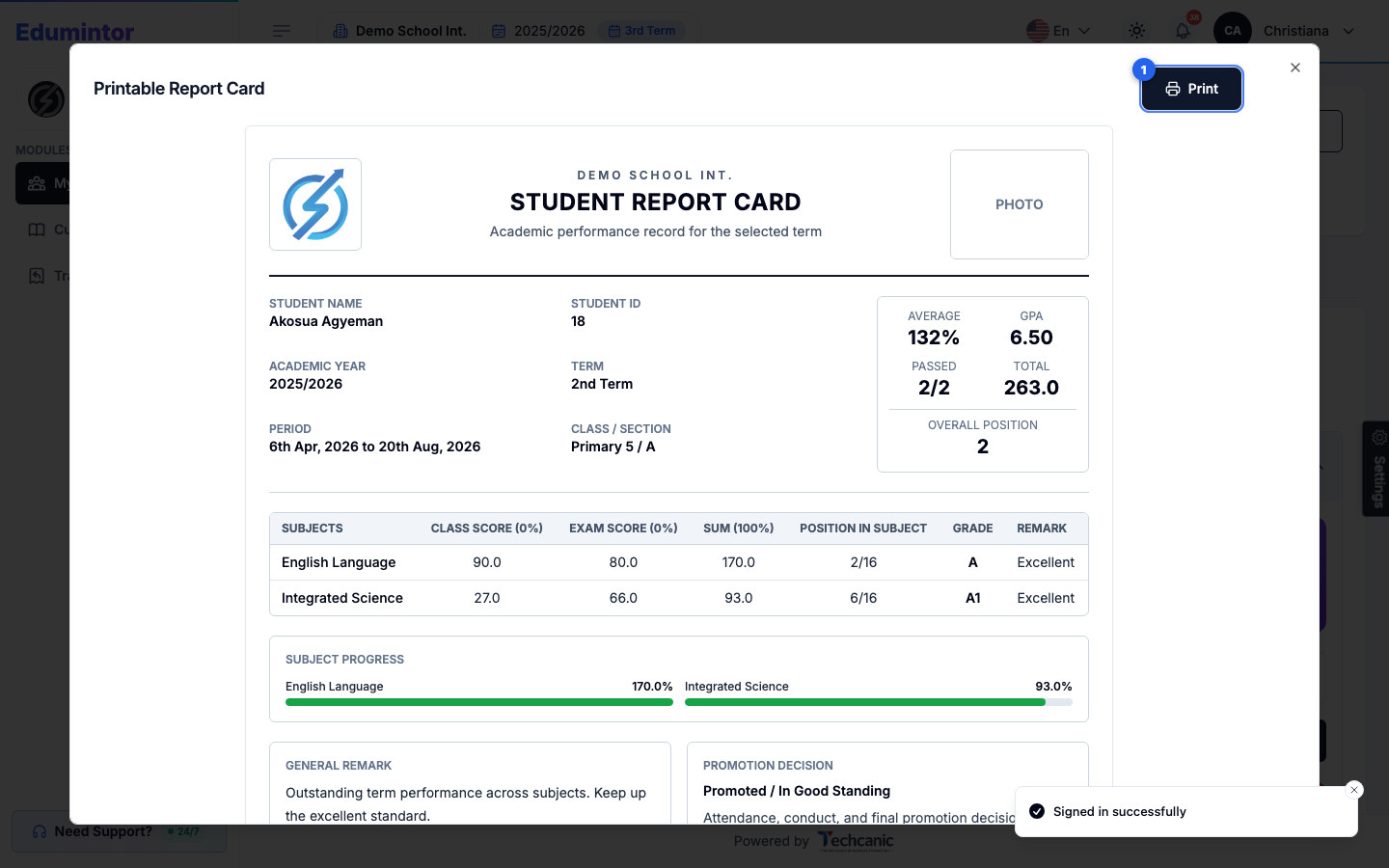
This opens a clean, print-ready report card. Click Print inside this window to send it straight to your printer.
-
If you'd rather keep a digital copy, close this window and click Download Report Card instead — it saves as a PDF you can email or share.
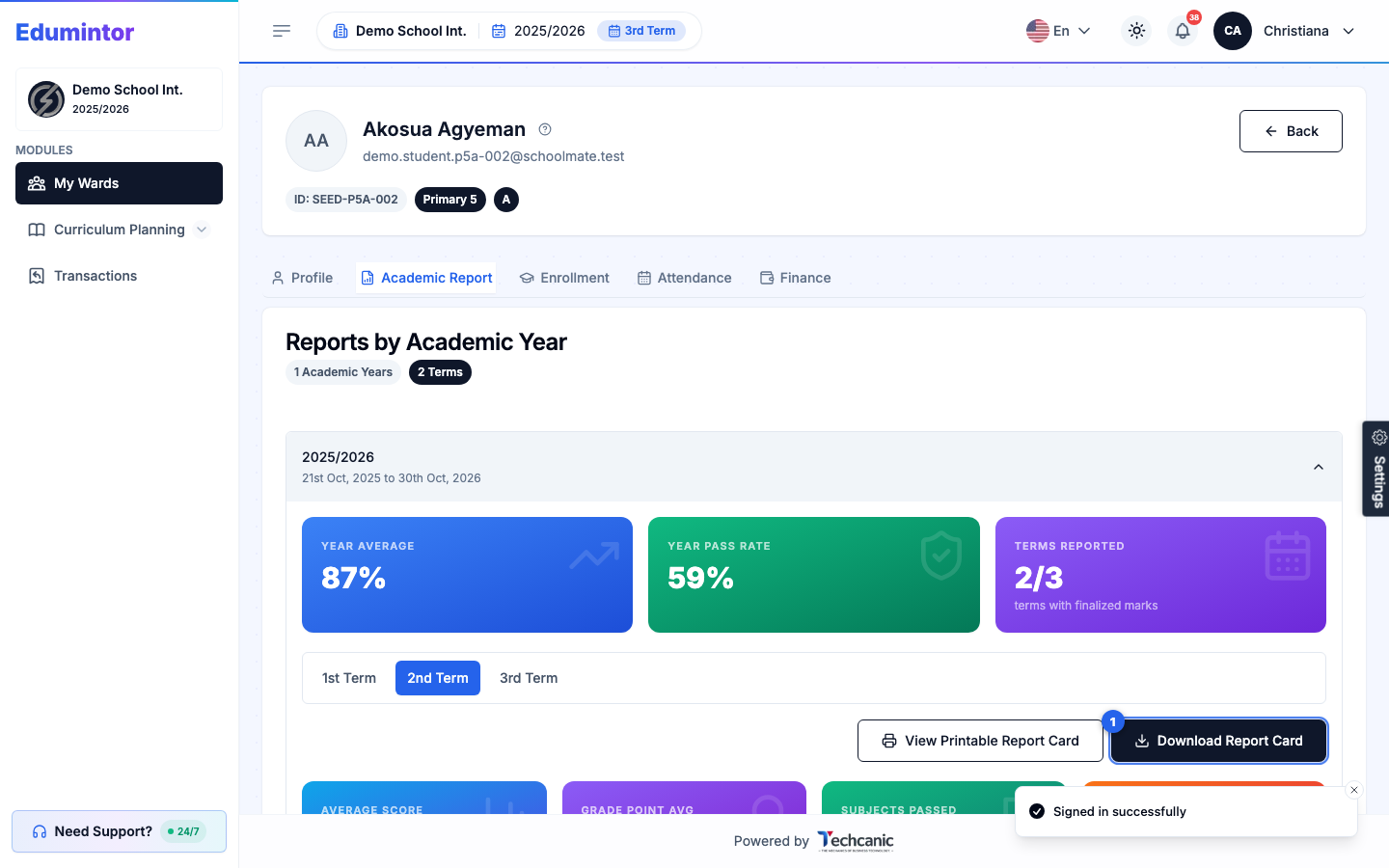
💡 Tip — Both options cover only the term you have selected, so switch to the right term tab before printing or downloading.