-
Go to Parents.
-
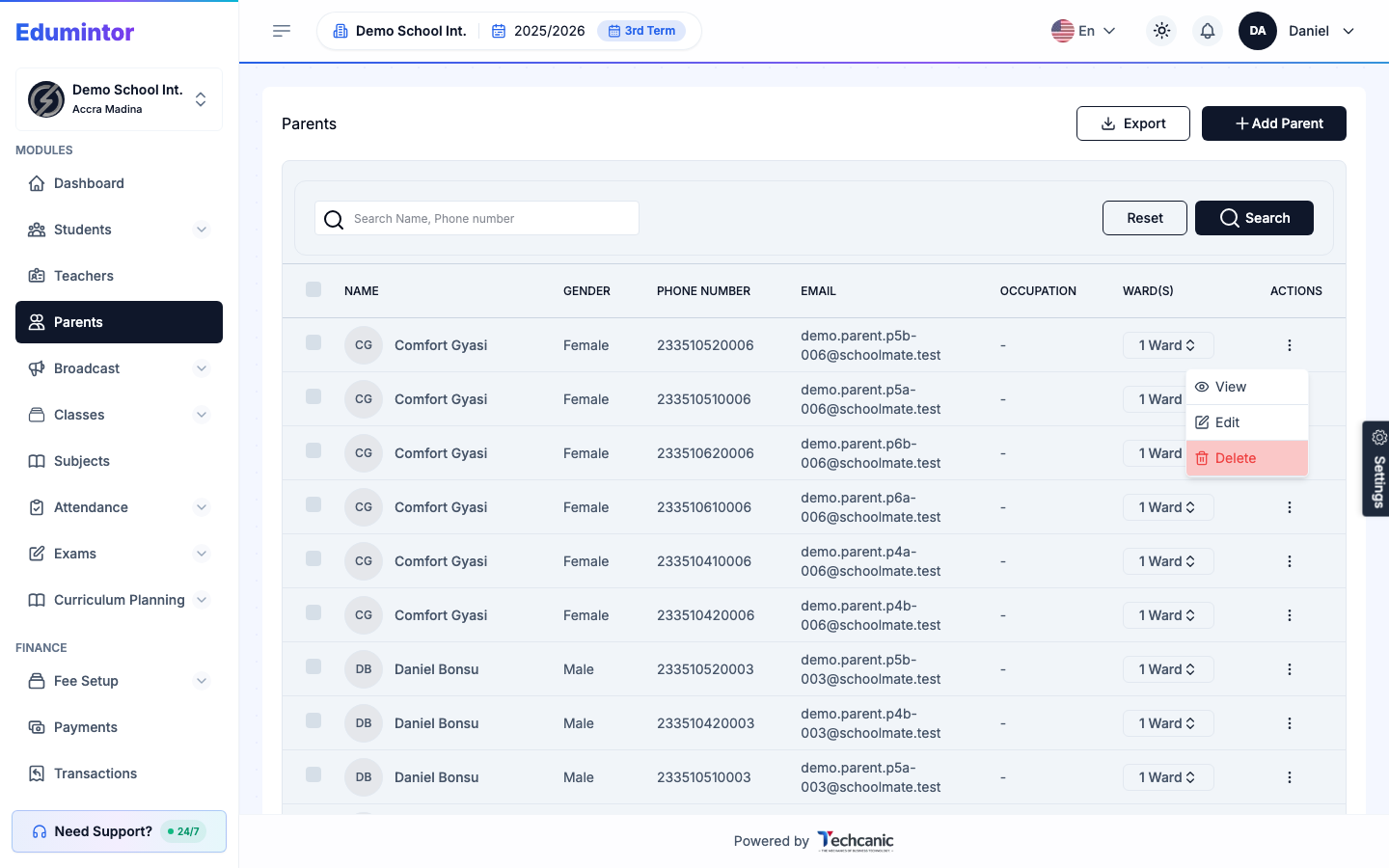
Find the parent in the list, then click the ⋮ menu at the end of their row.
-
Choose Delete.
-
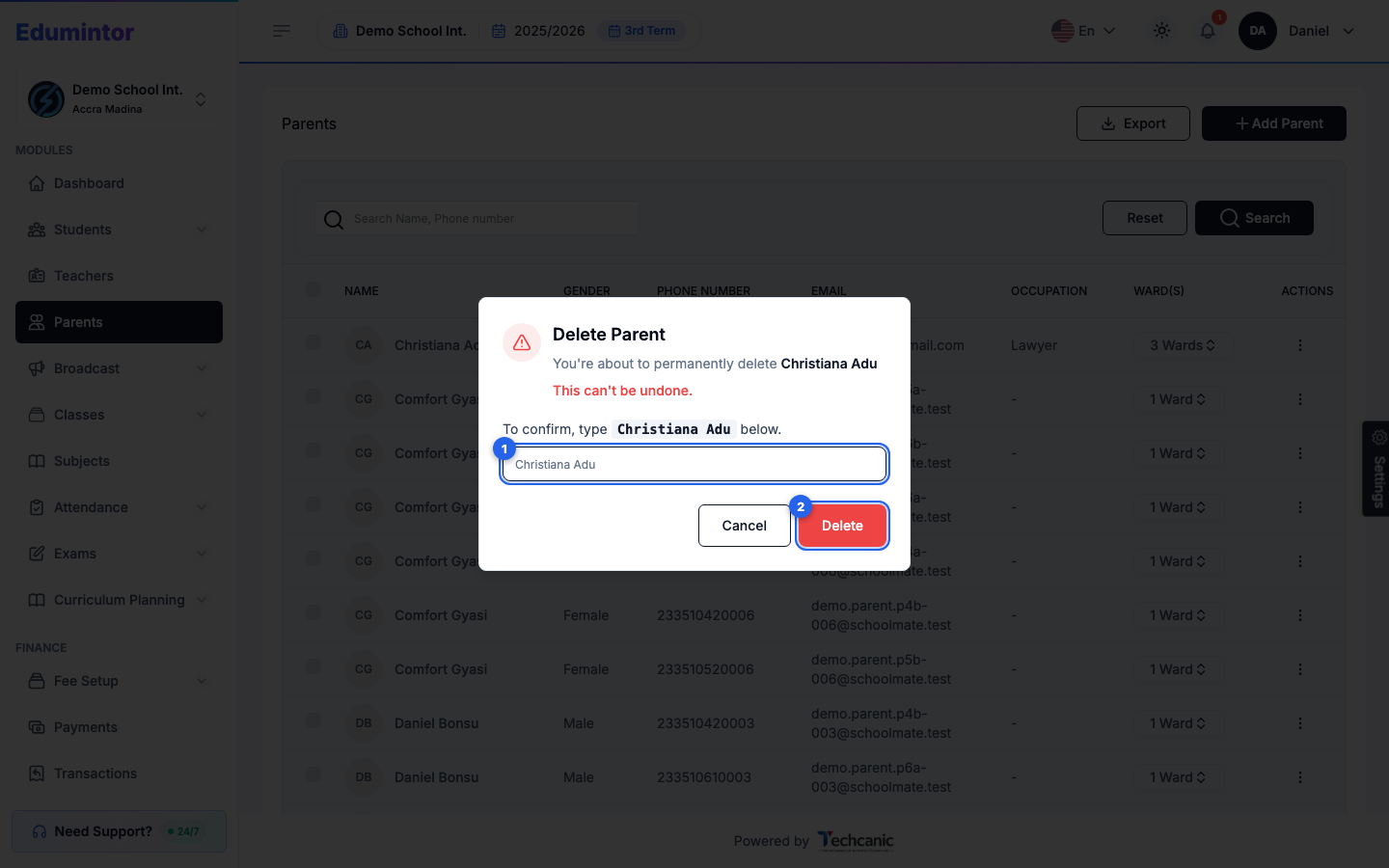
In the confirmation, type the parent's name exactly as shown (for example Christiana Adu) — the Delete button turns on once it matches — then click Delete. This can't be undone.
⚠️ Note — Deleting a parent removes their account and its link to any children. If they're still a guardian for one or more students, edit those students first to link a different or additional guardian before deleting.