Some schools turn on an extra security step for parent accounts called a parent access code.
Watch the video walkthrough
-
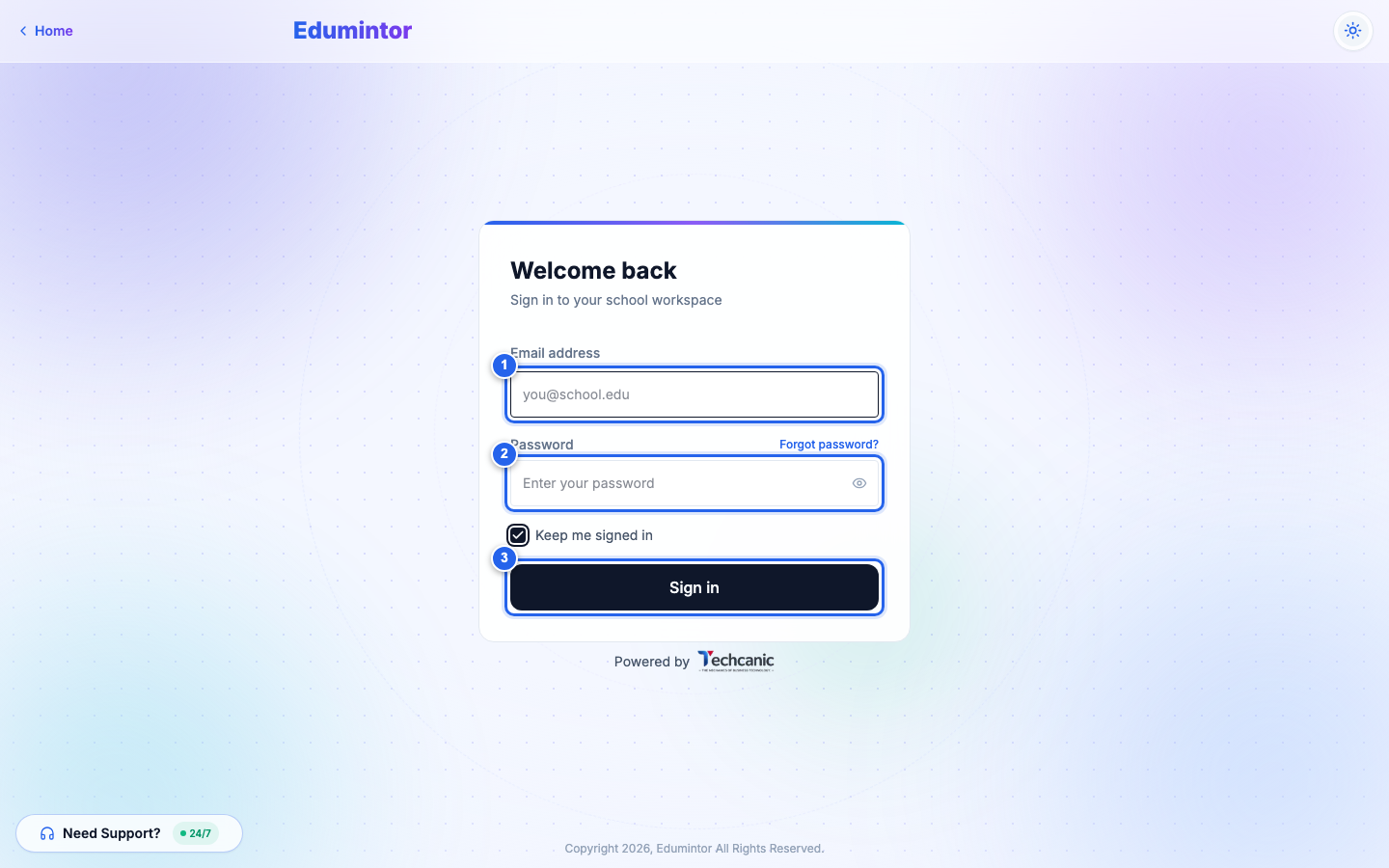
Sign in with your email and password as usual.
-
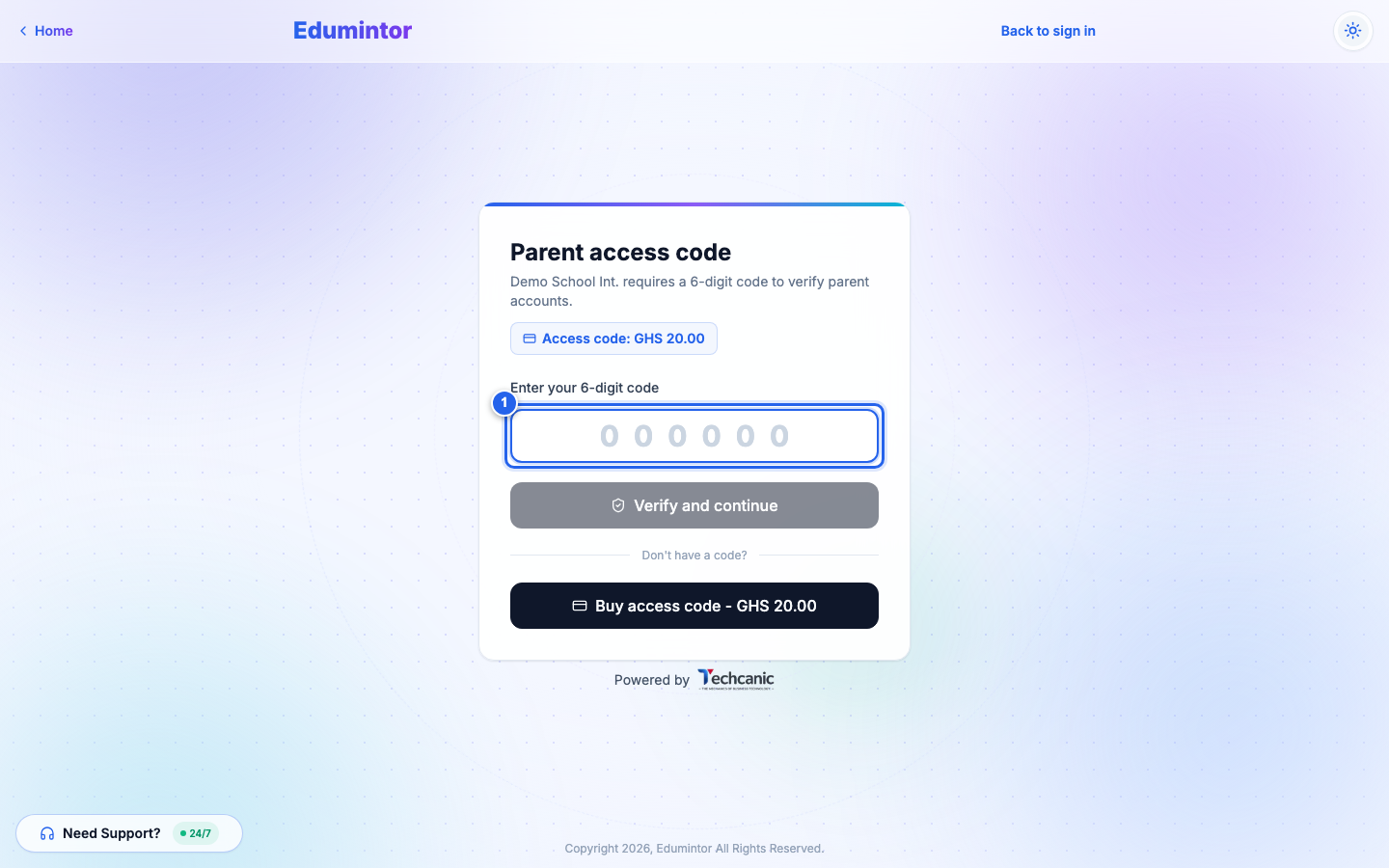
If your school has this enabled, you'll land on the Parent access code screen instead of your dashboard.
-
Enter the 6-digit code tied to your account and click Verify and continue.
If you don't have a code yet
-
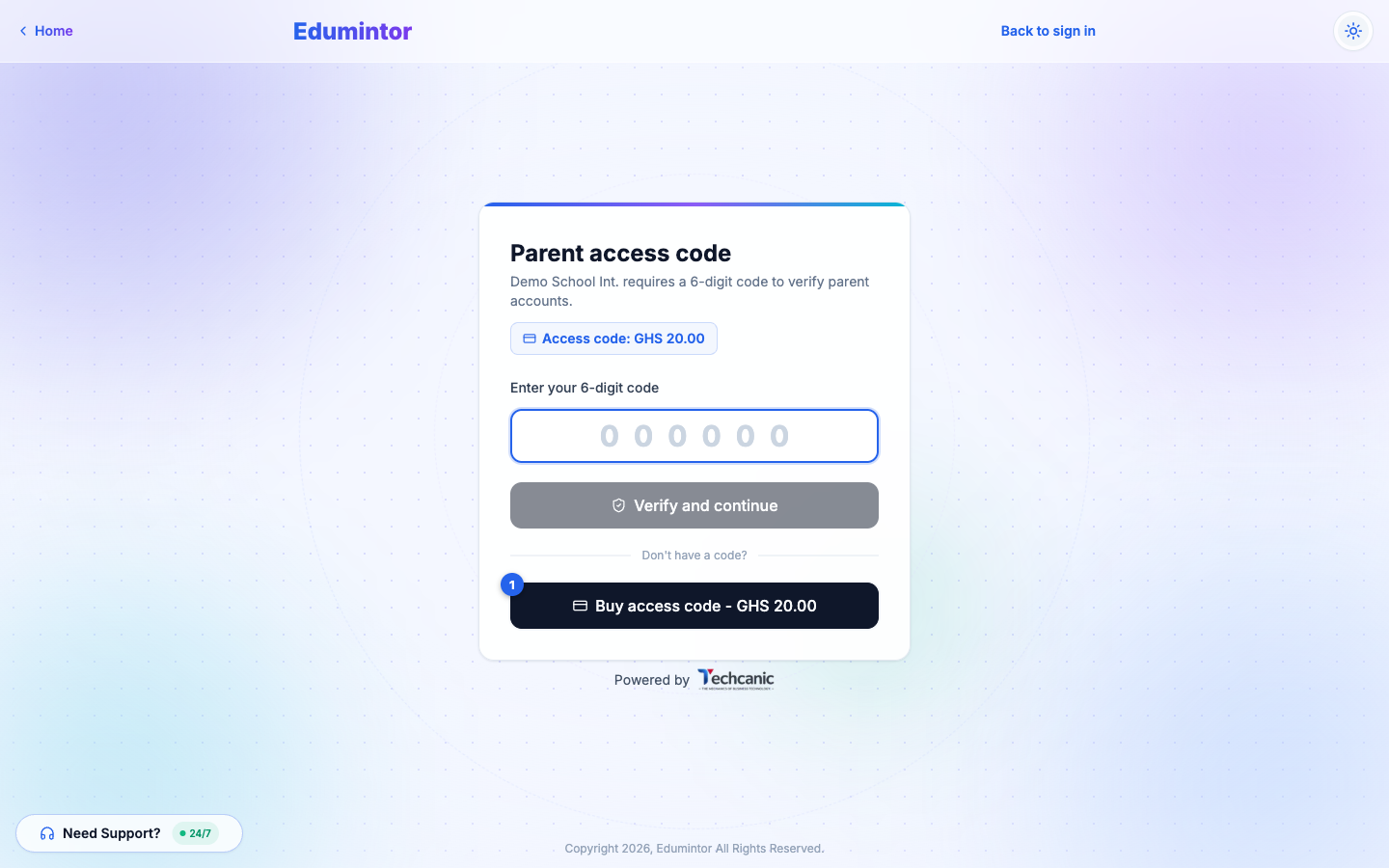
On the same screen, click Buy access code.
-
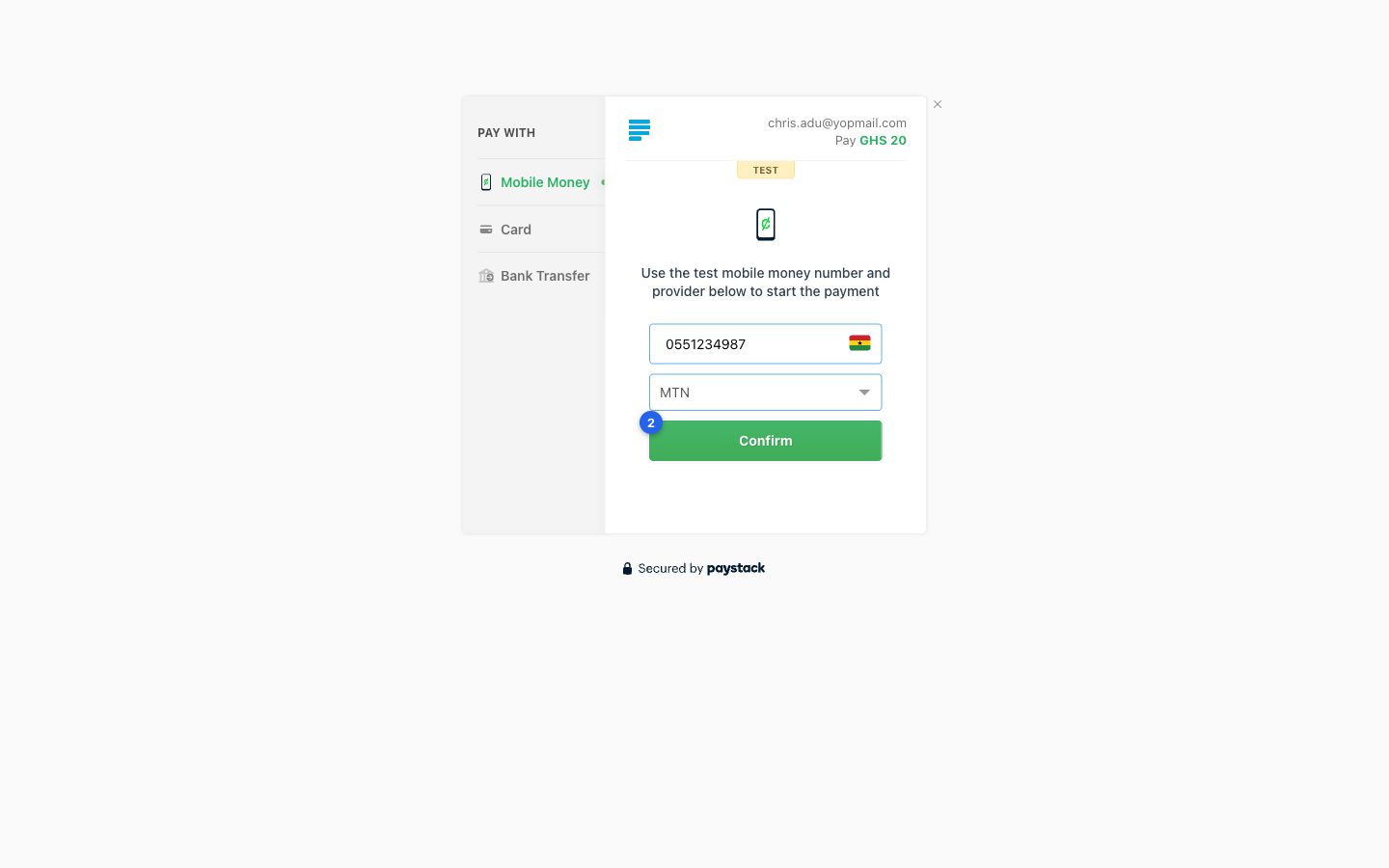
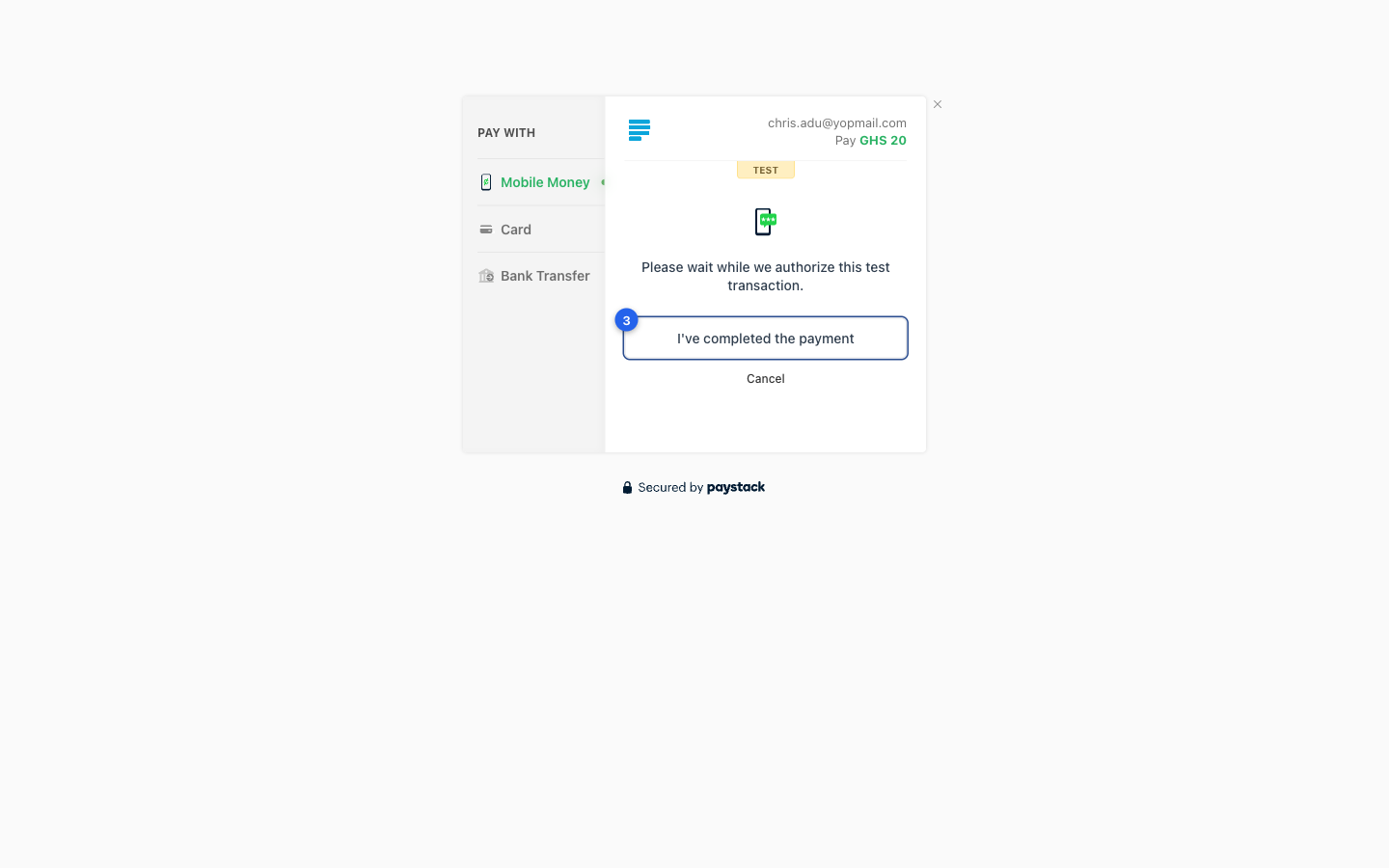
You're taken to a secure Paystack checkout. Choose how you'd like to pay and confirm the transaction.
-
Once your payment is authorized, click I've completed the payment.
-
Edumintor generates your 6-digit code and shows it to you — this is the only time you'll see it. Copy it or write it down, then click I've saved my code — continue.
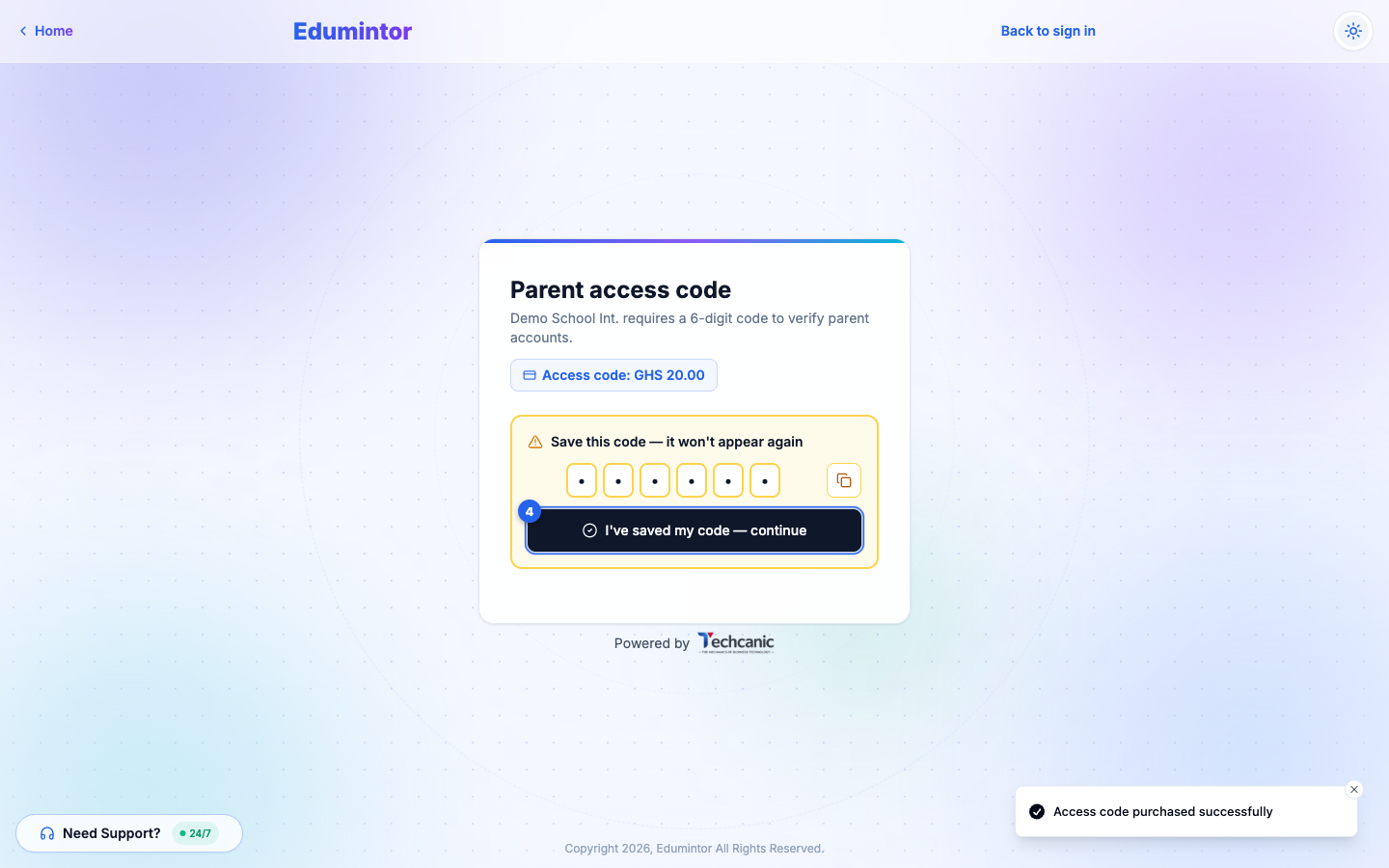
On the mobile app, the code is filled in for you when you return from Paystack — tap Verify to continue, and write the code down before you do.
⚠️ Note — Your code is not a one-time code: you'll need this same code every time you sign in until it expires (your school decides how long it lasts). Edumintor won't show it to you again, and it is never sent by email. Some schools also text it to you by SMS. This is a school-level setting — not every school, and therefore not every parent account, uses it.
I paid but didn't get my code
Your code is shown on screen the moment Paystack sends you back to Edumintor. If you closed the payment page or the app before that, or waited too long, your payment may have gone through without you seeing the code.
- Don't pay again. Your first payment is almost always recorded, and a second payment is charged separately.
- Check your text messages. If your school sends codes by SMS, it goes to the mobile money number you paid with, or to the phone number your school has on file.
- Contact your school's admin or finance office. Give them your name, the email you sign in with, and the payment reference from your Paystack receipt. They can find your payment in Edumintor and give you your code.
Edumintor support can't see or issue access codes — only your school can.
If you lose your code
Ask your school's admin — they can look up your purchase and give you the code again. You can also buy a new one the same way as above.