Custom roles are useful for front-desk staff, bursars, or department heads who need more access than a Teacher but less than a full Admin.
-
Go to User Management → User Roles.
-
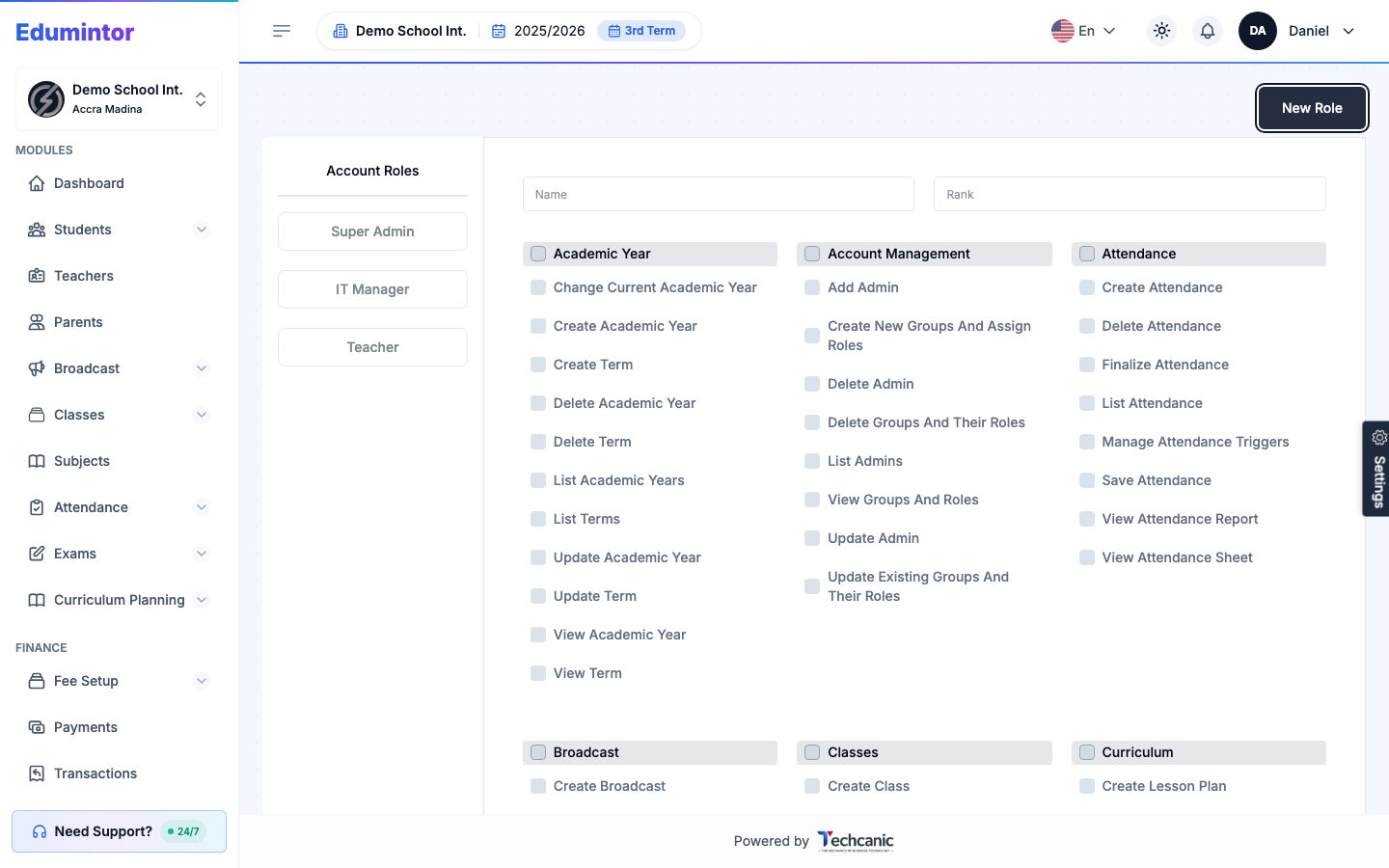
Click New Role.
-
Give the role a Name and, optionally, a Rank.
-
Check exactly the permissions this role should have — permissions are grouped by module (Academic Year, Account Management, Attendance, Classes, Curriculum, and more).
-
Save the role.
-
Assign it to a user from User Management → User Accounts.