-
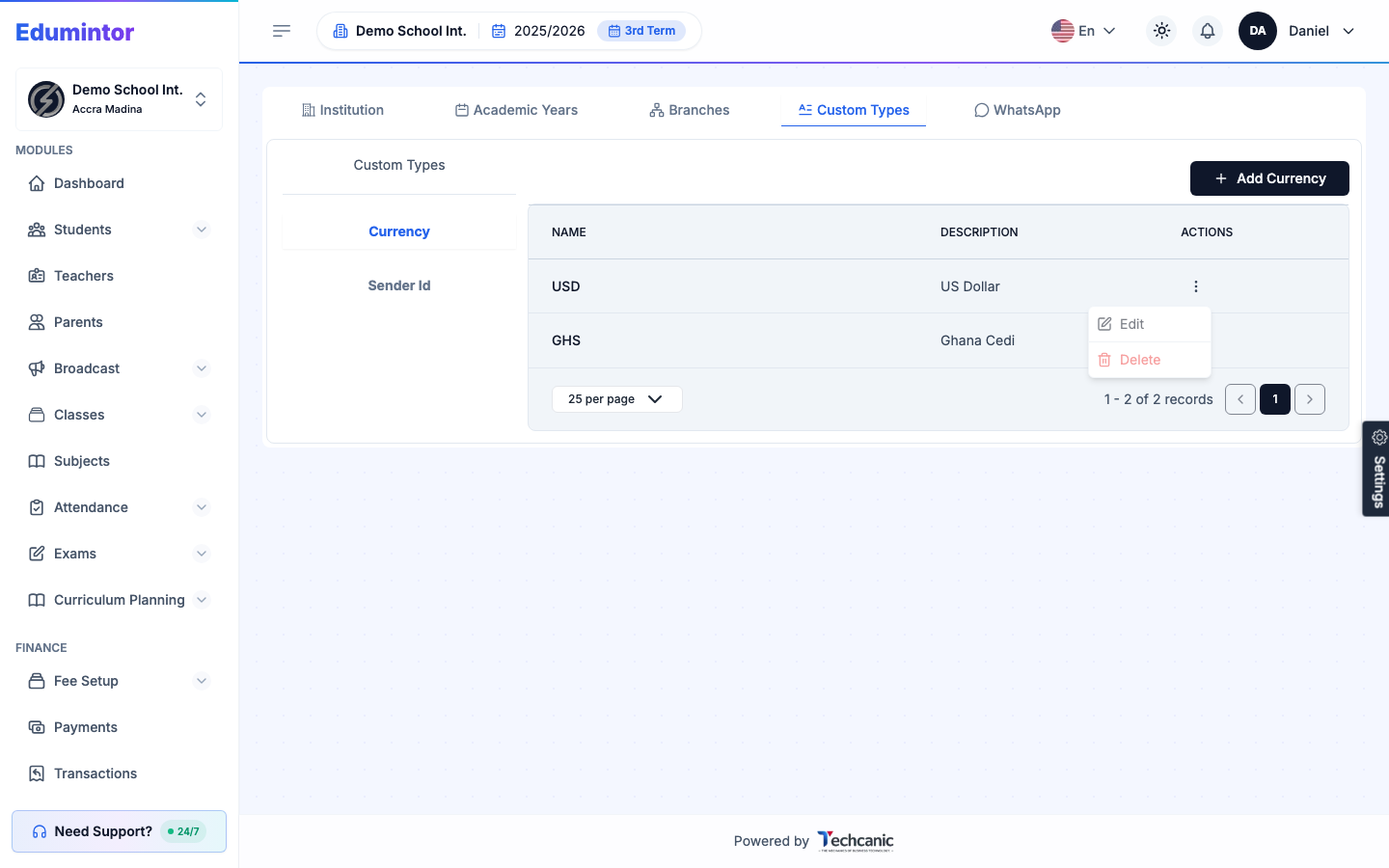
Go to App Settings → Custom Types.
-
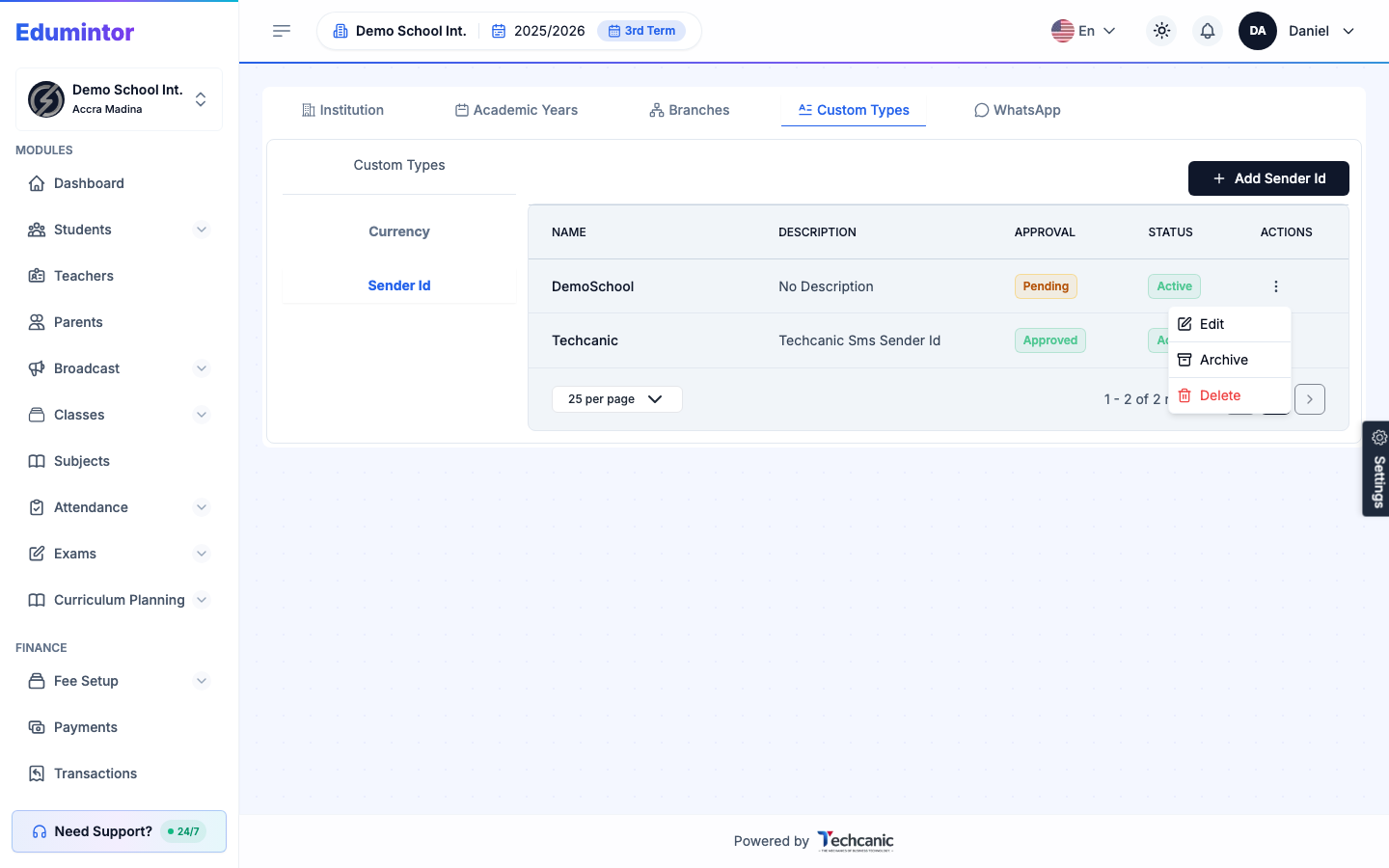
Select Currency or Sender Id from the left-hand list.
-
Click the ⋮ menu on a row to Edit or Delete it. Delete asks you to type the item's name exactly as shown — the Yes, delete button turns on once it matches.
Sender Id entries also show an Approval status (Pending or Approved) and can be Archived — useful for retiring a sender ID without deleting its history.