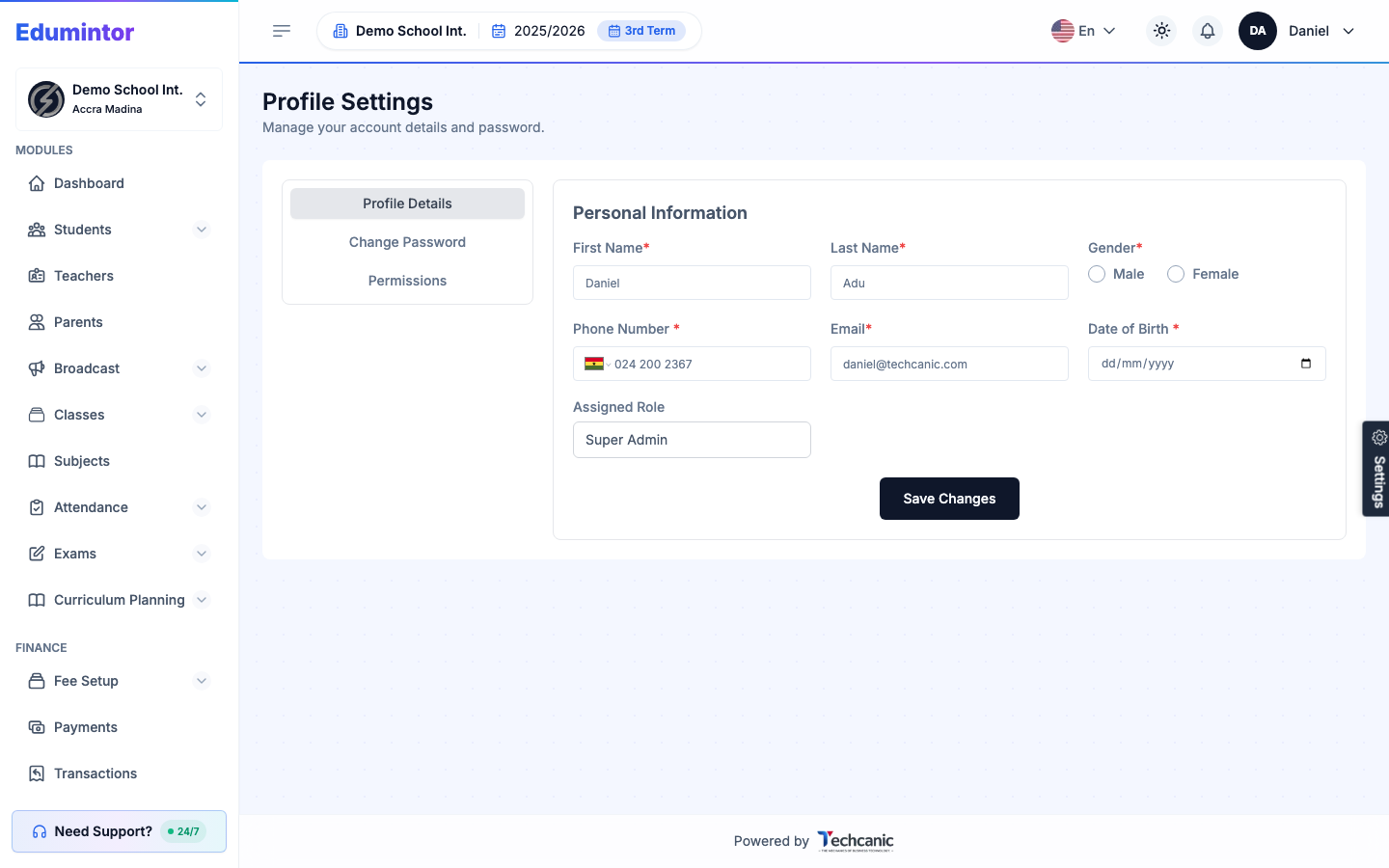
- Open your account menu (top right) and select Profile Settings.
- Use the Profile Details tab to update your name and contact details.
- Use the Change Password tab to set a new password.
- Use the Permissions tab to review what your own account can access.