Instead of jumping between modules, open one student's complete record in a single place.
-
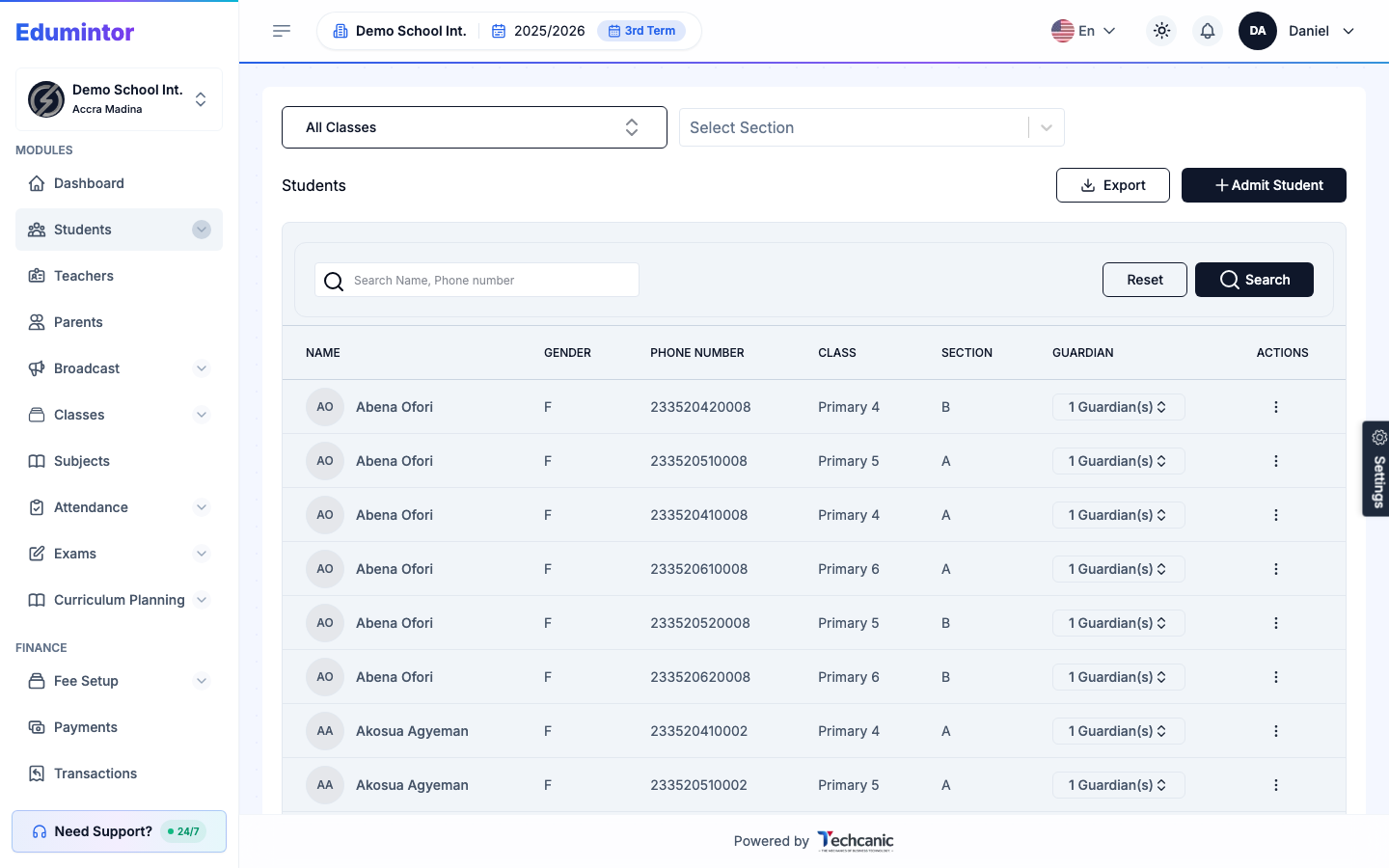
Go to Students → Students Information.
-
Find the student in the list — note their class, section, and linked guardian(s) shown here.
-
Click into the student to open their profile. Tabs include:
- Finance — invoices, payments, and balance.
- Attendance — full attendance history.
- Academics — grades and exam records.