If a teacher never received (or lost) their password-setup email:
-
Go to Teachers, find the teacher's row, open the ⋮ menu, and choose Edit.
-
Under Login access, select Resend login instructions via email.
-
Click Update Teacher.
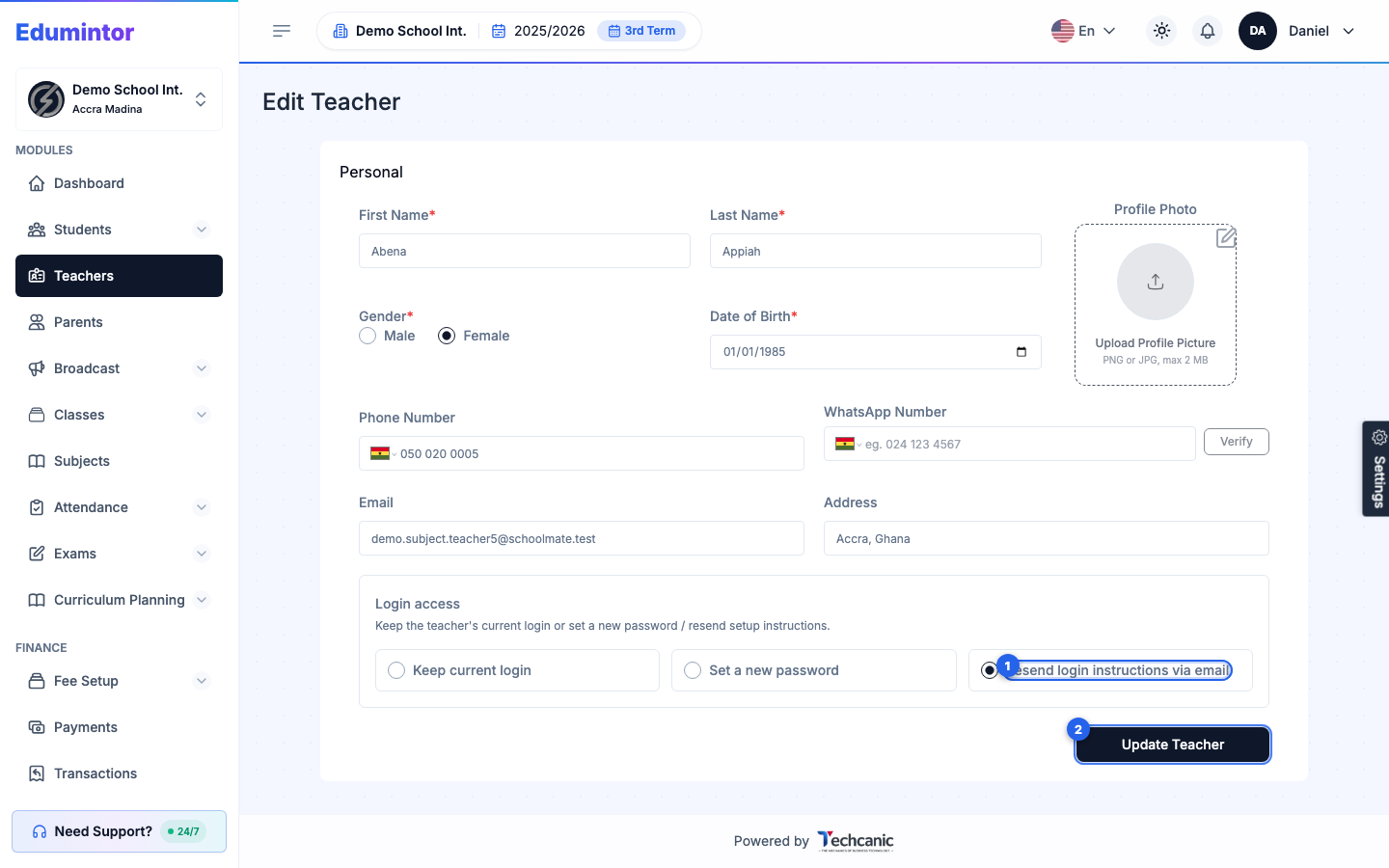
There's no need to change any other detail on the form — selecting this option and saving simply re-sends a fresh setup email.