-
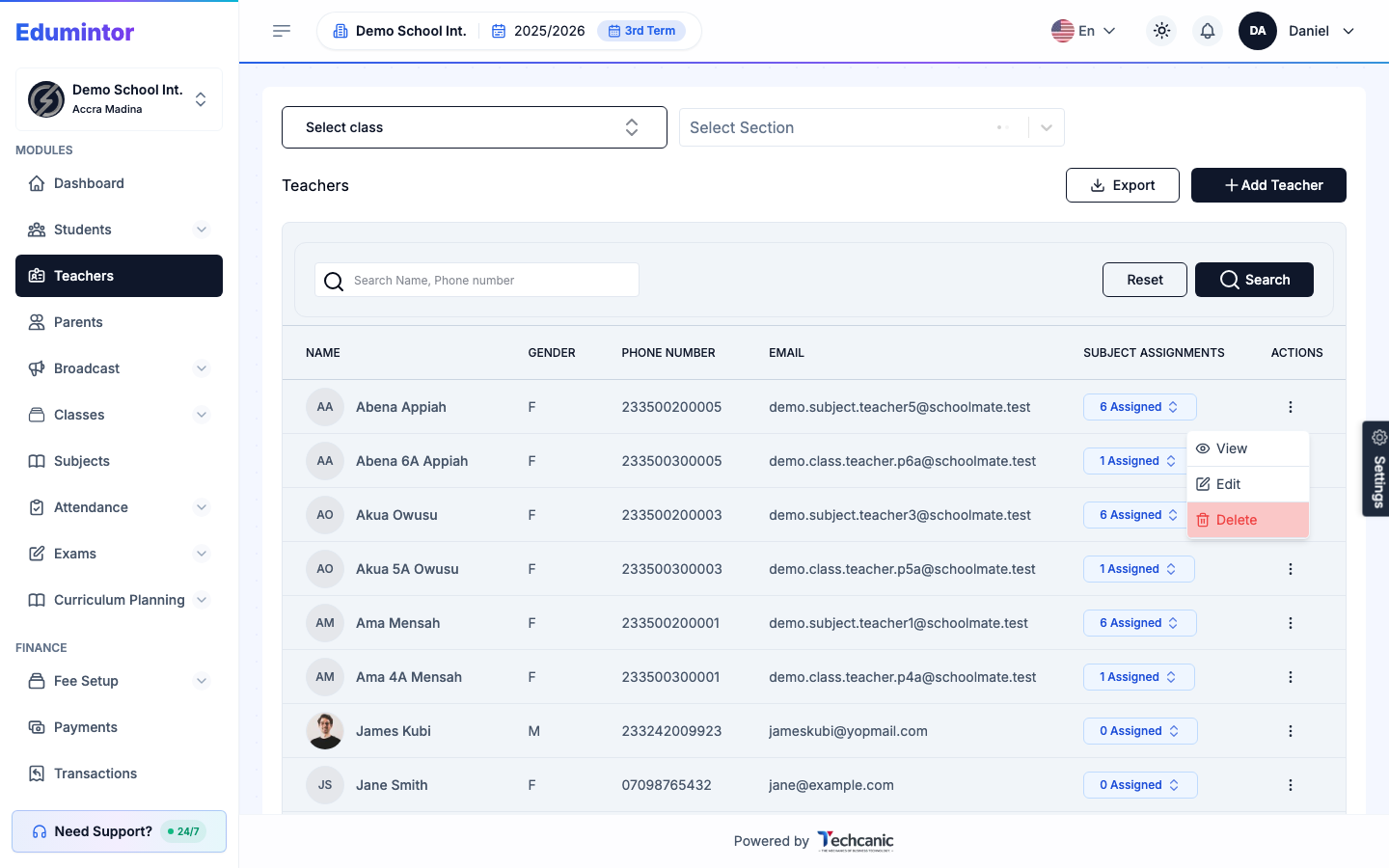
Go to Teachers.
-
Find the teacher in the list, then click the ⋮ menu at the end of their row.
-
Choose View.
-
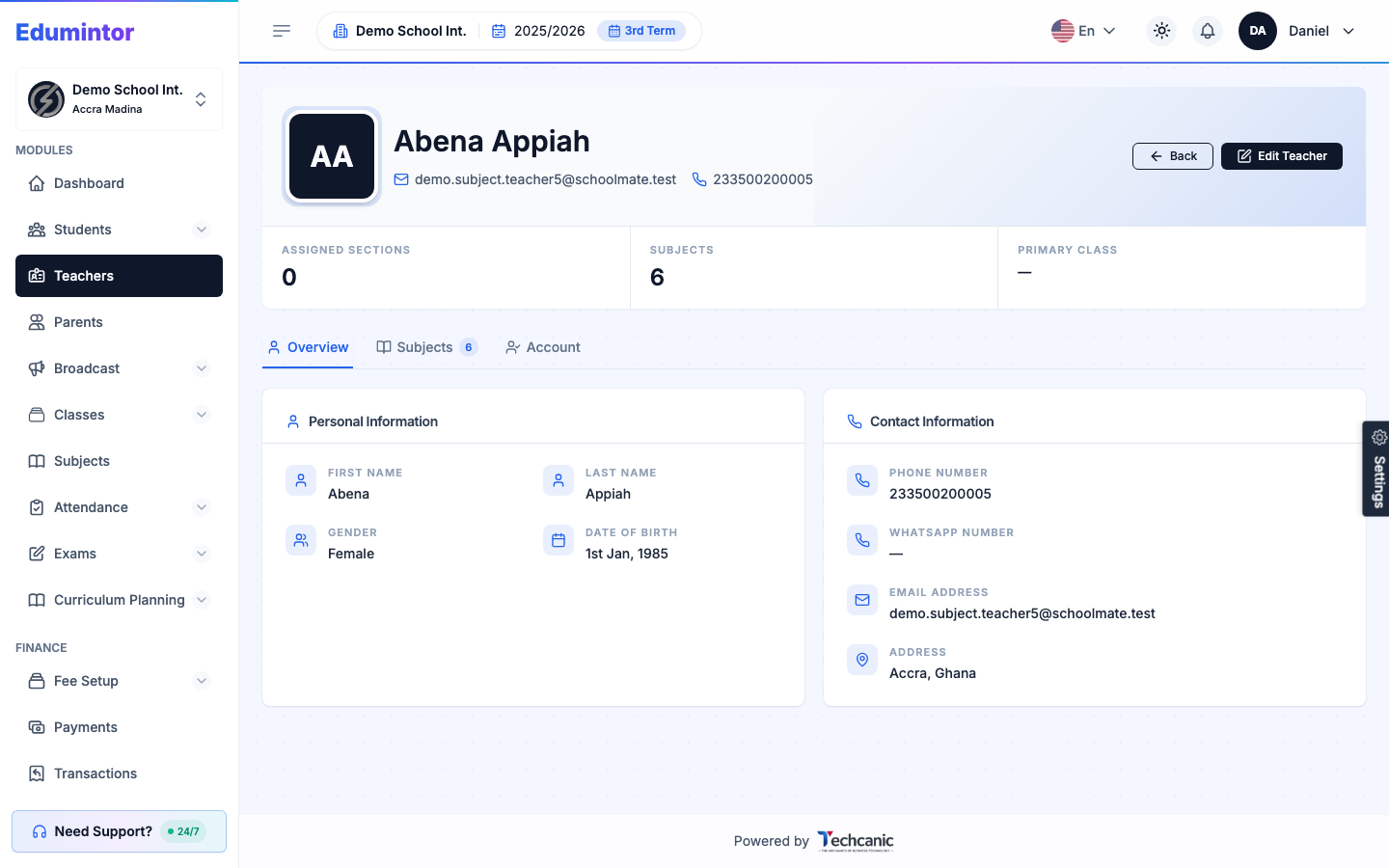
The profile page shows their assigned sections, subjects, and primary class at a glance, with three tabs:
- Overview — personal and contact information.
- Subjects — every subject they're assigned to teach.
- Account — their login email and when the account was added.
Viewing a Teacher's Profile
Last updated 2026-09-03
For: Admin