Voice recordings are the audio messages used for Voice SMS broadcasts and autotriggers.
-
Go to Broadcast → Broadcast Templates, then switch to the Voice Recordings tab.
-
Name the recording, then either click the microphone to record live, or click Upload audio to use an existing file.
-
Click Save Recording.
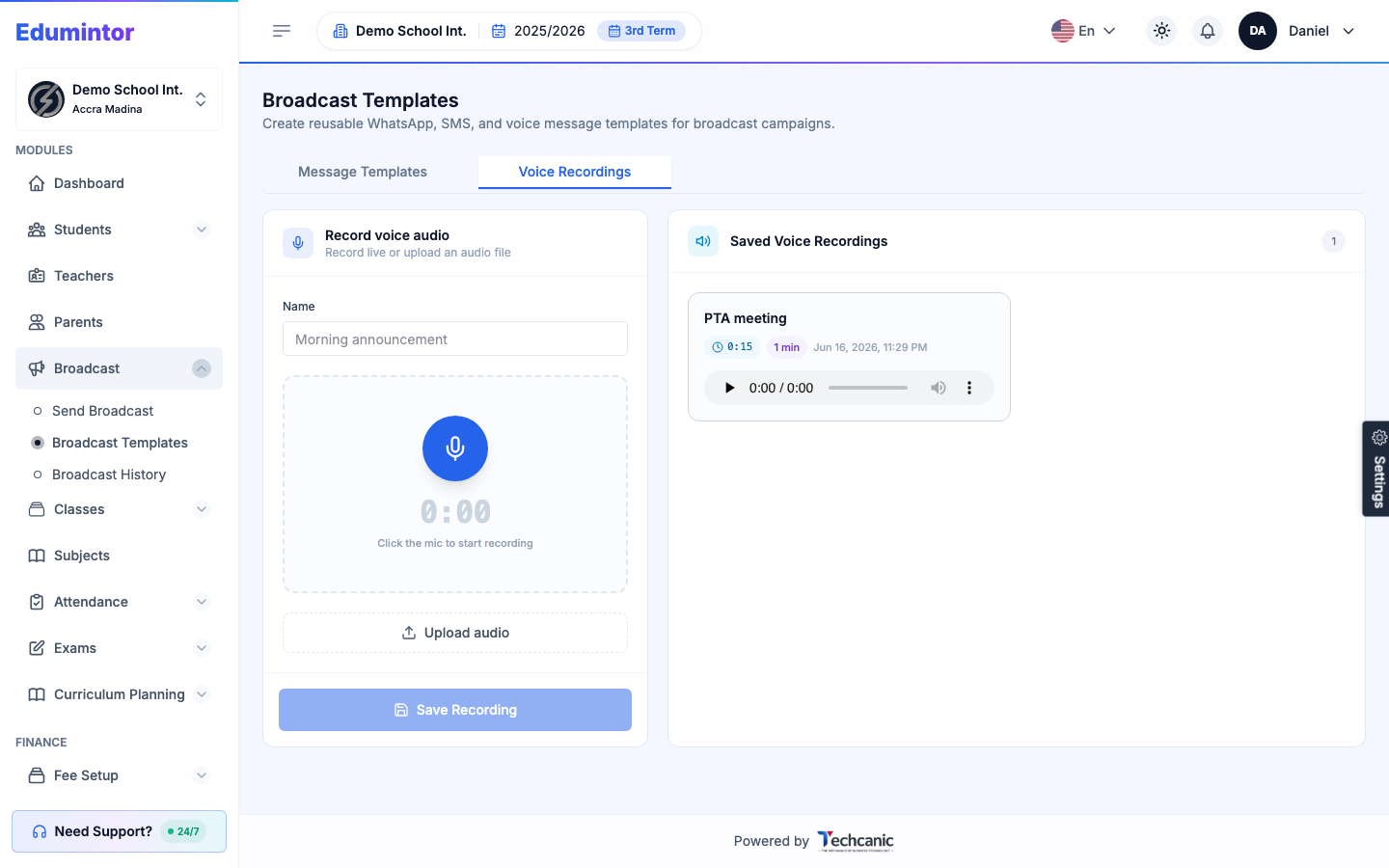
Saved recordings appear on the right and can be played back, managed, or selected when sending a Voice SMS broadcast.