-
Go to Subjects.
-
Click + Add Subject.
-
Enter the Subject Name and its Order (smaller numbers come first in subject lists and reports).
-
Optionally add a Description.
-
Click Create Subject.
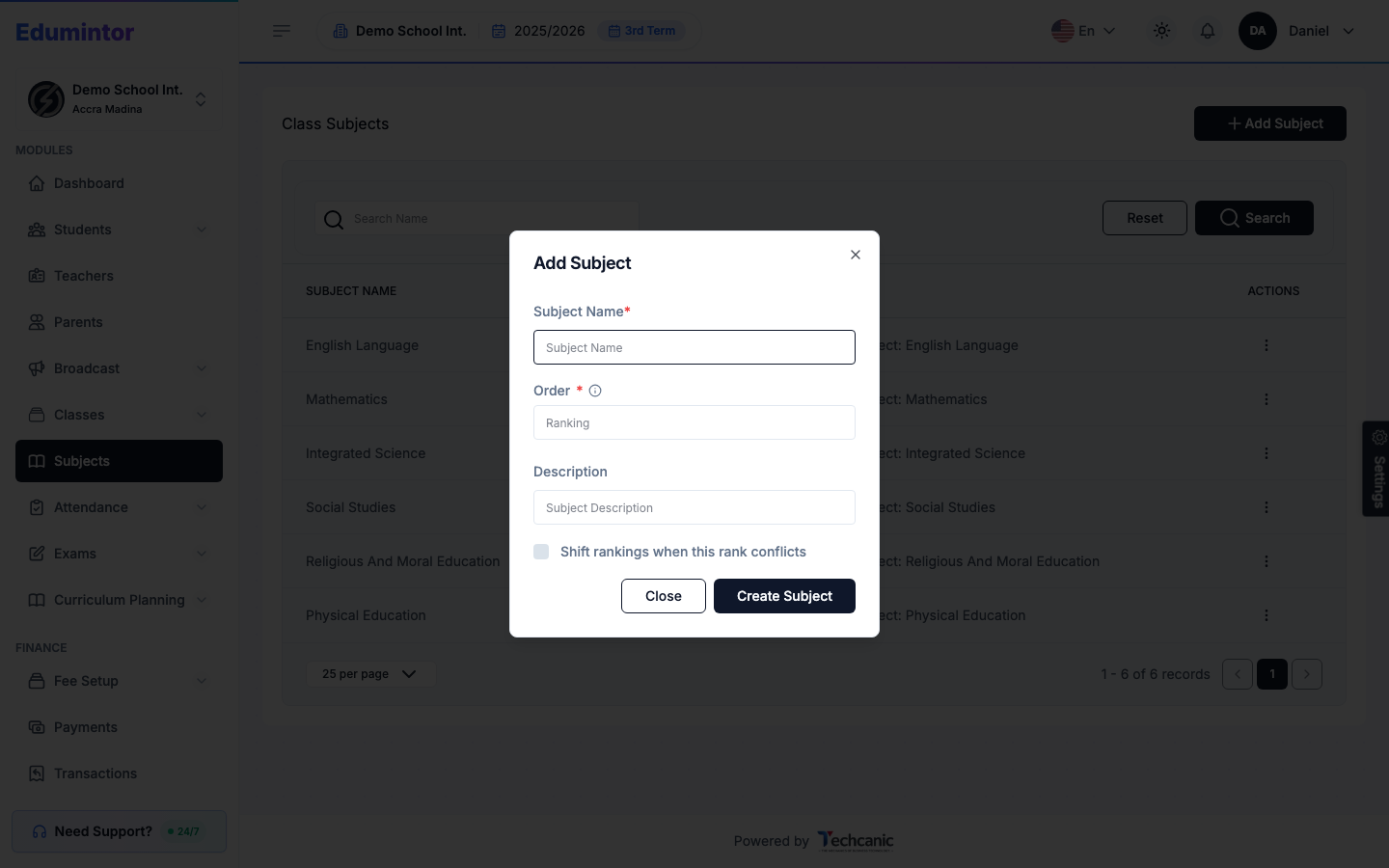
💡 Tip — If the order you enter conflicts with another subject's, check Shift rankings when this rank conflicts to have Edumintor reorder the others automatically instead of rejecting the save.
A new subject isn't taught by any class yet — assign it to a class from Adding a Class (or by editing an existing class) before it shows up in that class's sections, exams, or curriculum plans.