- Go to Exams → Manage Exams.
- Click Add Exams.
- Specify which class(es) sit the exam, and the exam's start and end dates.
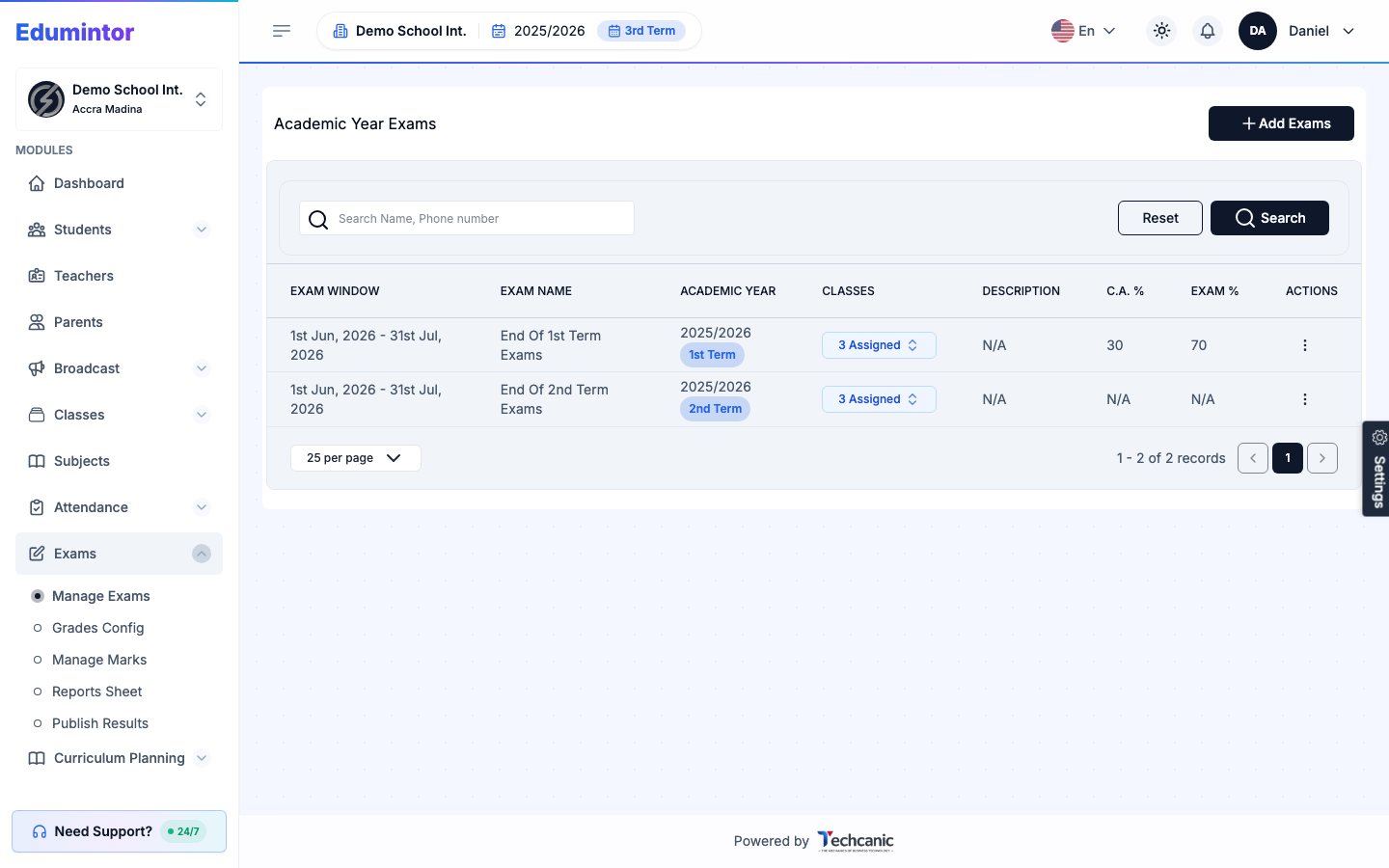
⚠️ Note — By default, the exam only appears in the Manage Marks dropdown while it's within its active date window, preventing marks from being entered against a closed exam by mistake. To edit or delete an exam later, or to disable this via Only show this exam in Manage Marks during its window, see Editing an Exam.