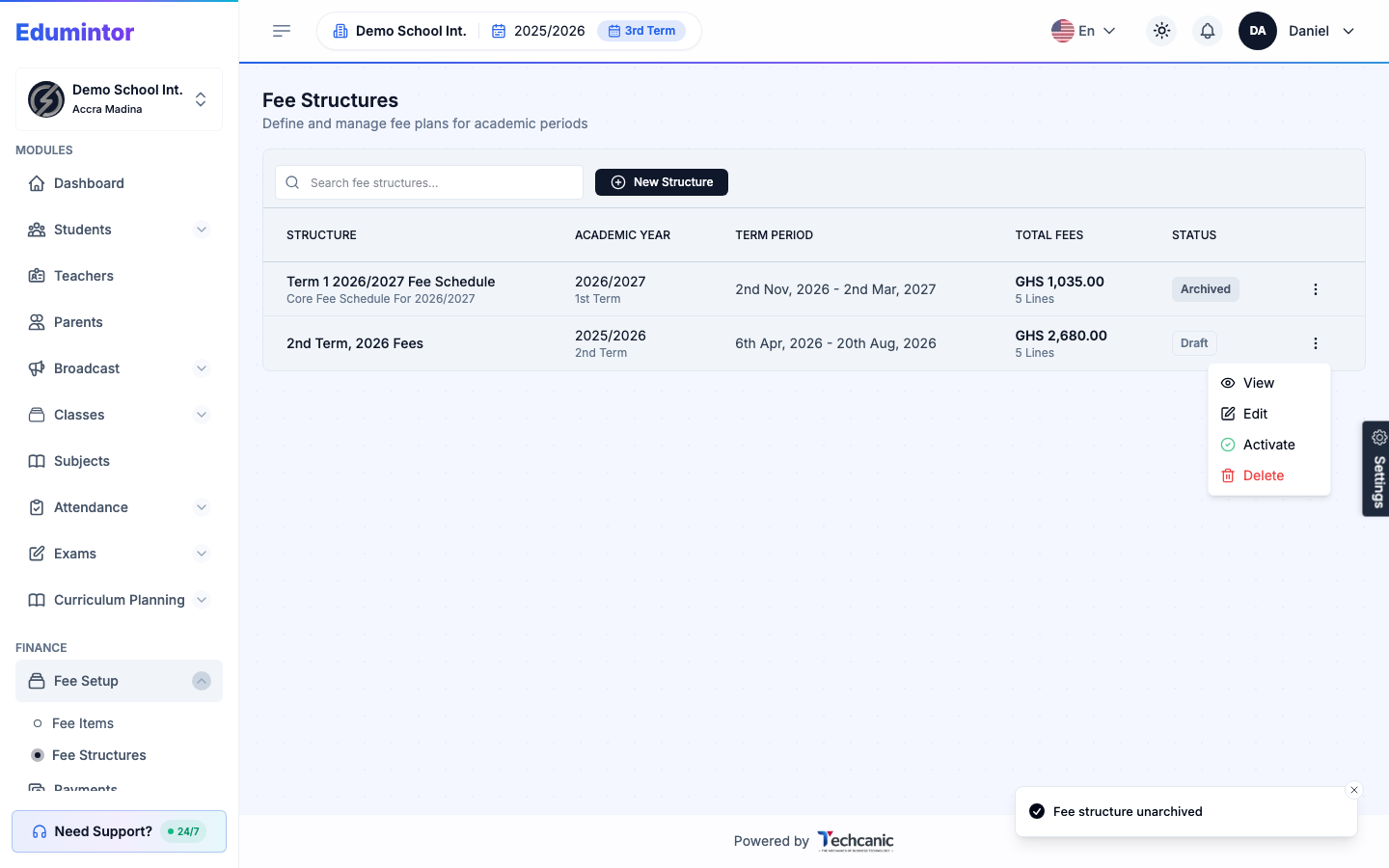
Archiving retires a fee structure you no longer want available for new invoices, without deleting its history.
-
Go to Finance → Fee Structures.
-
Find the Active structure, click its ⋮ menu, and choose Archive. This applies immediately, with no confirmation step.
-
To bring one back, find the Archived structure, click its ⋮ menu, and choose Unarchive.
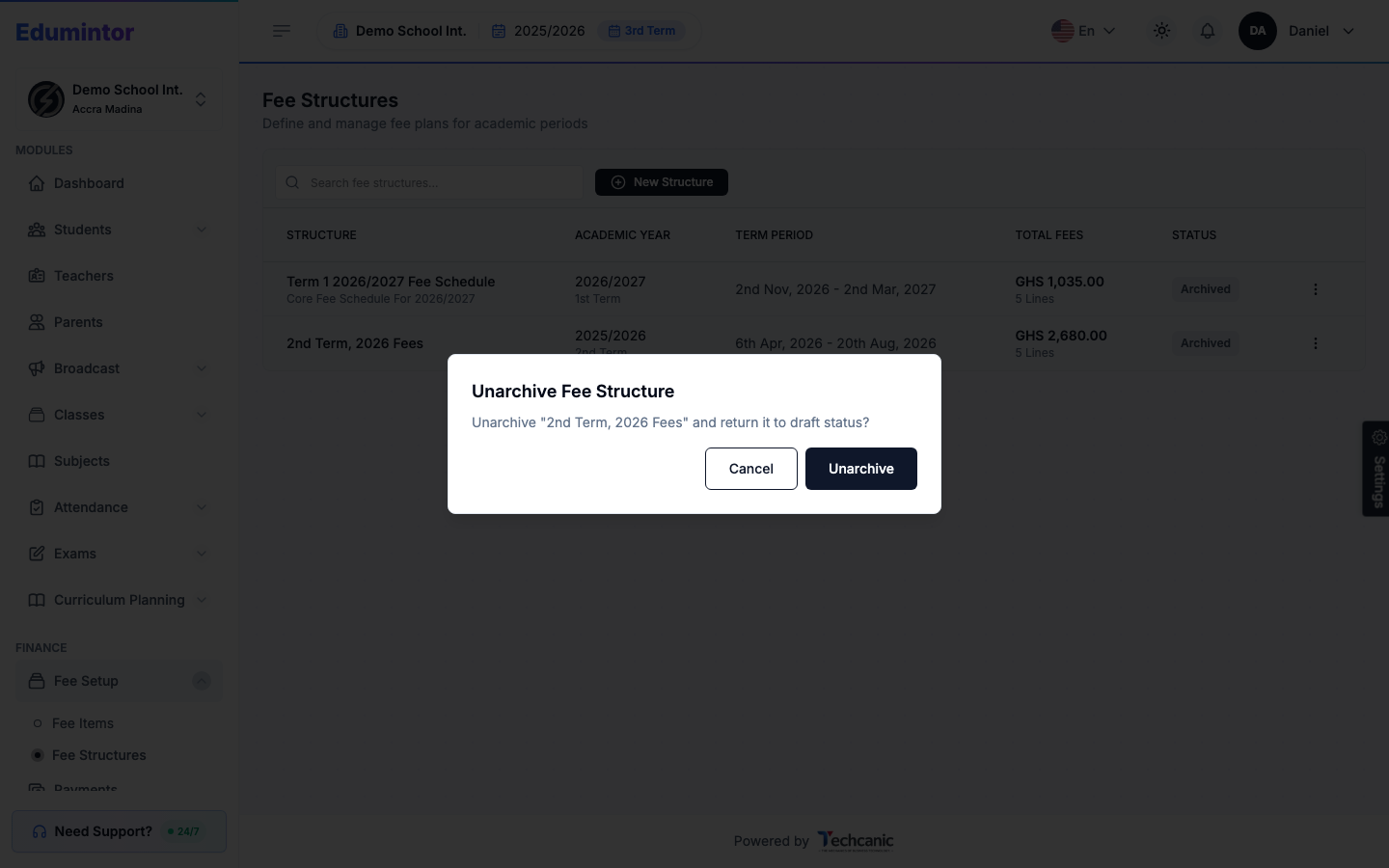
⚠️ Note — Unarchiving doesn't return a structure straight to Active — it goes back to Draft. Open its ⋮ menu again and choose Activate once you're ready to generate invoices from it.