- Go to Finance → Payments → Collect Payment.
- Search for the student.
- Enter the amount and payment method (cash, mobile money, bank transfer, card, cheque, Paystack, other).
- Choose how to apply it:
- Auto-allocate — the system applies the payment to the oldest invoice first (handy for clearing arrears in one transaction), or
- Manually allocate — you choose which specific invoices the amount goes toward.
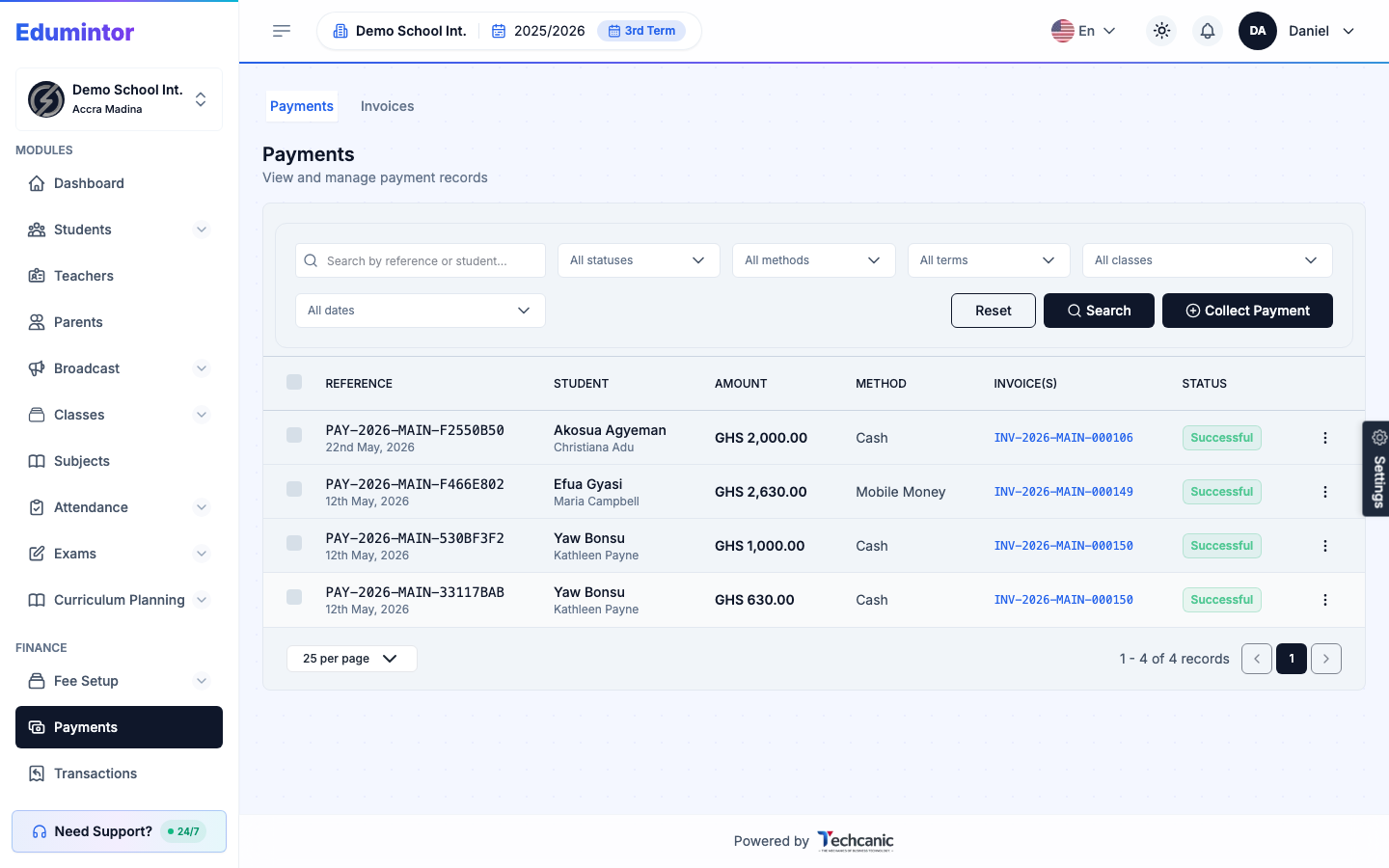
A receipt is generated automatically as soon as the payment is recorded.
💡 Tip — Any amount less than the full invoice balance is accepted as a partial payment — see Understanding Invoice Statuses for what that does to the invoice's status.