-
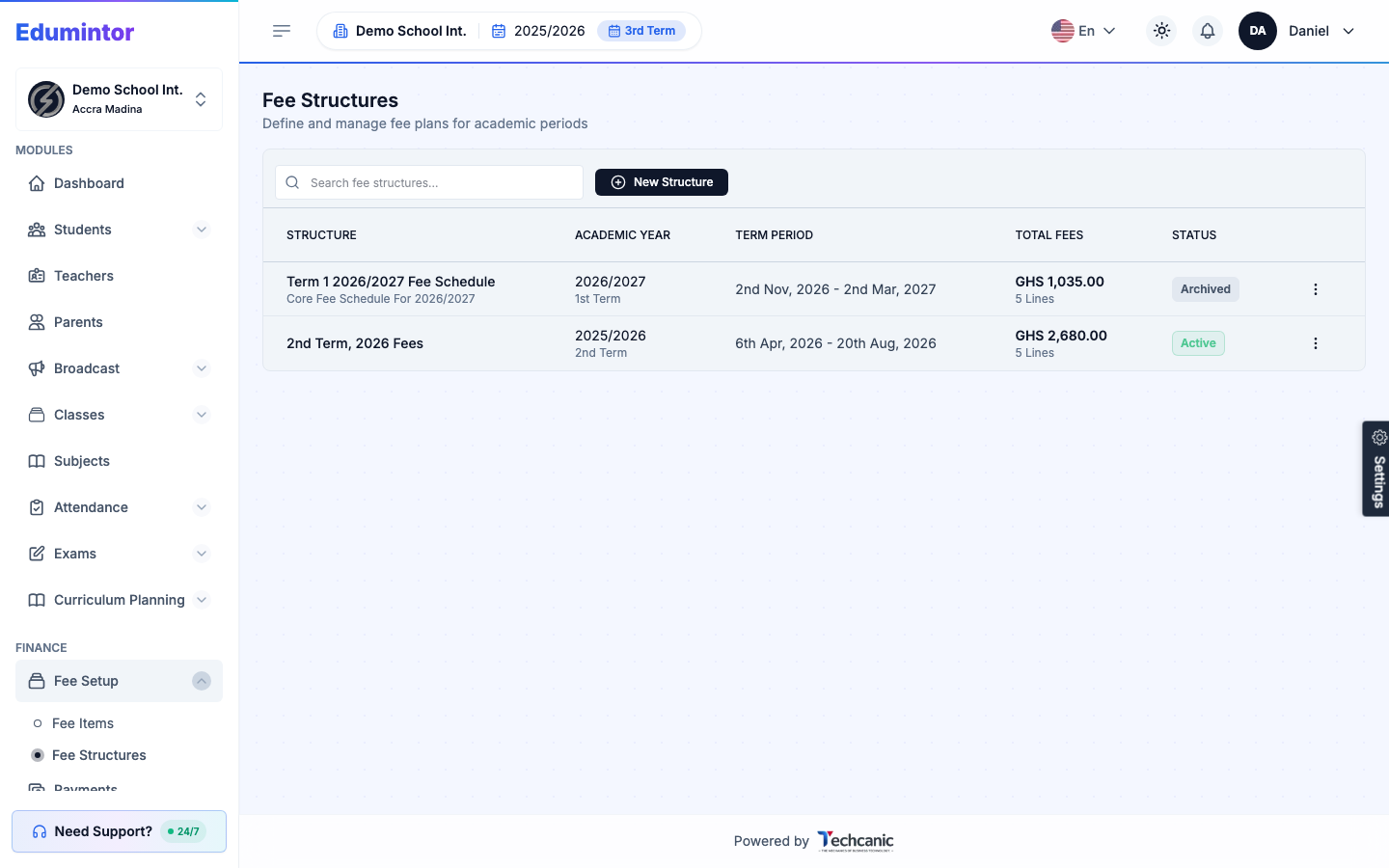
Go to Finance → Fee Structures → New Structure.
-
Pick the academic year and term.
-
Choose the target classes, and add lines: fee item + amount + optional class/section/boarding/individual-student targeting.
-
Save as Draft while you're still editing — only Active structures can generate invoices, and only Draft structures can still be edited.
-
Once you're happy with it, Activate the structure.
-
Click Generate Invoices, and set an issue date and due date.
Every enrolled student matching the structure's lines gets one invoice automatically — running this twice won't double-bill a student who already has an invoice from that structure.