- A single student's statement (all invoices, payments, balance): open the student's profile → Finance tab, or Finance → Invoices → Student Statement.
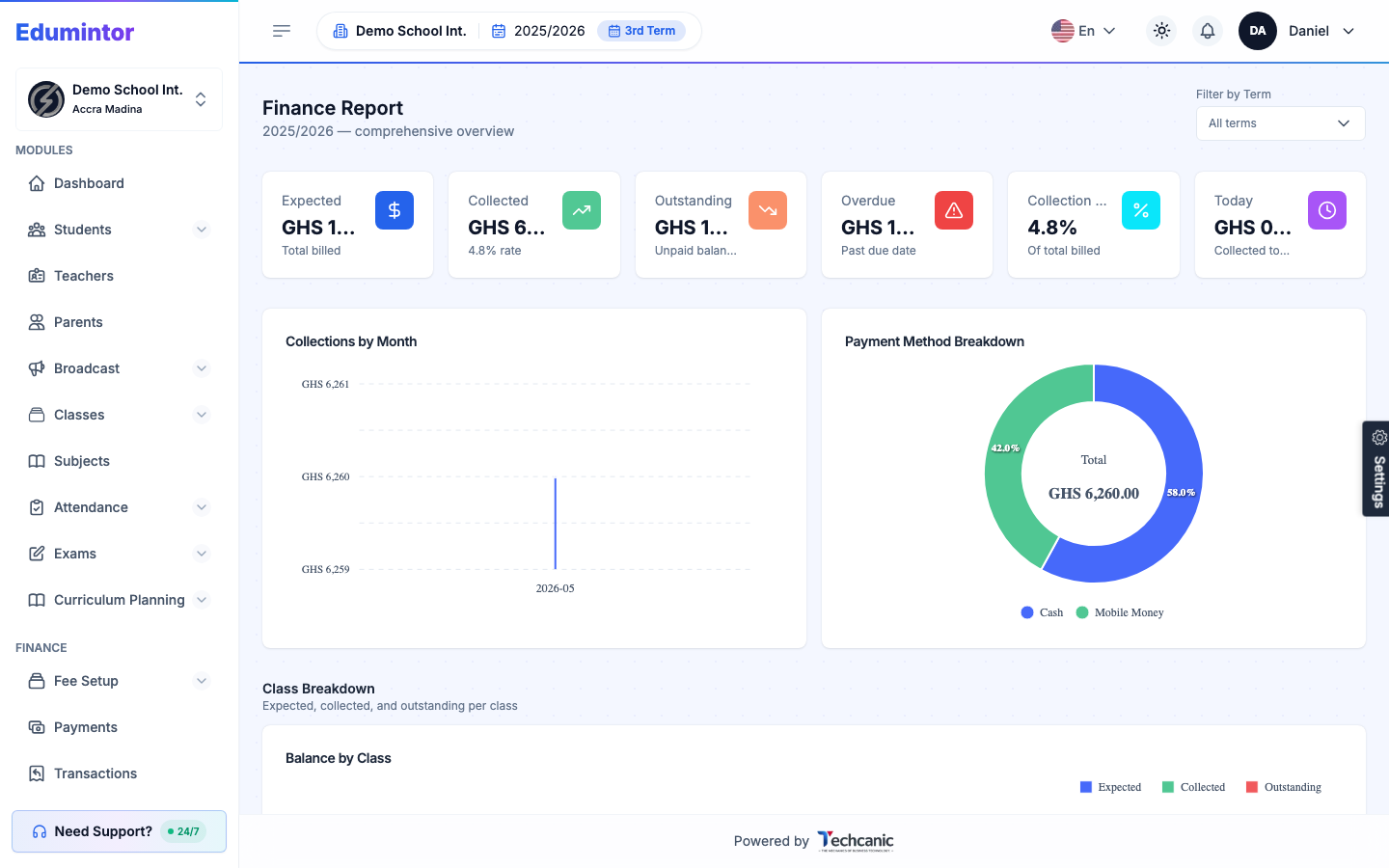
- School-wide numbers: Reports → Finance Report, or the Finance dashboard — collections vs. outstanding, overdue amounts, collections by payment method, and arrears by class.