Four steps, start to finish:
- Set up fees — define Fee Categories (e.g. Academic Fees, Boarding Fees) and Fee Items (a named charge like "Tuition," with a frequency and whether it's mandatory) under Finance → Fee Setup. The amount and who it applies to are set later, per fee structure.
- Build a Fee Structure — under Finance → Fee Structures, combine fee items into a plan for a specific academic year/term, giving each line an amount and optional class/section/boarding/individual-student targeting.
- Activate and generate invoices — activate the structure, then run Generate Invoices with an issue date and due date; one invoice is created per eligible enrolled student. Running it again later won't double-bill a student who already has one.
- Collect payments — record payments against a student's invoice(s); receipts are generated automatically.
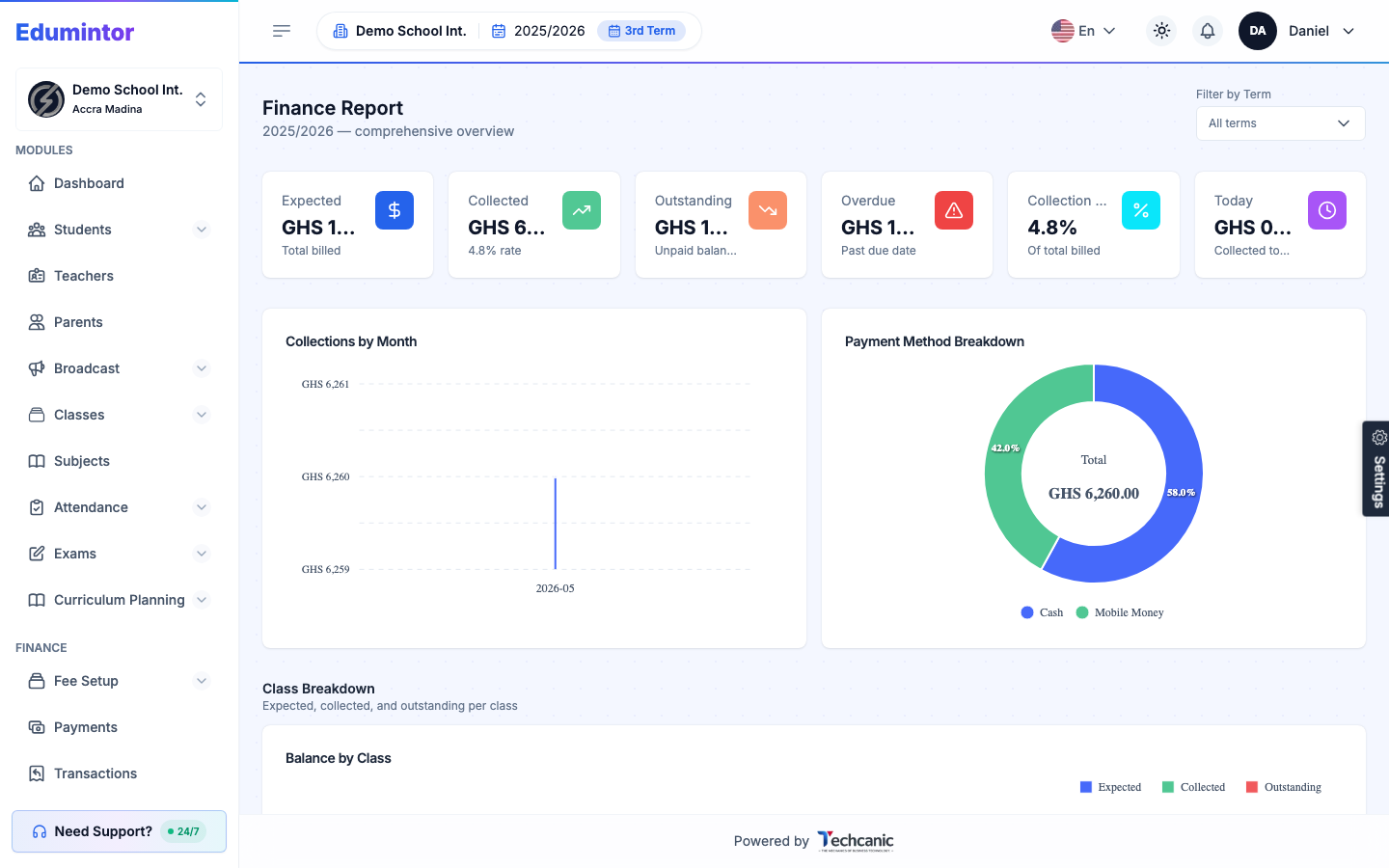
The rest of this Part walks through each step in detail.