-
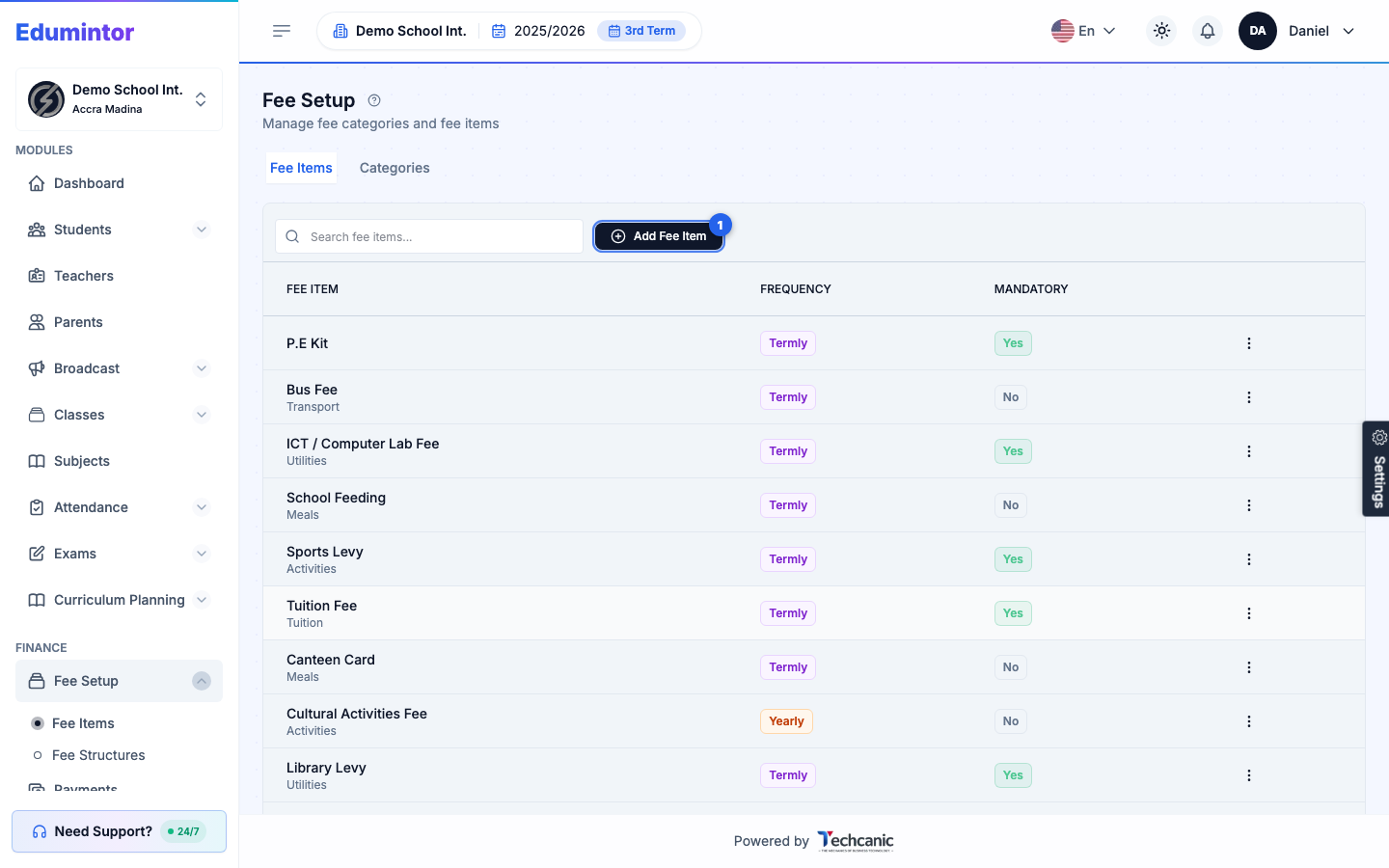
Go to Finance → Fee Setup. The Fee Items tab is shown by default; switch to the Categories tab for fee categories.
-
Click Add Fee Item (or Add Category) to create a new one.
-
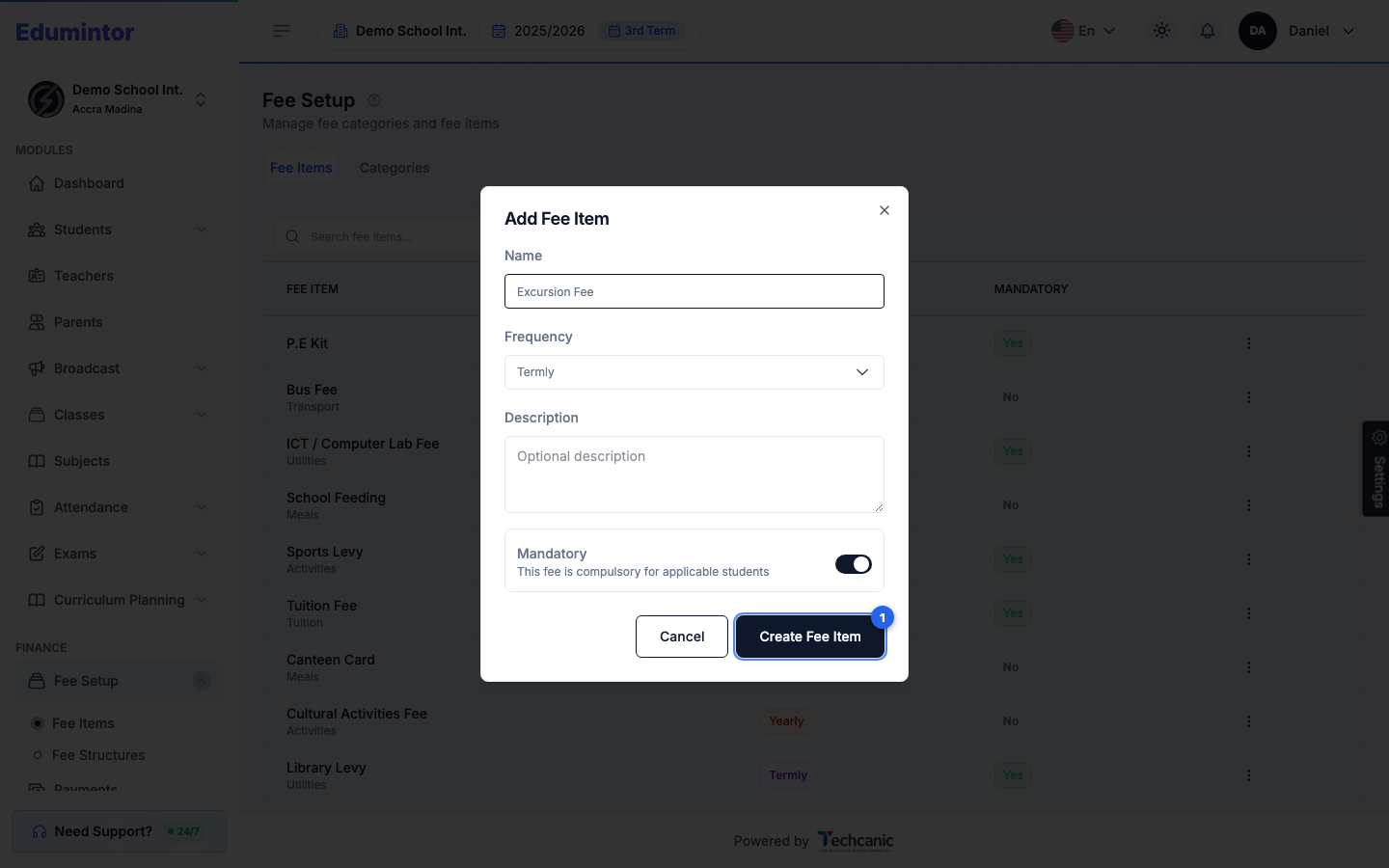
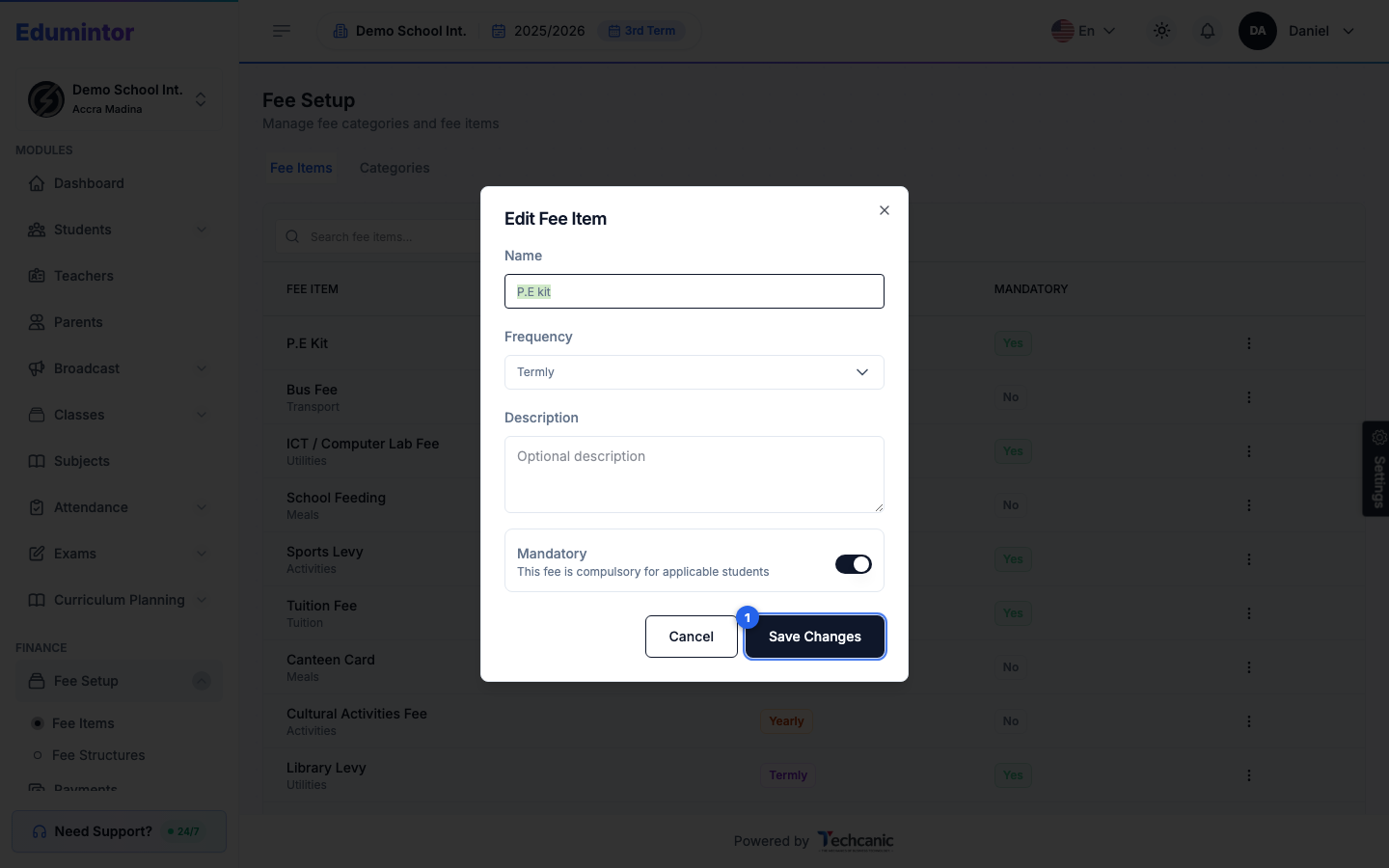
Fill in the Name and Frequency (One-Time, Termly, Yearly, or Monthly), an optional Description, and whether it's Mandatory, then click Create Fee Item.
-
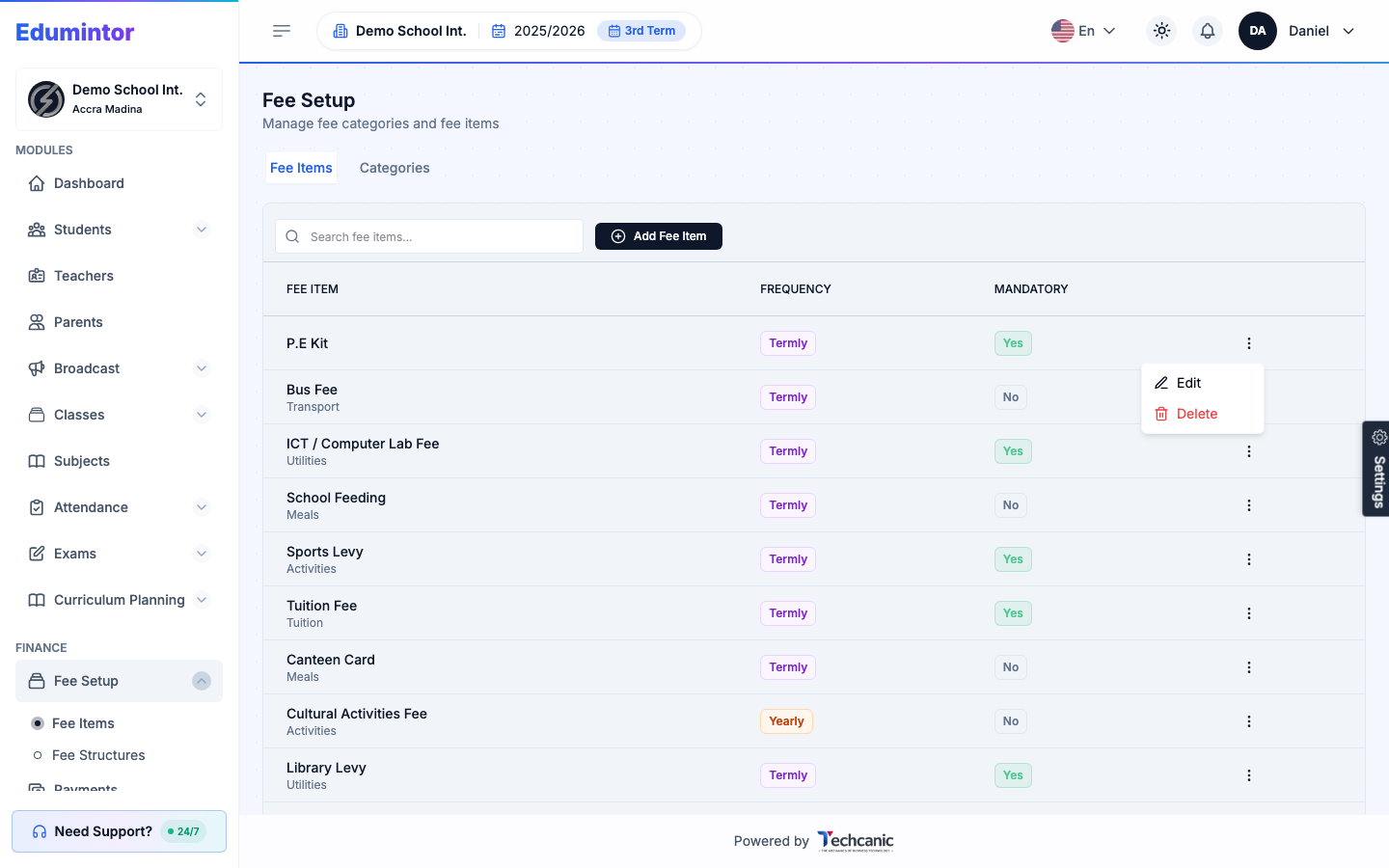
To change an existing one, click the ⋮ menu at the end of its row and choose Edit.
-
Update the name, frequency, description, or Mandatory toggle, then click Save Changes.
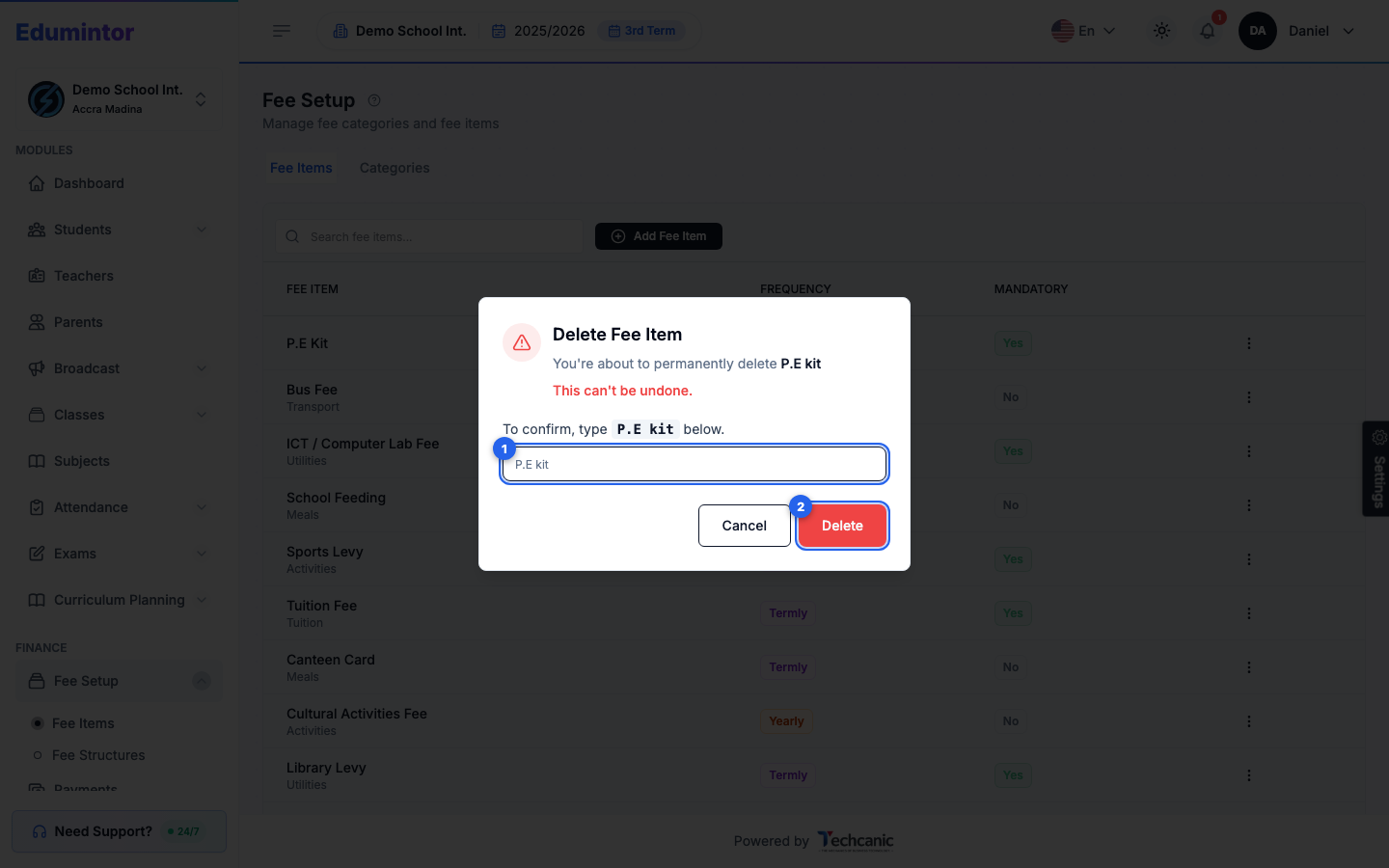
To delete a category or item, choose Delete from the same menu. In the confirmation, type the category or item name exactly as shown (for example P.E kit) — the Delete button turns on once it matches — then click Delete. This can't be undone.