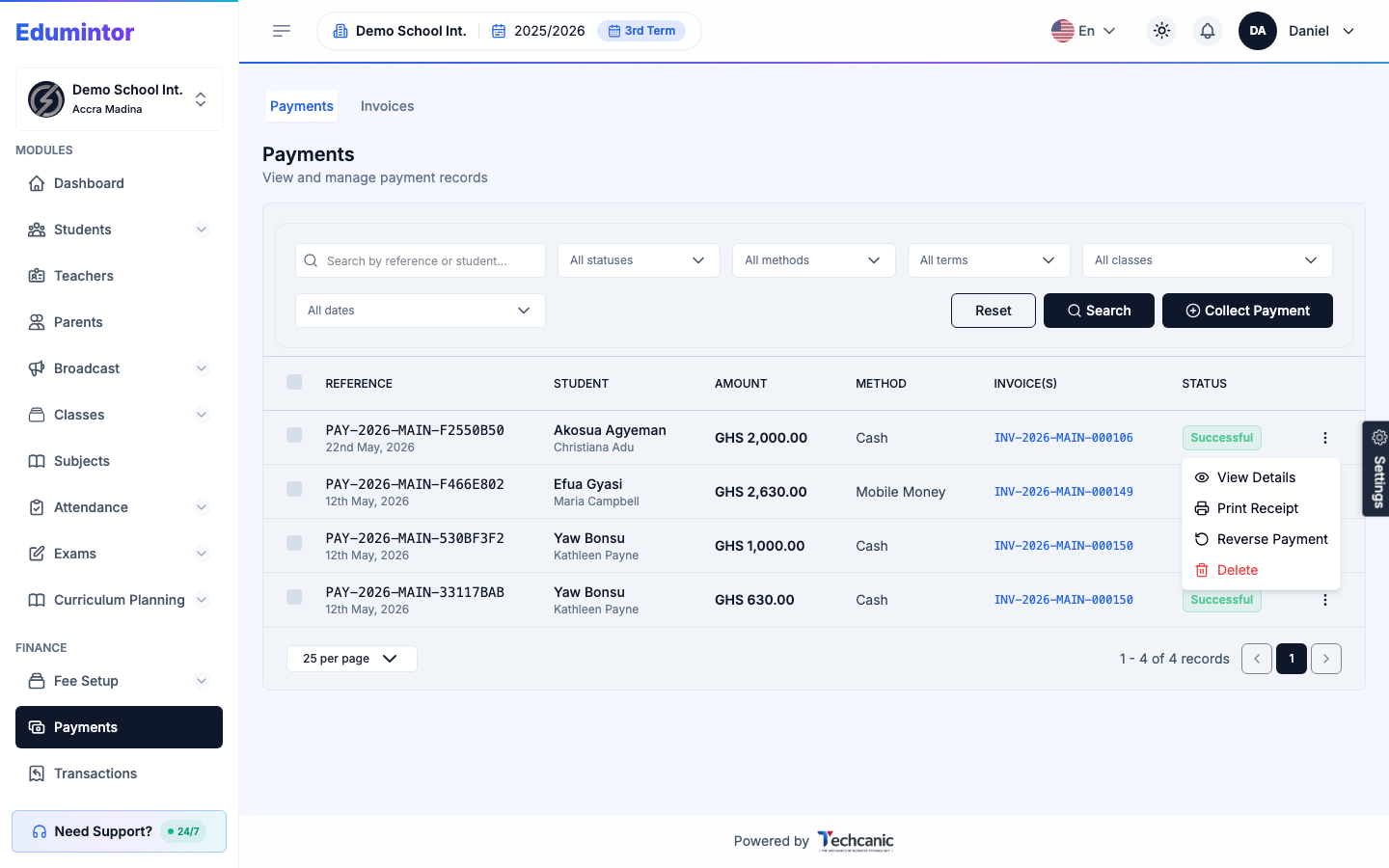
Successful payments can't be edited directly — only reversed or refunded, to keep the money trail intact.
- Go to Finance → Payments.
- Find the payment and open its row actions menu.
- Choose Reverse Payment (undoes the allocation and restores the invoice balance) or a refund action (same effect, but logged as a refund in the finance ledger for audit purposes).