-
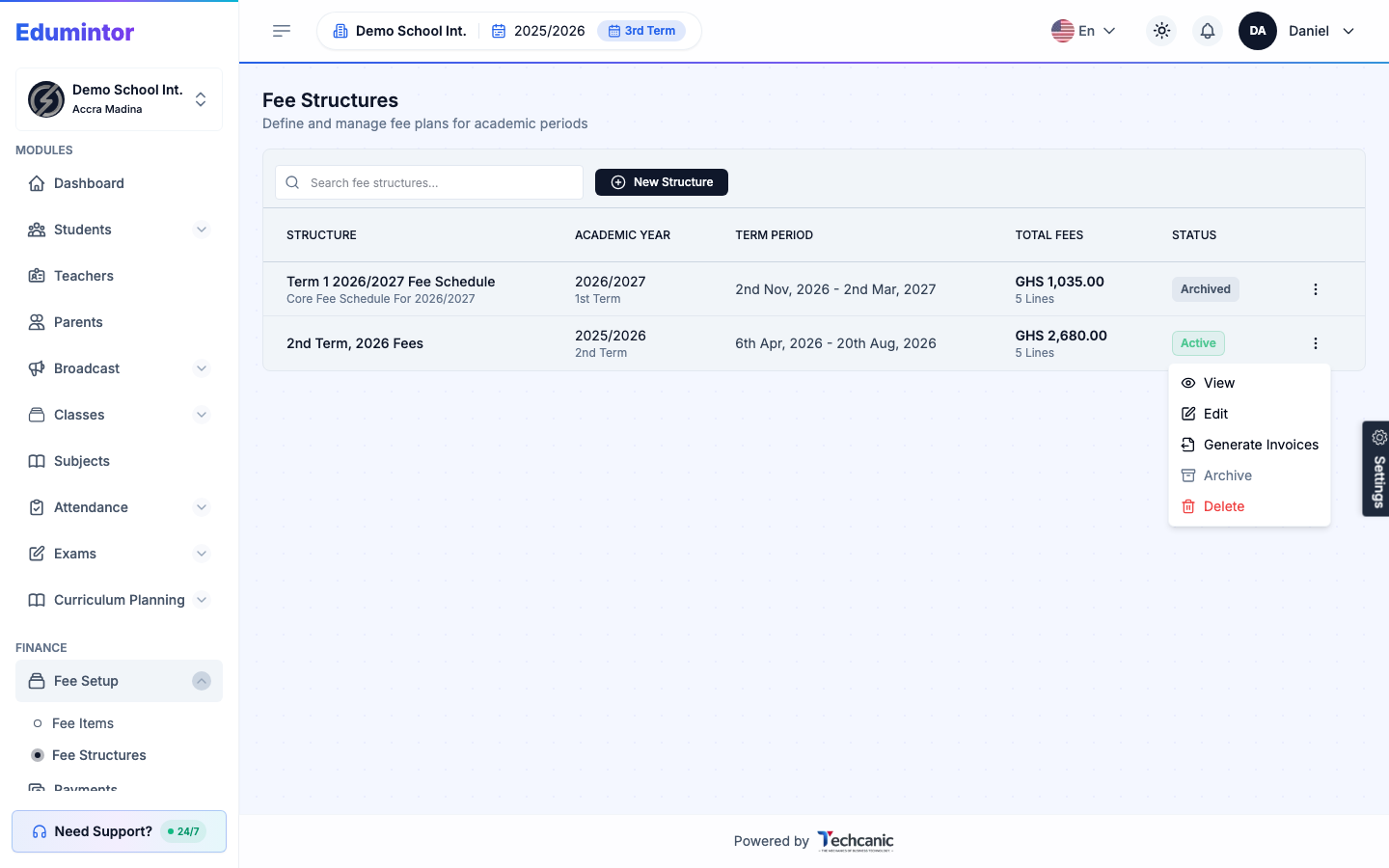
Go to Finance → Fee Structures.
-
Find the structure in the list, then click the ⋮ menu at the end of its row.
-
Choose View.
-
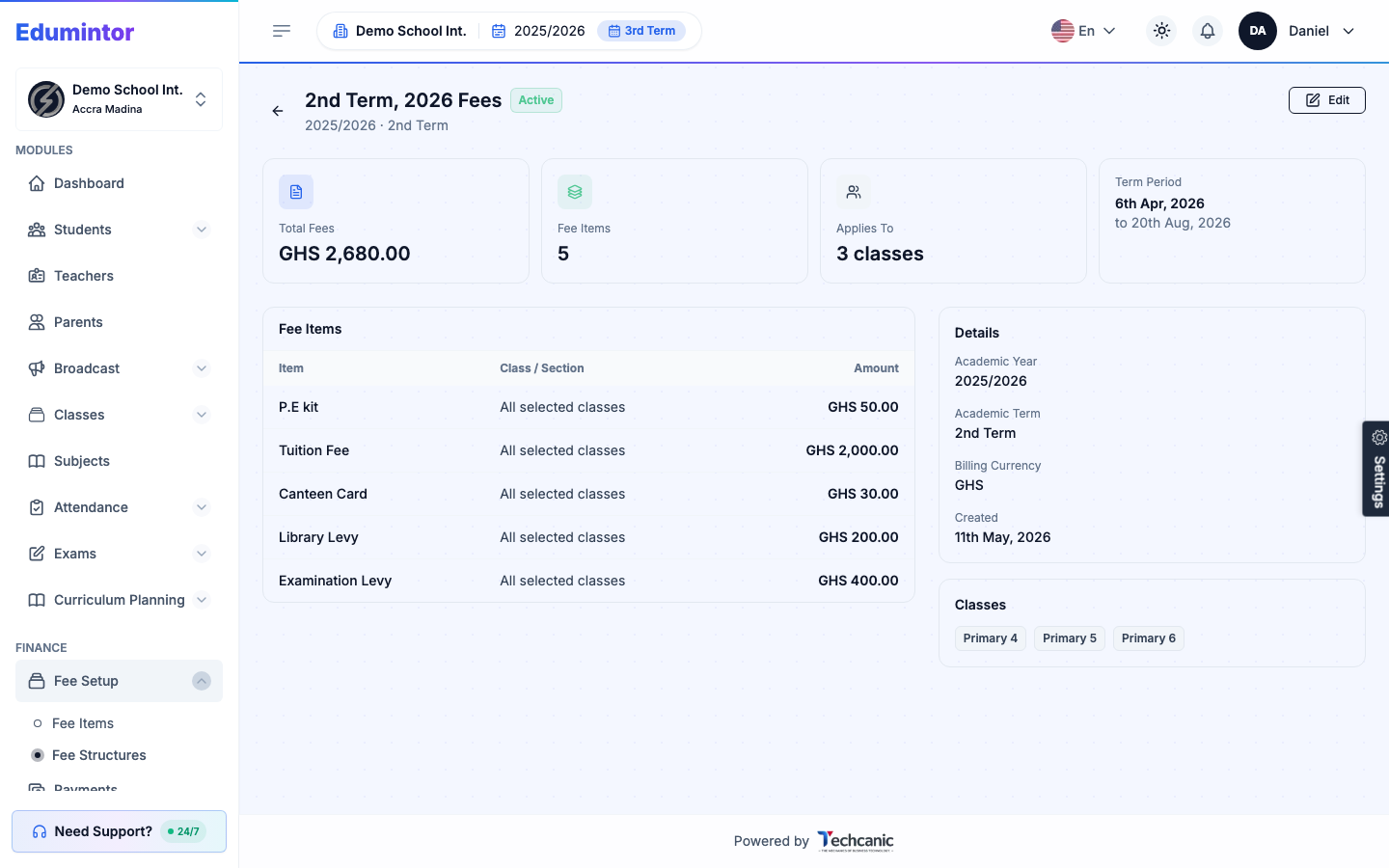
The structure's page shows its total fees, fee items with amounts, the classes it applies to, and its academic year/term.
Viewing a Fee Structure
Last updated 2026-09-03
For: Admin