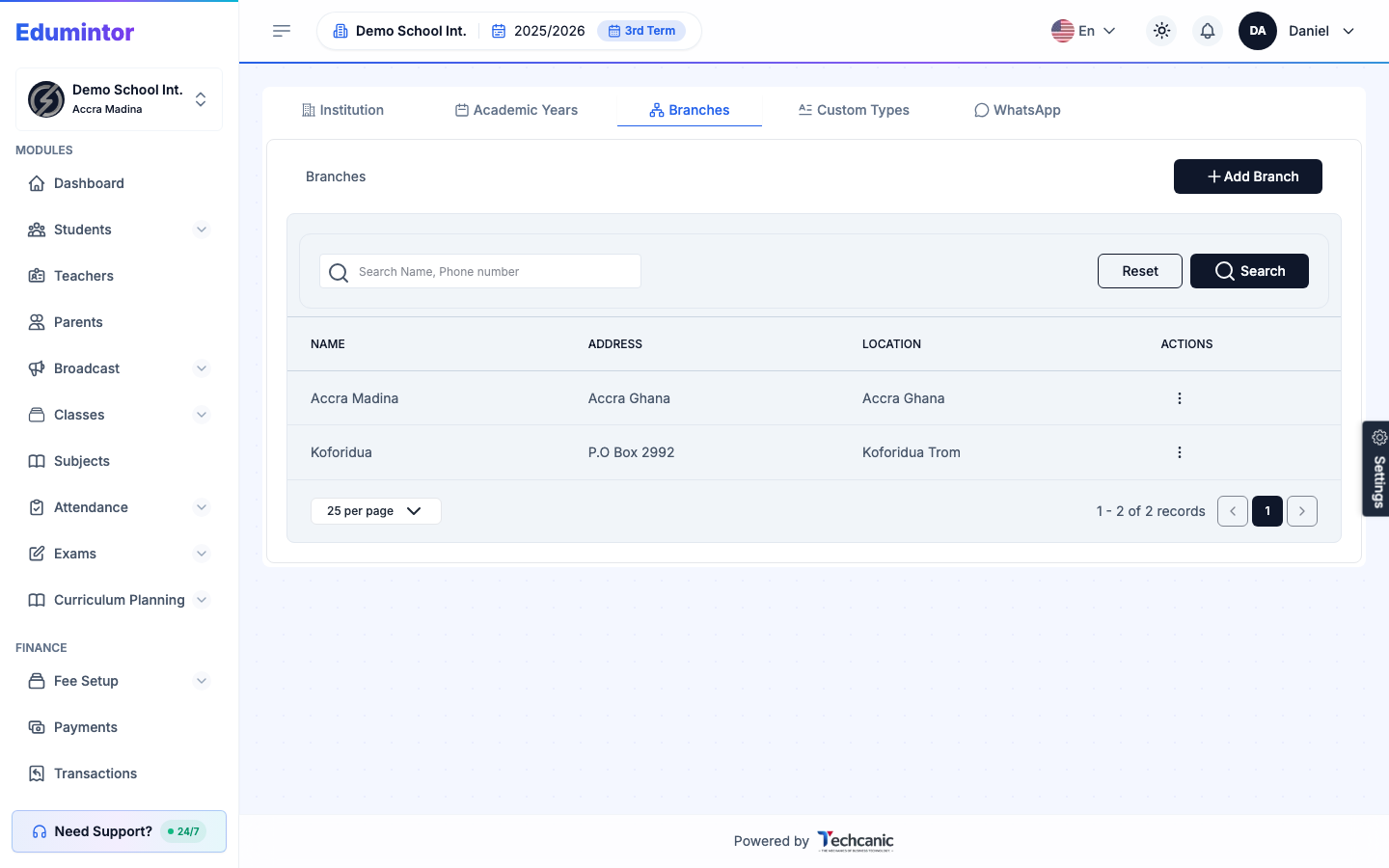
Edumintor supports multiple branches under one organization — for example, a Junior campus and a Senior campus. Students, classes, teachers, fee structures, and attendance are all managed per branch.
Go to App Settings → Branches to review existing branches, or see Adding a Branch to create a new one. To switch which branch you're viewing, use the branch switcher in the account menu (Super Admins only — Branch Admins are locked to their assigned branch).