-
Go to User Management → User Accounts.
-
Click + Add Admin User.
-
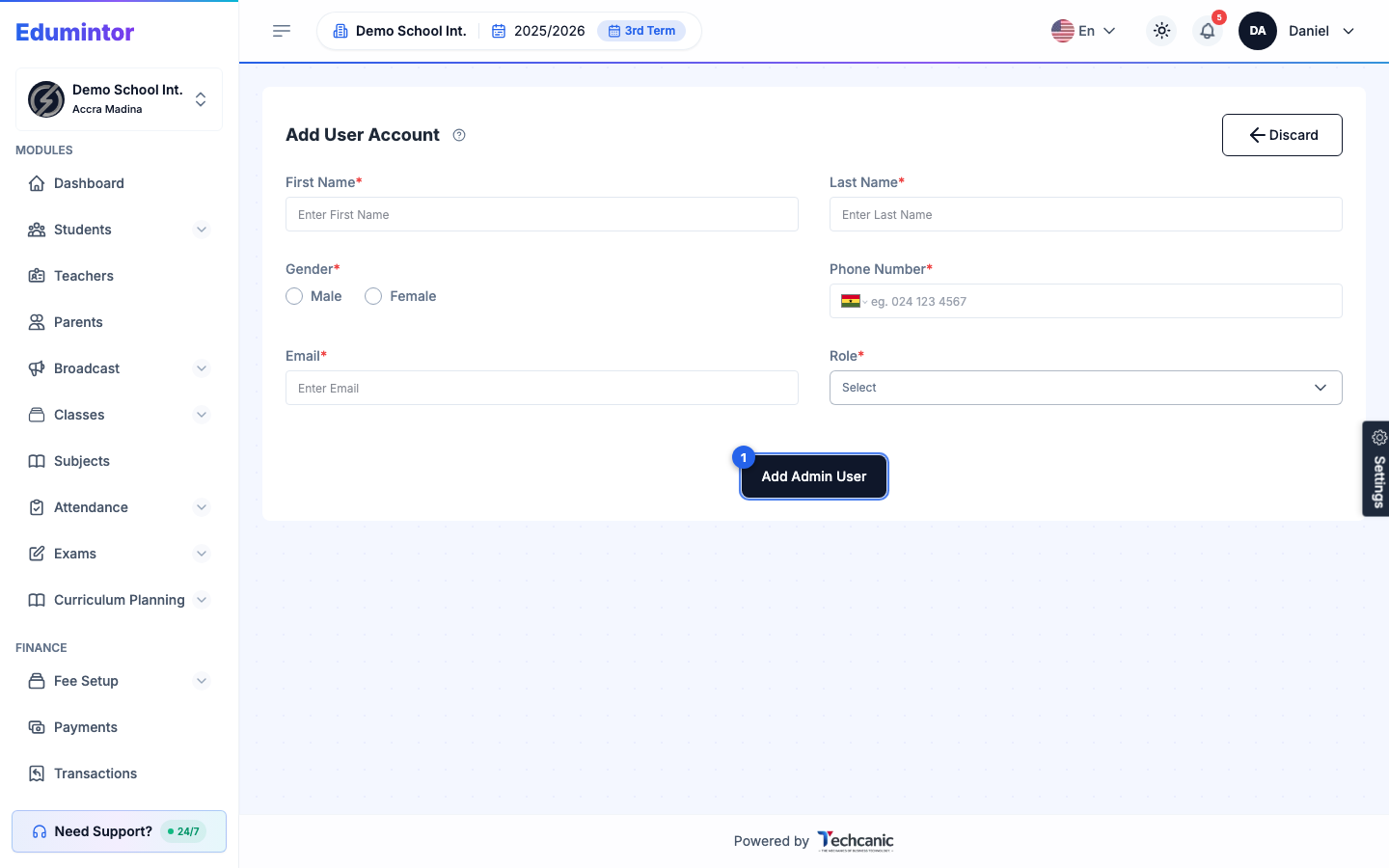
Fill in the user's First Name, Last Name, Gender, Phone Number, and Email.
-
Choose a Role. The dropdown lists every built-in and custom role available to admin accounts — if the role you need doesn't exist yet, see Creating a Custom Role.
-
Click Add Admin User.
A verification email is sent to the new user automatically so they can set their password and sign in.