-
Go to App Settings → Custom Types.
-
Select Currency or Sender Id from the left-hand list.
-
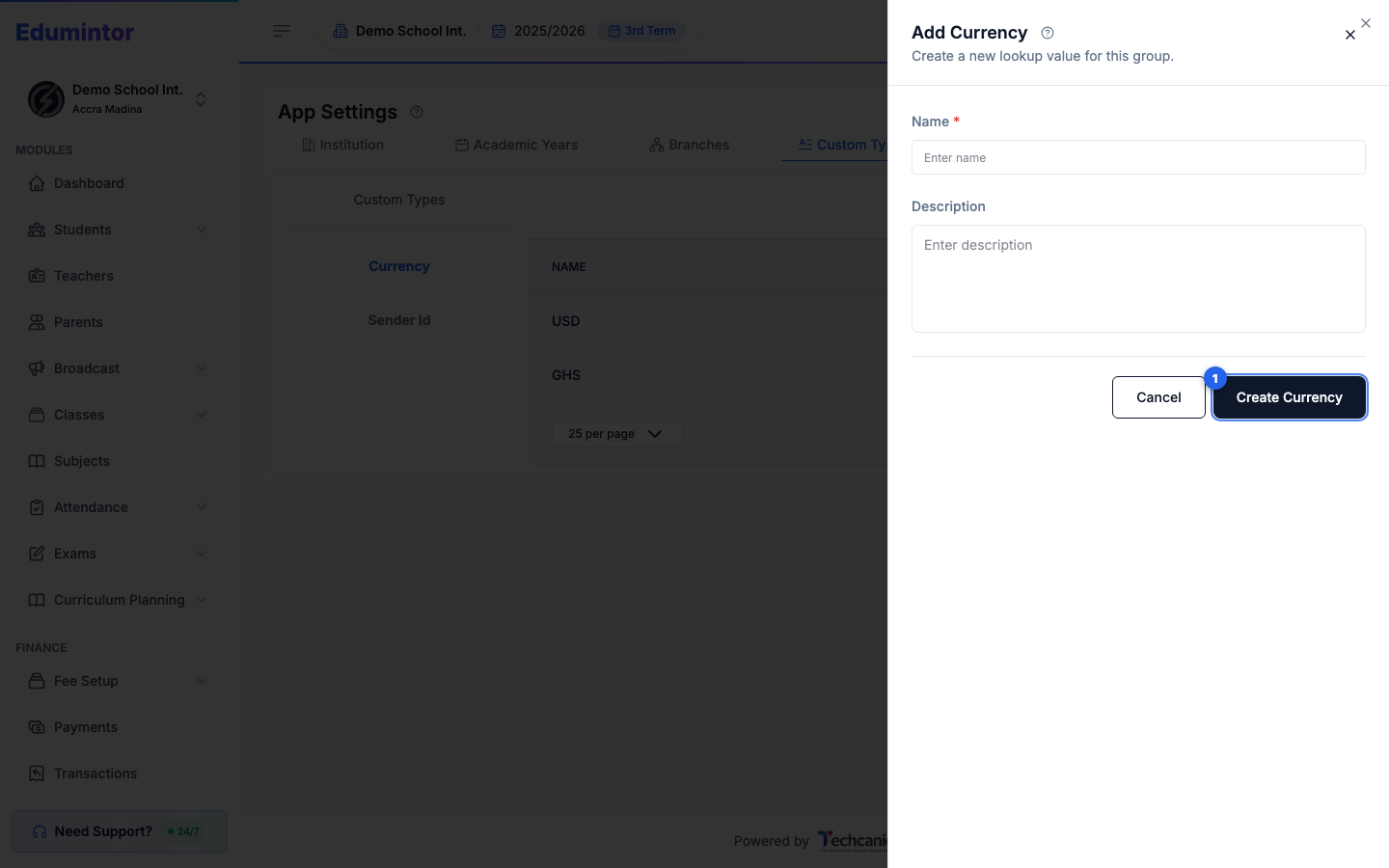
Click + Add Currency (or the equivalent for Sender Id).
-
Fill in the Name and, optionally, a Description.
-
Click Create.
💡 Tip — A new Sender Id starts with an Approval status of Pending until it's approved — see Managing Custom Types for editing, archiving, and deleting existing entries.