-
Go to App Settings → Academic Years.
-
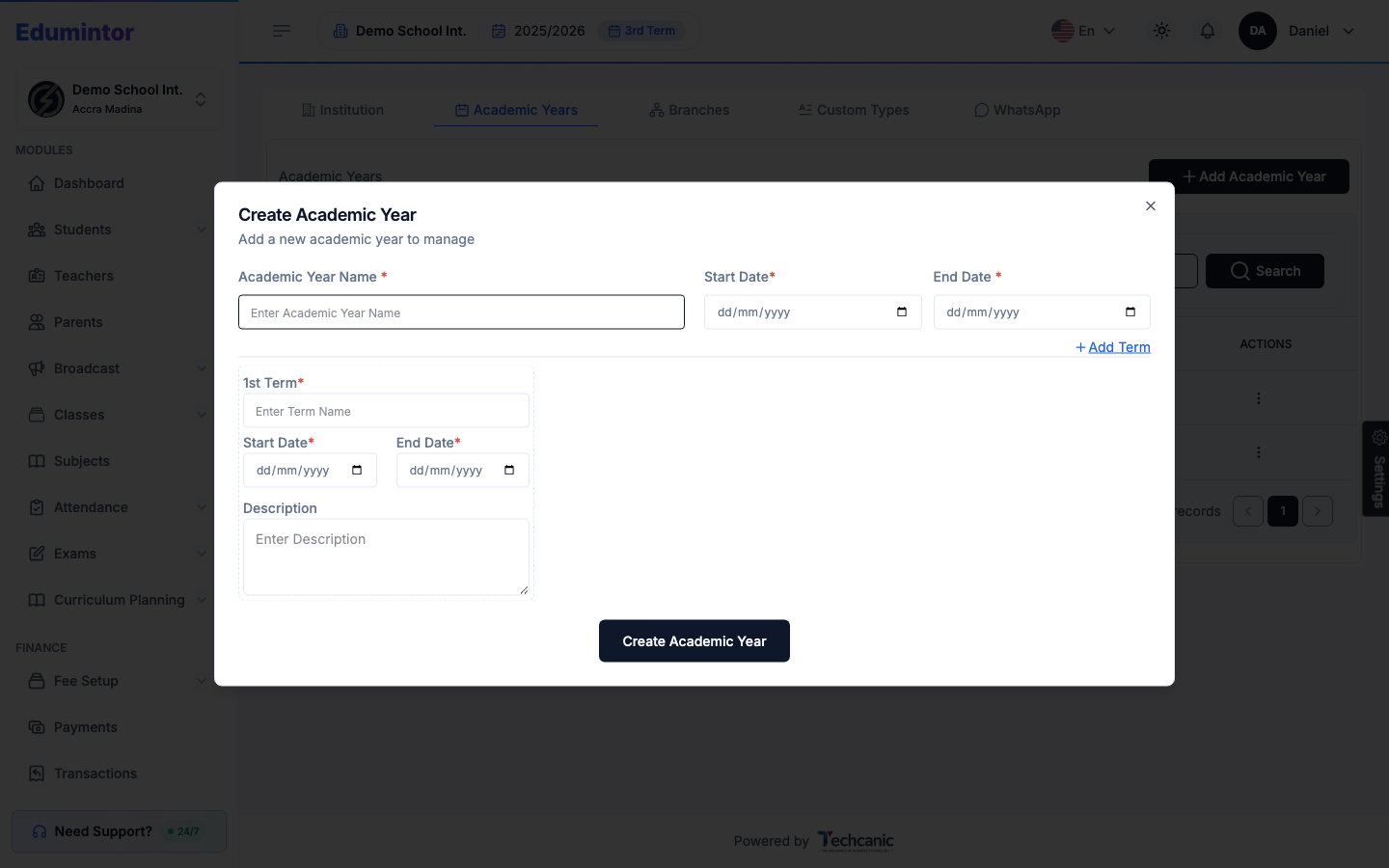
Click + Add Academic Year.
-
Enter the Academic Year Name (e.g. "2026/2027"), its Start Date, and End Date.
-
Fill in the 1st Term name and its start/end dates.
-
Click + Add Term to add additional terms (2nd, 3rd, etc.).
-
Click Create Academic Year.
The list shows every academic year with its duration, number of terms, and which one is marked Current.
💡 Tip — Creating a new academic year doesn't make it current automatically. See Switching the Current Academic Year once you're ready to move the whole organization onto it.