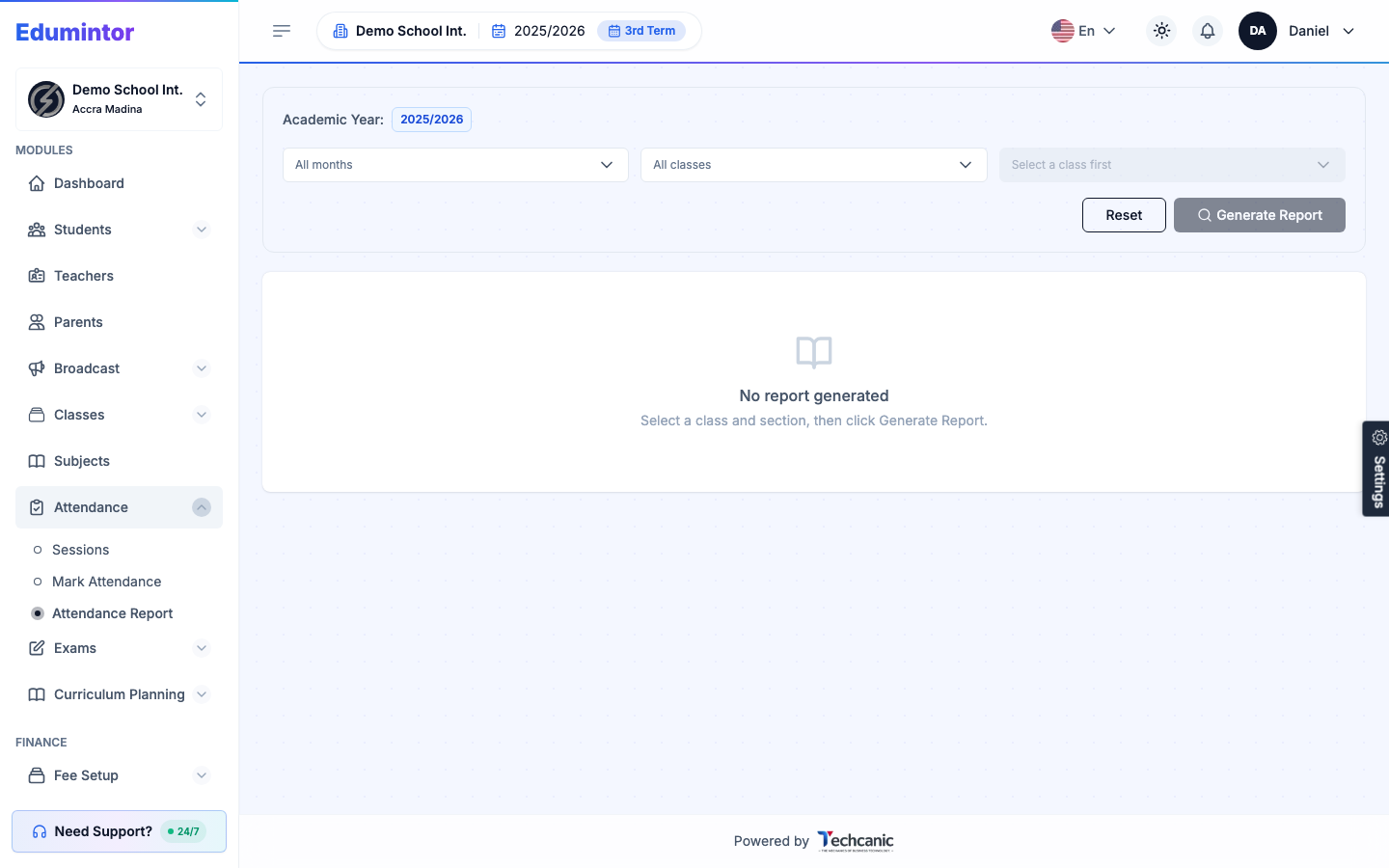
- Use the academic year switcher, usually near the branch switcher in the top navigation bar.
- This changes the context for attendance, exams, and finance views across the app.
⚠️ Note — This is a permissioned action, so only certain roles can switch it.