-
Open the job's result — from the notification, or the bulk-upload status page.
-
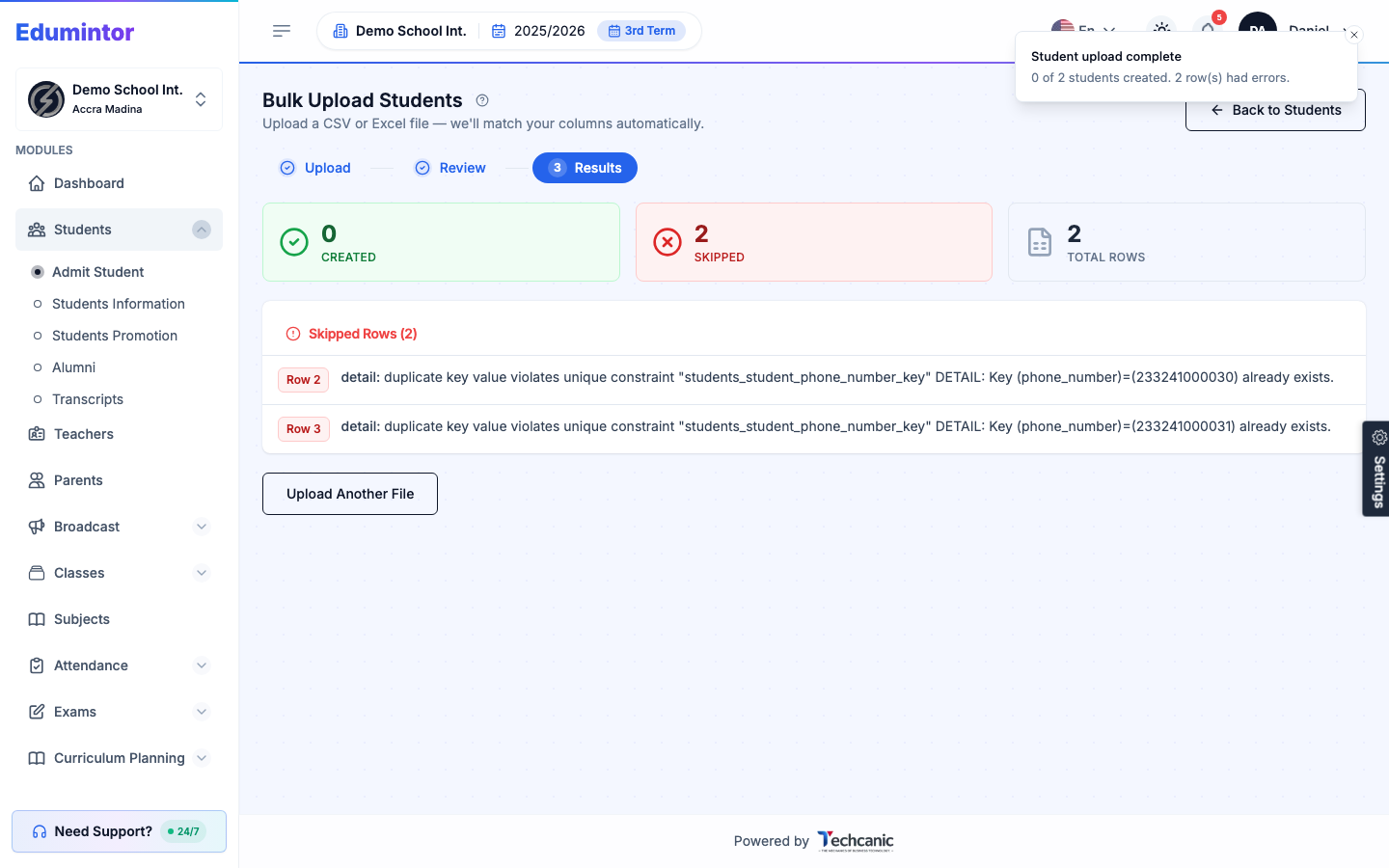
The Results step lists how many rows were created and how many were skipped, with the reason for each skipped row.
-
Fix just those rows in your source file and re-upload. Rows that already succeeded won't be duplicated.
💡 Tip — The most common skip reason is a duplicate phone number or email — another student (including one you deleted earlier) already has that value. Use a different number/email, or check the existing student's record instead of re-importing.