-
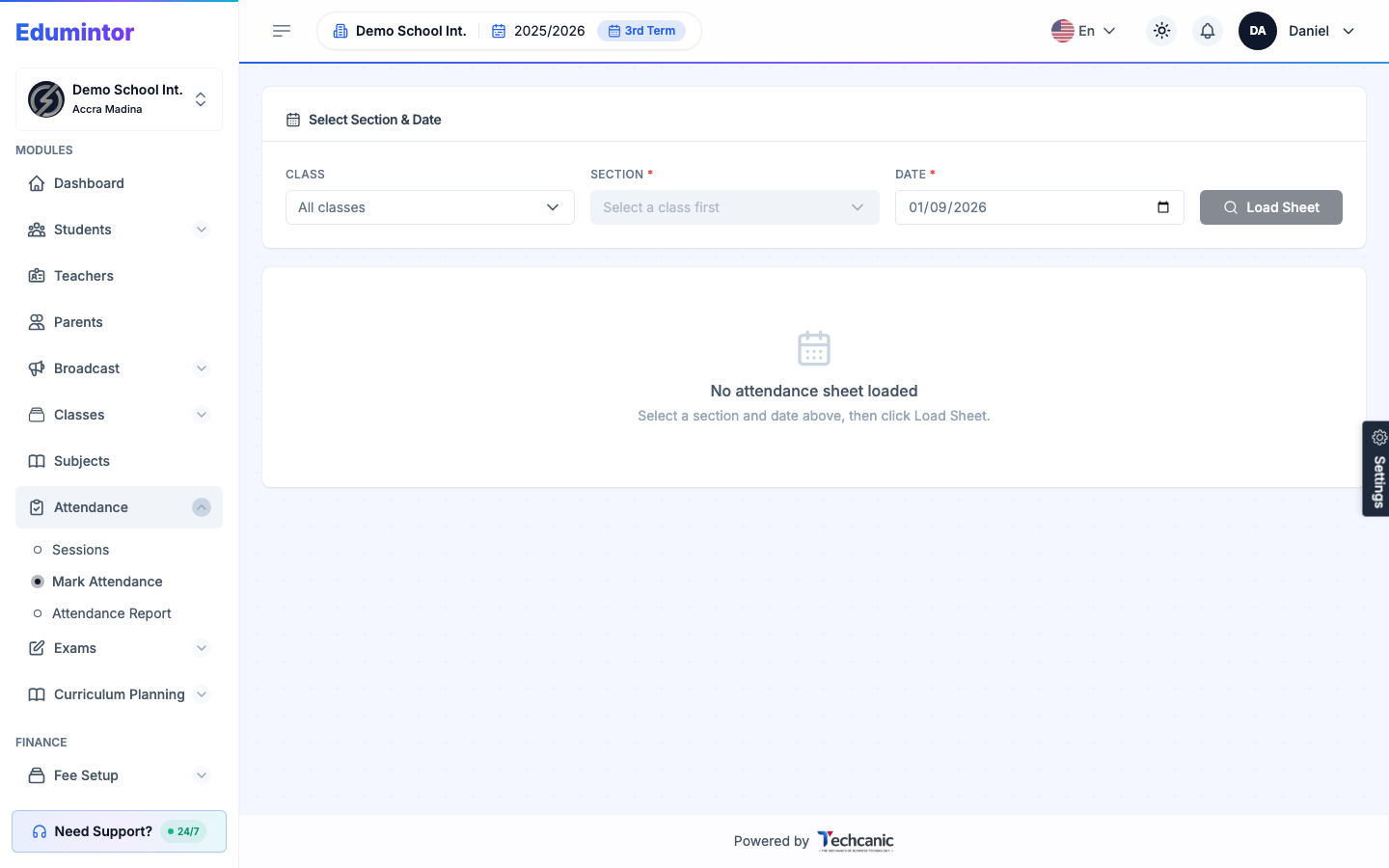
Go to Attendance → Mark Attendance.
-
Select the Class, Section, and Date.
-
Click Load Sheet.
-
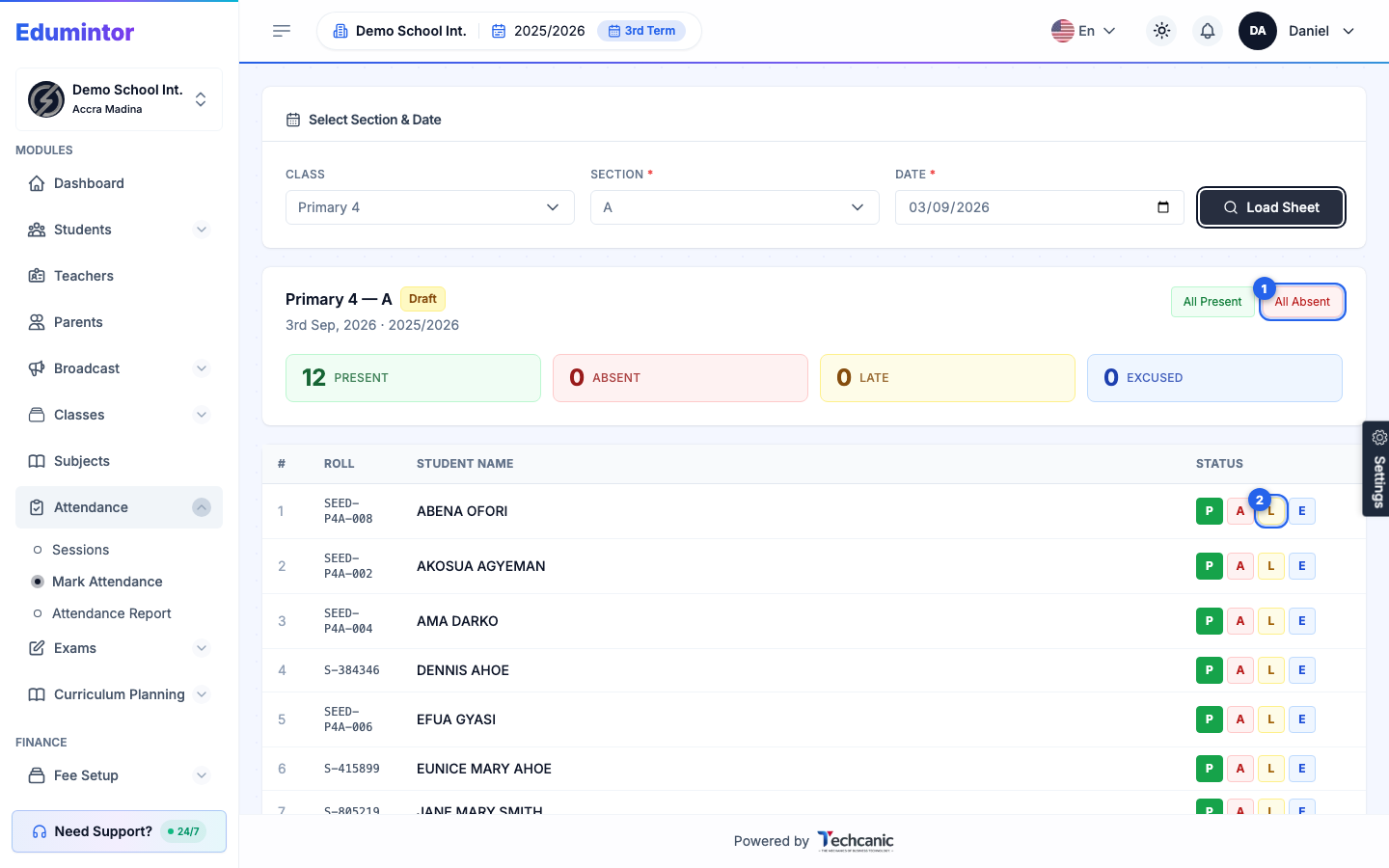
Every student defaults to Present. Click a student's P, A, L, or E button to mark them Present, Absent, Late, or Excused — or use All Present / All Absent to set everyone at once before adjusting exceptions individually.
-
Click Save Draft to save your progress without locking it, or Finalize once you're done.
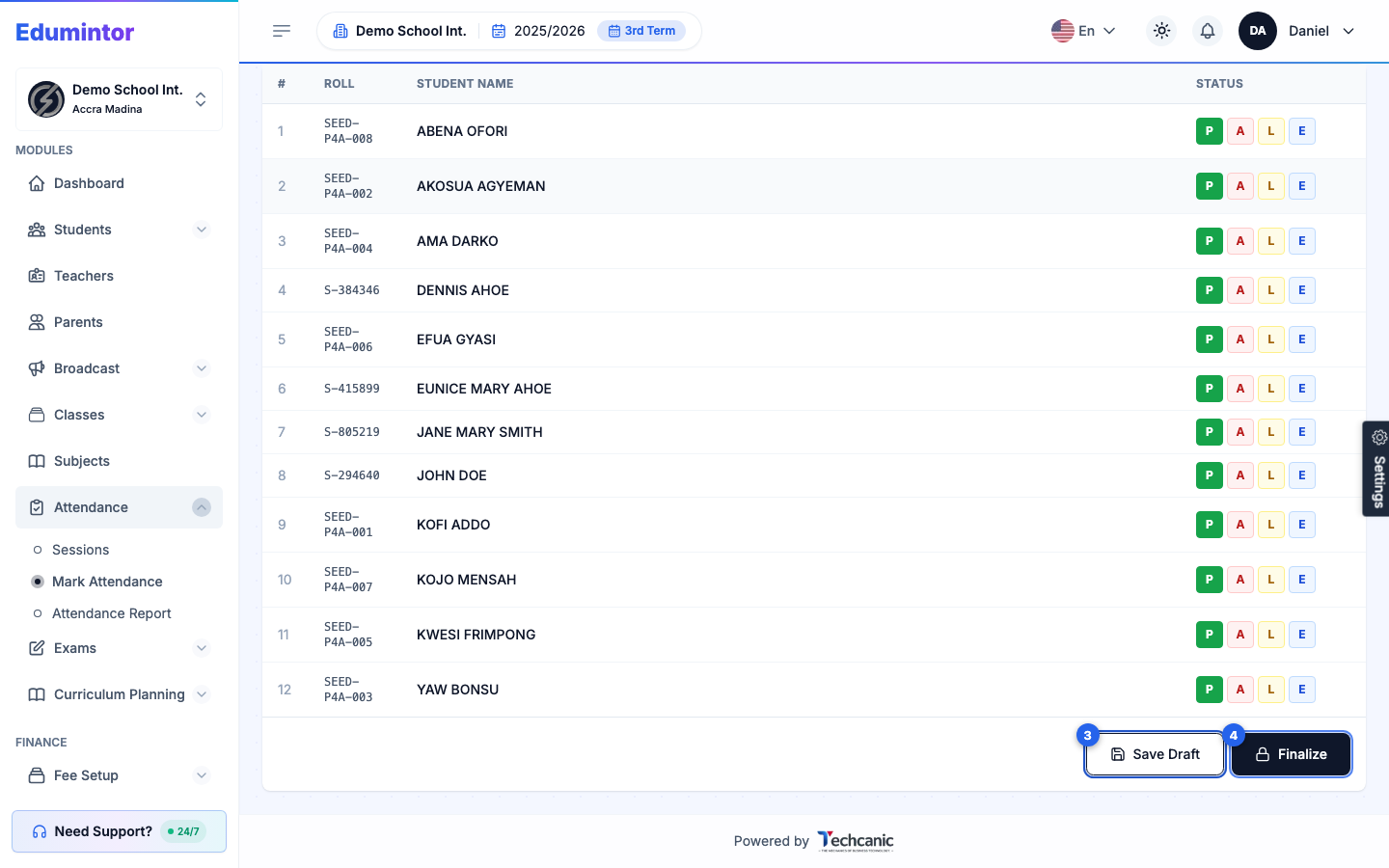
⚠️ Note — Once finalized, attendance is locked into reporting and can trigger parent notifications (see Automatic Parent Notifications). A draft can still be edited or deleted — see Viewing an Attendance Session.