-
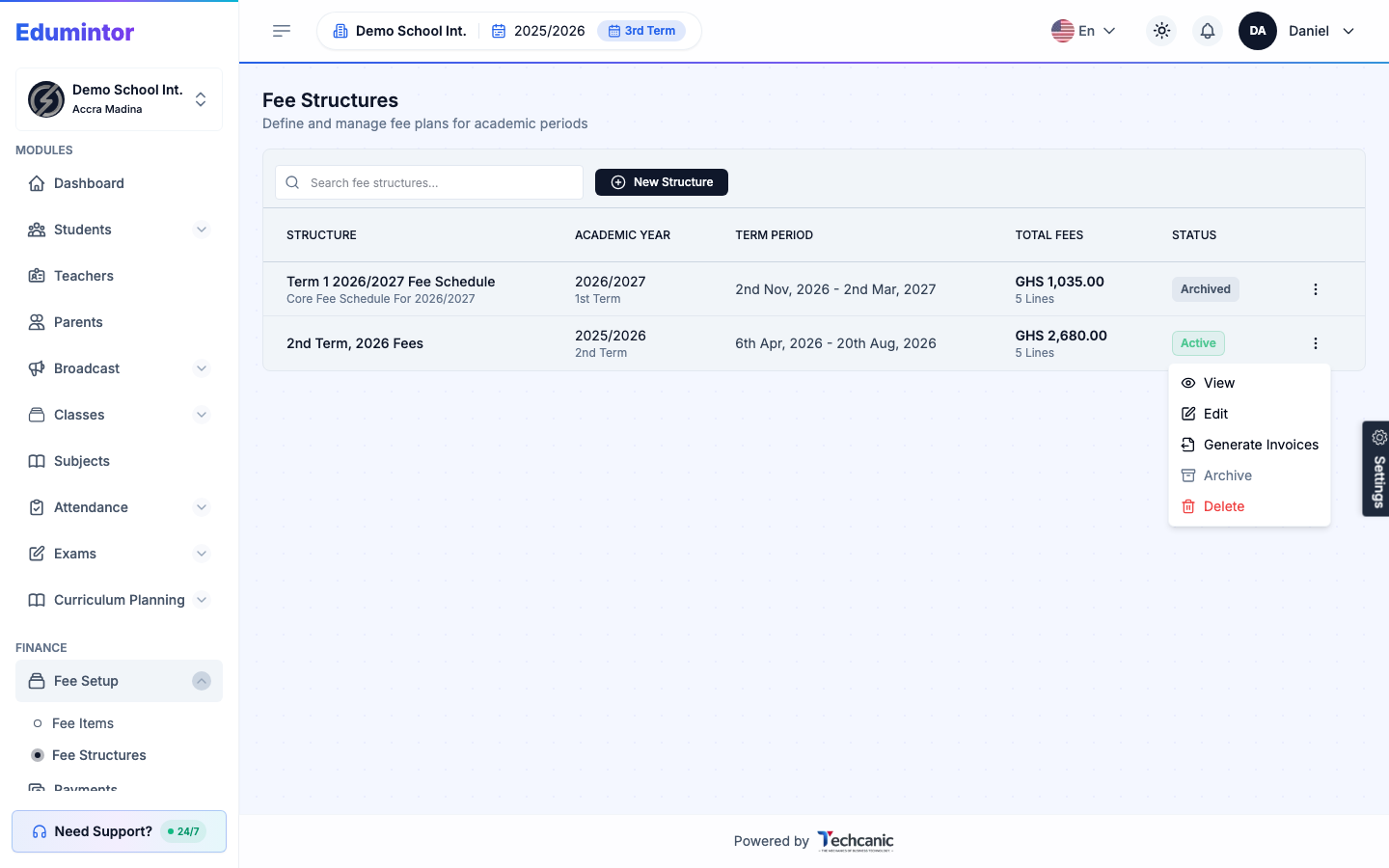
Go to Finance → Fee Structures.
-
Find the structure in the list, then click the ⋮ menu at the end of its row.
-
Choose Edit.
-
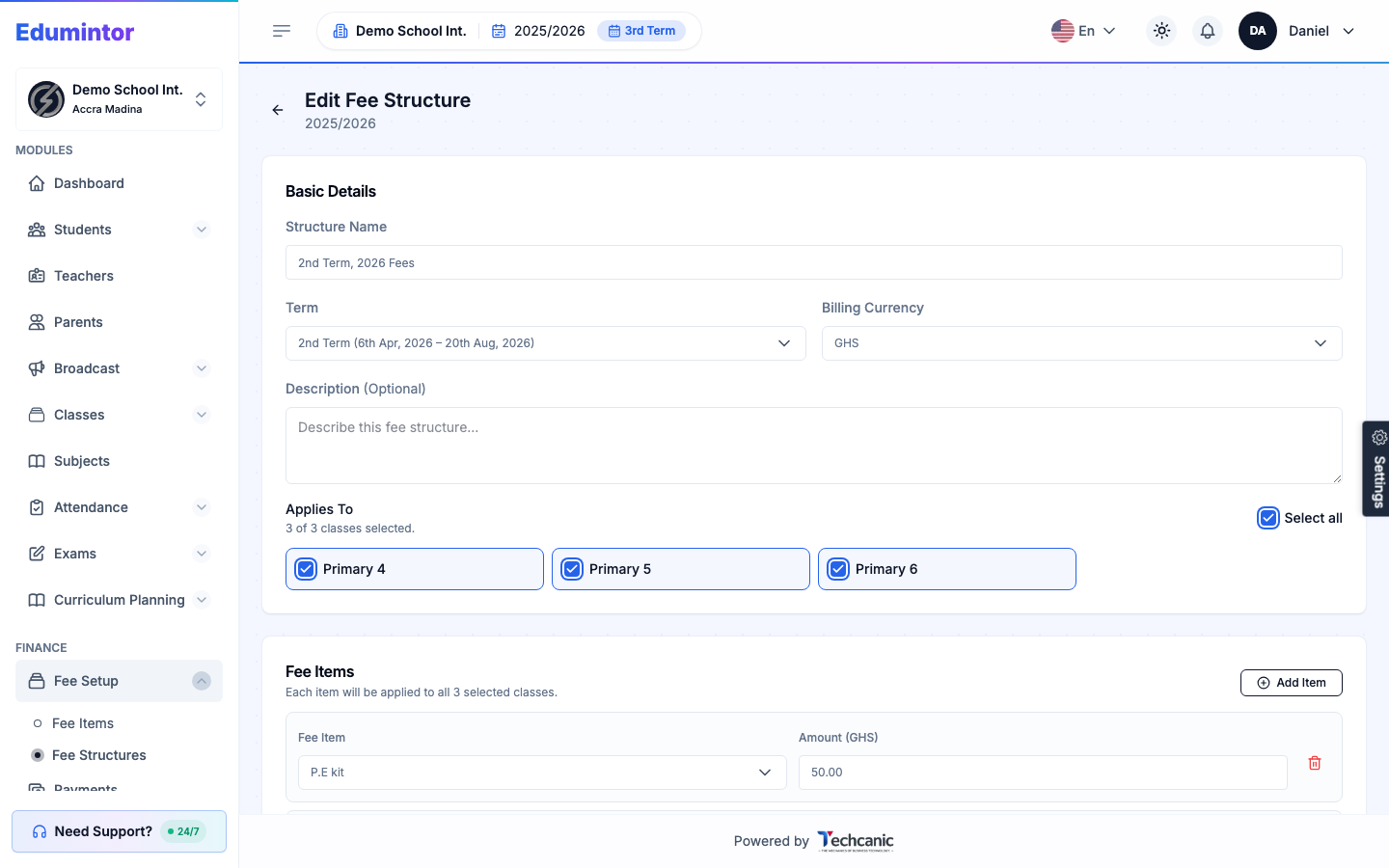
Update the structure name, term, billing currency, the classes it applies to, or its fee item lines.
-
Click Save to apply your changes.
⚠️ Note — Edit isn't available once a structure is Archived. Unarchive it first if you need to make changes.