- Go to App Settings.
- Use the tabs to configure:
- Institution — name, registration number, head's name/title, contact info, logo.
- Academic Years — create/manage academic years and terms.
- Branches — see Adding a Branch and Managing Multiple Branches or Campuses.
- Custom Types — organization-specific categories.
- WhatsApp — see Connecting WhatsApp.
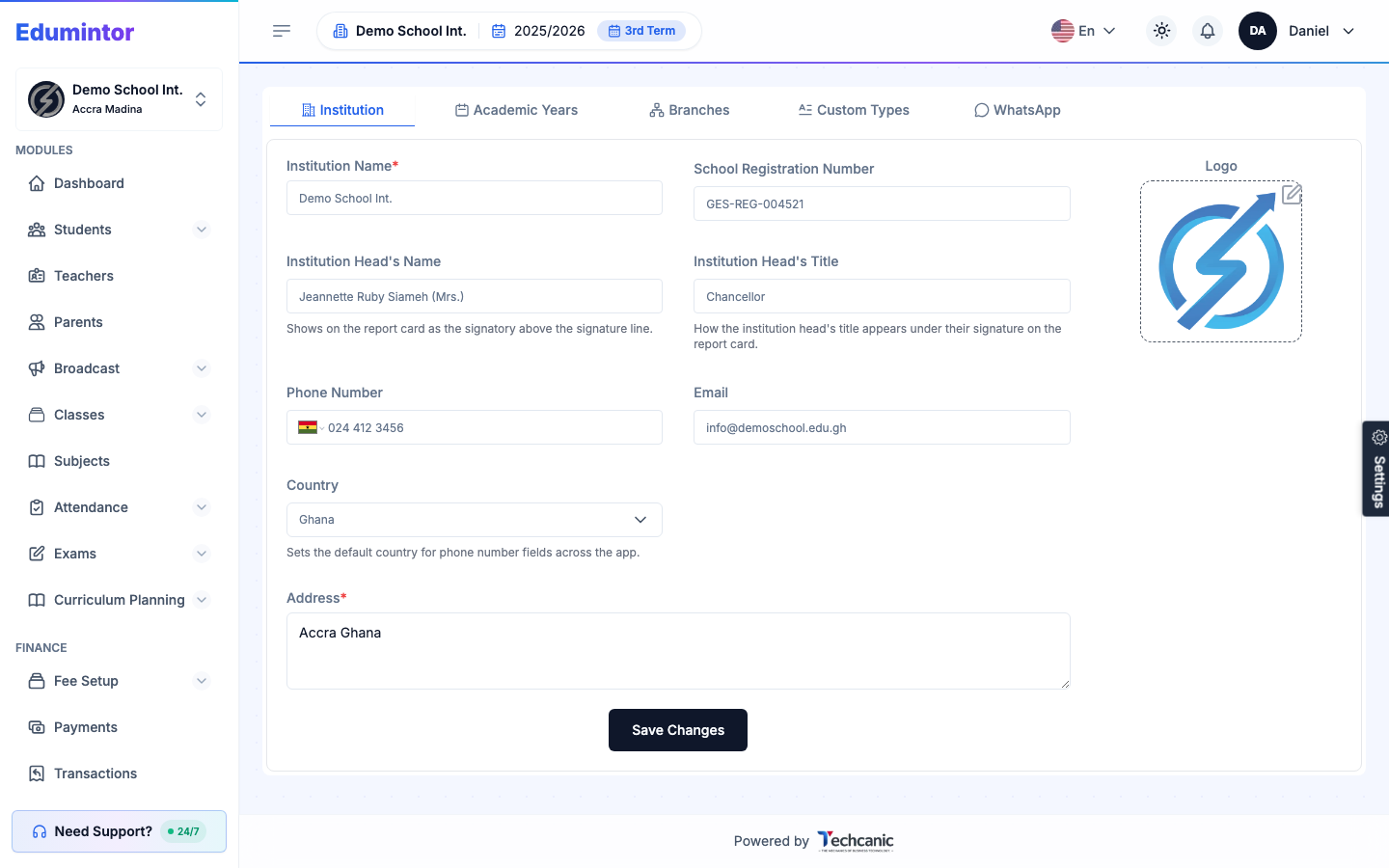
If your school uses parent access codes (see The Parent Access Code), the Institution tab is also where you choose whether to Send access code to parents by SMS and which SMS template to use. Turning access codes on or off, and setting their price and how long they last, is done by the Edumintor team — contact us to change them.
For step-by-step setup of each tab, see: